

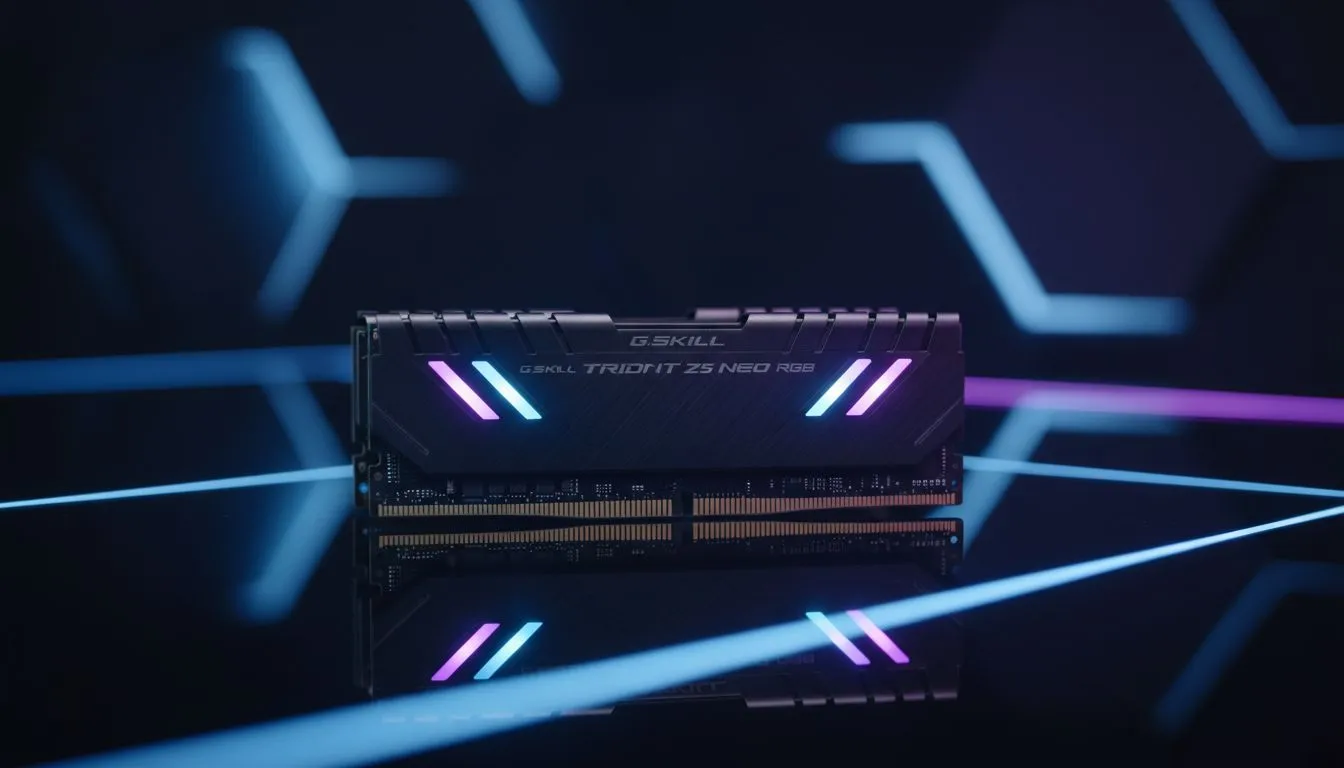
Understanding the Sweet Spot for DDR5 Latency AMD Processors
Building a new Ryzen rig in South Africa isn’t just about picking the flashiest RGB. If you are eyeing the latest Zen 4 or Zen 5 chips, understanding DDR5 latency AMD processors is the difference between a stuttery mess and buttery smooth frames. It is time to talk about why timings matter just as much as raw megatransfers per second when tuning your local setup. ⚡
While high frequencies look great on the box, AMD’s Infinity Fabric architecture is notoriously sensitive to how quickly your RAM can respond. In the local market, where every Rand counts, choosing the right kit can save you from overspending on speed you cannot actually use. If you are starting your journey with a tighter budget, looking at budget gaming PCs is a great way to see how entry-level DDR5 configurations perform without breaking the bank.
Why Latency Trumps Raw Speed on Ryzen
For most South African gamers, the "sweet spot" for modern AMD CPUs is 6000MT/s. However, the frequency is only half the story. The DDR5 latency AMD processors require to perform optimally usually sits at CL30 or CL32. This "Column Address Strobe" latency determines how many clock cycles it takes for the RAM to respond to a request.
When you pair a high-end Ryzen 9 with slow, high-latency memory, you create a bottleneck. You might see high average frame rates, but your 1% lows... those annoying micro-stutters during a chaotic firefight in Apex Legends... will suffer. For those looking for a balanced build that handles these nuances out of the box, our range of PCs under R20k offers excellent entry points into the DDR5 era.
AMD EXPO Pro Tip ⚡
Always ensure your BIOS is updated to the latest version before enabling AMD EXPO (Extended Profiles for Overclocking). Early AM5 firmware had voltage issues with certain DDR5 kits, but modern updates have stabilised these "sweet spot" 6000MHz CL30 profiles, ensuring your CPU stays safe while running at peak performance.
Tuning Your Timings for Maximum Performance
If you are a tinkerer, manual tuning can extract even more value. AMD processors thrive when the Memory Controller Clock (UCLK) and Memory Clock (MCLK) run at a 1:1 ratio. Once you push past 6000MHz, many systems flip to a 1:2 ratio, which actually increases latency and can lower performance in gaming workloads. 🔧
For enthusiasts who want the absolute best hardware to experiment with, our PCs above R20k feature premium motherboards with robust VRMs, making it easier to stabilise tight memory timings. Lowering sub-timings like tREFI or tRC can provide a measurable boost in CPU-bound scenarios, though it requires patience and plenty of stress testing.
Choosing the Right Kit for Your Build
You don't always need to be an overclocking wizard to get the benefits of low DDR5 latency AMD processors. Many manufacturers now offer "AMD Edition" kits specifically tuned for Ryzen. If you prefer a "plug-and-play" experience where the experts have already done the stability testing, checking out our pre-built PC deals is a smart move. These systems are configured to ensure the memory and CPU are singing in perfect harmony from the first boot.
Remember, the goal is balance. There is no point in spending an extra R2,000 on a 7200MHz kit if your Ryzen processor has to drop its internal ratios to keep up. Instead, put that money toward a better GPU or a larger NVMe SSD. You can find some of the best gaming PC deals in SA by focusing on these price-to-performance synergies rather than just chasing the biggest numbers on the spec sheet. 🚀
Ready to Build Your Ultimate Ryzen Rig? Mastering DDR5 latency is the key to unlocking the true potential of AMD’s latest processors. Whether you are looking for a precision-tuned beast or a value-driven powerhouse, we have the hardware to get you there. Explore our massive range of AMD Gaming PCs and experience the power of perfectly timed performance.











