


RTX 4060 Ti Throttling Under Load: SA Temperature Guide
RTX 4060 Ti Throttling Under Load: Temperature. Everything you need to know with SA pricing, step-by-step instructions & expert recommendations.
Read moreDesktop vs NAS Hard Drives: Learn which drive fits your setup — reliability, workload, vibration, and compatibility explained so you pick the right HDD. 🔧📁
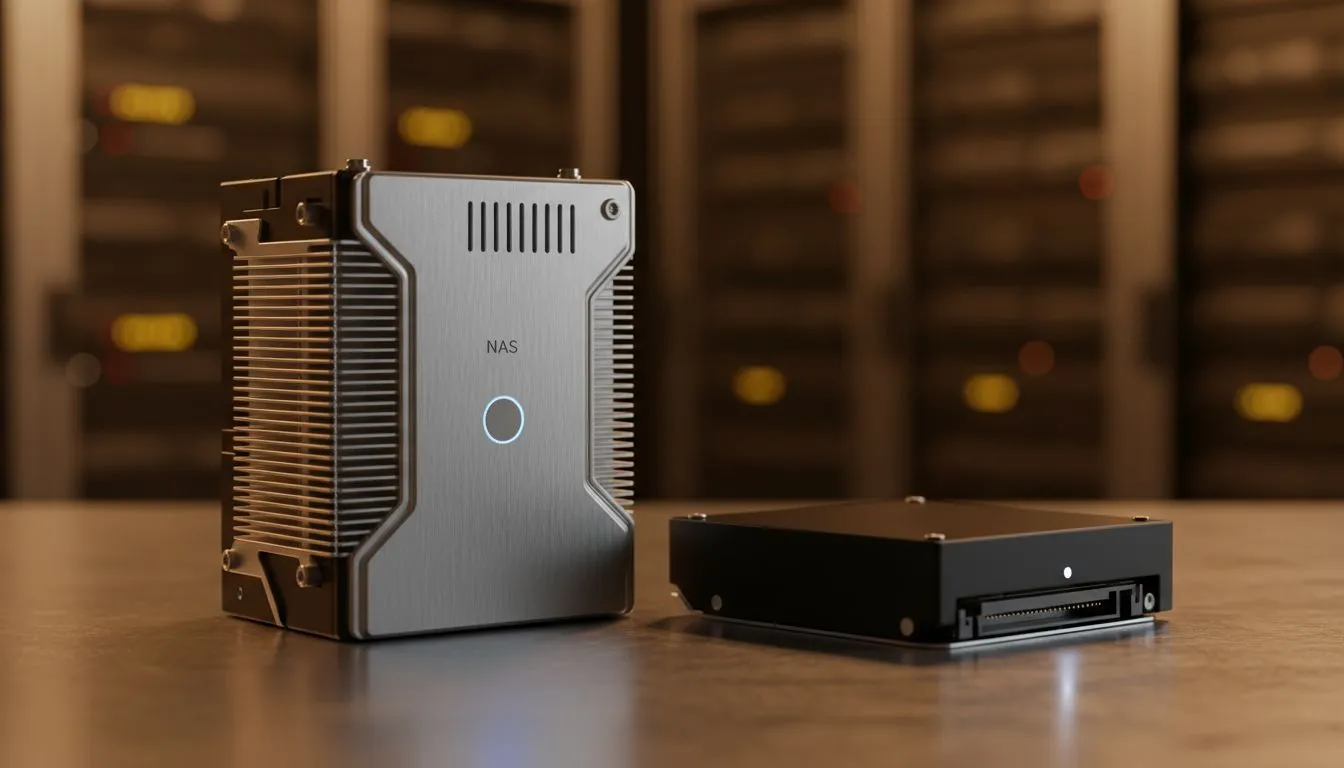
Choosing storage in South Africa shouldn't feel like a guessing game. You see two 4TB drives. One is significantly cheaper. Is it a bargain or a disaster waiting to happen? Understanding Desktop vs NAS Hard Drives: Key Differences Explained ensures your data stays safe. Whether you are building a gaming rig or a home media server, the right choice saves you money and stress. 🔧
Desktop drives are designed for light daily use. They usually run for eight hours a day... five days a week. NAS drives are different. They are built for 24/7 operation. They handle constant data requests from multiple users across a network. If you just need a quick system boost for your PC, you can buy solid state drives to replace an aging boot drive. These offer much better responsiveness for everyday tasks than any mechanical drive.
NAS enclosures often house several disks packed closely together. This creates significant vibration. NAS drives include special sensors to counteract these tiny movements. Standard desktop drives lack this technology. Using a desktop drive in a NAS can lead to premature failure. Industry leaders like Western Digital design their Red series specifically for these harsh environments. It is worth the extra ZAR for the peace of mind. ⚡
Always check your drive's SMART status once a month. Use free tools like CrystalDiskInfo to monitor temperatures and reallocated sectors. It is the best way to catch a failing drive before you lose your precious photos or game saves.
Desktop drives try very hard to recover data from a bad sector. They might freeze the system for a minute to do this. In a RAID setup, this is a problem. The RAID controller will think the drive has failed and drop it from the array. NAS firmware uses "Error Recovery Control". It reports the error quickly and lets the controller handle the redundancy. For those who value speed over massive capacity, high-performance options from ADATA are an excellent choice for modern builds.
While NAS drives are reliable, they are not always the fastest option for gaming. If you are a hardcore gamer, you want low load times. This is where you should look at Gen 5 (NVME) storage technology. These drives leave mechanical disks in the dust. However... for bulk storage of movies or backups, the humble hard drive still wins on price per gigabyte.
Not all storage needs to be bolted inside your case. Many South Africans need to move large files between work and home. You can buy external SSD units that fit in your pocket. These are much tougher than external hard drives because they have no moving parts. If you need something specific for your console or laptop, look for an external form factor that matches your lifestyle. 🚀
Ready to Find Your Perfect Match? Choosing between desktop and NAS storage depends entirely on your specific needs and budget. Explore our massive range of hard drive and SSD specials and find the perfect storage solution to protect your digital life.
Yes, but desktop drives lack NAS firmware and endurance. For long-term use choose drives designed for NAS. See 'can I use desktop drives in NAS' for details.
NAS drives use NAS-optimized firmware, higher workload ratings and vibration tolerance. Compare 'desktop vs NAS hard drives' for reliability and workload differences.
Typically yes for multi-drive environments due to better firmware and endurance. Check 'desktop hard drive reliability vs NAS' when planning storage.
Look for drives with NAS firmware and high workload ratings like WD Red or Seagate IronWolf. See 'best hard drives for NAS' for recommendations.
NAS drives can draw more power under sustained workloads, but efficiency varies. Compare 'power consumption NAS vs desktop' for real-world numbers.
Manufacturers may restrict warranties if desktop drives run heavy NAS workloads. Review 'desktop vs NAS hard drive warranty' terms before deploying.
NAS drives include vibration tolerance for multi-bay arrays; desktop drives can suffer performance issues. See 'NAS drive vibration and workload' for guidance.
RTX 4060 Ti Throttling Under Load: Temperature. Everything you need to know with SA pricing, step-by-step instructions & expert recommendations.
Read more
Apex Legends Max Settings on RTX 4080. Tested & verified settings for best FPS and visual quality on SA hardware budgets.
Read more
GPU Buying Guide. Everything you need to know with SA pricing, step-by-step instructions & expert recommendations.
Read more
GPU Terms Guide. Everything you need to know with SA pricing, step-by-step instructions & expert recommendations.
Read more
AMD Adrenalin Download & Setup Guide: GPU. Clear setup instructions with SA-specific considerations, troubleshooting tips & recommended components.
Read more
Back-to-School GPU Buying Guide. Everything you need to know with SA pricing, step-by-step instructions & expert recommendations.
Read more
Can RTX 4080 Super Run AI Workloads for SA Developers Detailed answer with SA data, expert analysis & practical recommendations for local buyers.

Can RTX 4090 Run AI Workloads for SA Developers Detailed answer with SA data, expert analysis & practical recommendations for local buyers.

Top Settings for Intel Arc B580 at Ultrawide 1440p picks evaluated on performance, value & SA availability with current Rand pricing from Evetech.

RX 7600 Overclocking Guide: Safe OC Settings for. Real-world benchmark data, FPS numbers & performance analysis. What SA gamers can actually expect.

RTX 4060 CS2 Low Settings at 1080p: FPS Results. Real-world benchmark data, FPS numbers & performance analysis. What SA gamers can actually expect.

Visual Artifacts: Possible GPU Issue Issue #1. Diagnosis steps, proven fixes & when to seek professional help. SA-specific support info included.

Can the RTX 4090 Handle 1440p 144Hz Gaming. Performance testing verdict with real data & practical recommendations for SA buyers.

Top ASUS GPU Under R15000 picks evaluated on performance, value & SA availability with current Rand pricing from Evetech.
RTX 4060 Ti Throttling Under Load: Temperature. Everything you need to know with SA pricing, step-by-step instructions & expert recommendations.
Apex Legends Max Settings on RTX 4080. Tested & verified settings for best FPS and visual quality on SA hardware budgets.
GPU Buying Guide. Everything you need to know with SA pricing, step-by-step instructions & expert recommendations.
GPU Terms Guide. Everything you need to know with SA pricing, step-by-step instructions & expert recommendations.