

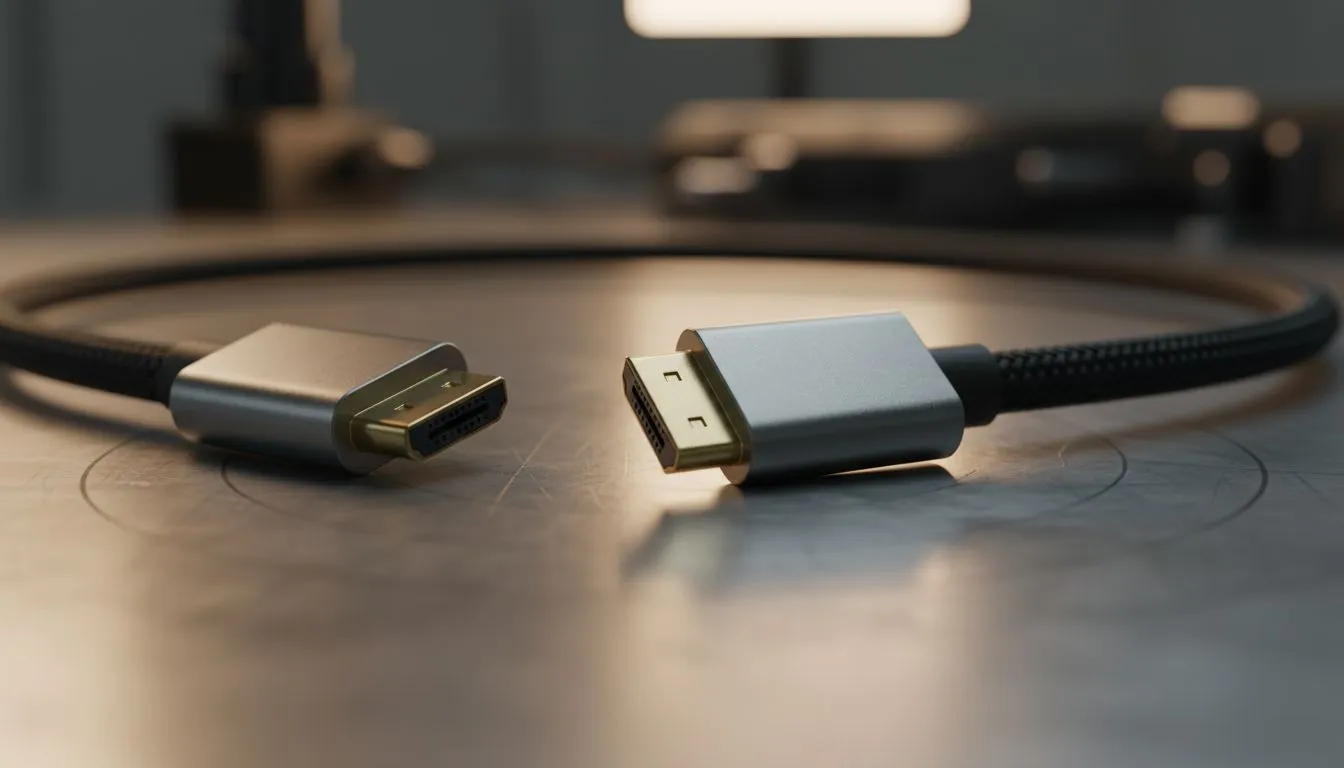
Display Stream Compression (DSC): What It Means for Modern Cables
Display Stream Compression (DSC): What It Means for Modern Cables — sounds heavy, right? For South African gamers and builders, DSC quietly unblocks ultra high‑res, high‑refresh displays without needing exotic fibre rigs. Think smoother 4K144 and sensible 8K60 setups... with fewer cables to fuss over.🔧
How Display Stream Compression changes cable choices
DSC is a visually lossless compression standard from VESA that lets displays send more pixels within existing links instead of needing raw extra bandwidth (see VESA for the spec). That matters because cable makers and GPU vendors can rely on fewer high‑grade DisplayPort, HDMI, or USB‑C pathways rather than pushing consumers to niche, expensive cable types.
For practical buying decisions, DSC shifts the conversation away from "which cable has the most raw Gbps" to "which cable and connector ecosystem gives clean handshakes and certified bandwidth with DSC support." That matters in real life: if you want 4K at high refresh without colour subsampling issues, the monitor, GPU firmware and the cable all need to play nice.
Choosing the right cable and accessory for DSC setups
Pick cables and accessories that list DisplayPort 1.4a/2.0 or HDMI 2.1 compliance and note DSC support in product pages. Premium sleeved cables and clean internal routing also reduce signal noise and make long runs more reliable. If you like tidy builds, consider individually sleeved cable kits that match PSU and GPU runs for both looks and airflow — Evetech stocks premium options from NZXT for neat, high-quality sleeving and compatibility testing. (see NZXT individually sleeved premium cables)
If you run ARGB extensions or tidy front‑panel runs, get extensions that don’t compromise signal quality. For example, slim ARGB extensions and high‑quality connectors keep your case clean without introducing crosstalk or ground issues; Evetech lists simple, budget-friendly ARGB extension options for neat builds. (browse gamemax ARGB extension)
Connectivity Tip ⚡
For gaming monitors push for verified DSC support on the monitor spec page, and pair that with a certified DisplayPort or HDMI cable rated for the corresponding standard. Shorter, well‑shielded cables typically deliver more consistent high‑bandwidth performance than long cheap options.
Troubleshooting and future‑proofing with DSC
If your high‑refresh monitor falls back to lower resolution or chroma subsampling, check three spots: GPU output settings, monitor firmware and the cable. Update GPU drivers and monitor firmware first, then swap the cable to a certified alternative. If problems persist, the display or GPU may not implement DSC fully and you’ll need to adjust refresh or chroma settings.
DSC is also future‑friendly. As more GPUs and displays adopt it, you’ll see less need to upgrade cabling for incremental bandwidth increases. That said, when you buy today, favour reputation and certification — brands with clear compliance notes reduce surprises.
Quick checklist before checkout
- Confirm DSC or "visually lossless compression" in monitor specs (VESA link above).
- Match connector type: DP 1.4a/2.0 or HDMI 2.1.
- Choose well‑shielded, short to medium length cables for best stability. 🚀
Ready to Find Your Perfect Match? The Mac vs Windows debate is complex, but for maximum power, choice, and value in South Africa, Windows is hard to beat. Explore our massive range of laptop specials and find the perfect machine to conquer your world.











