

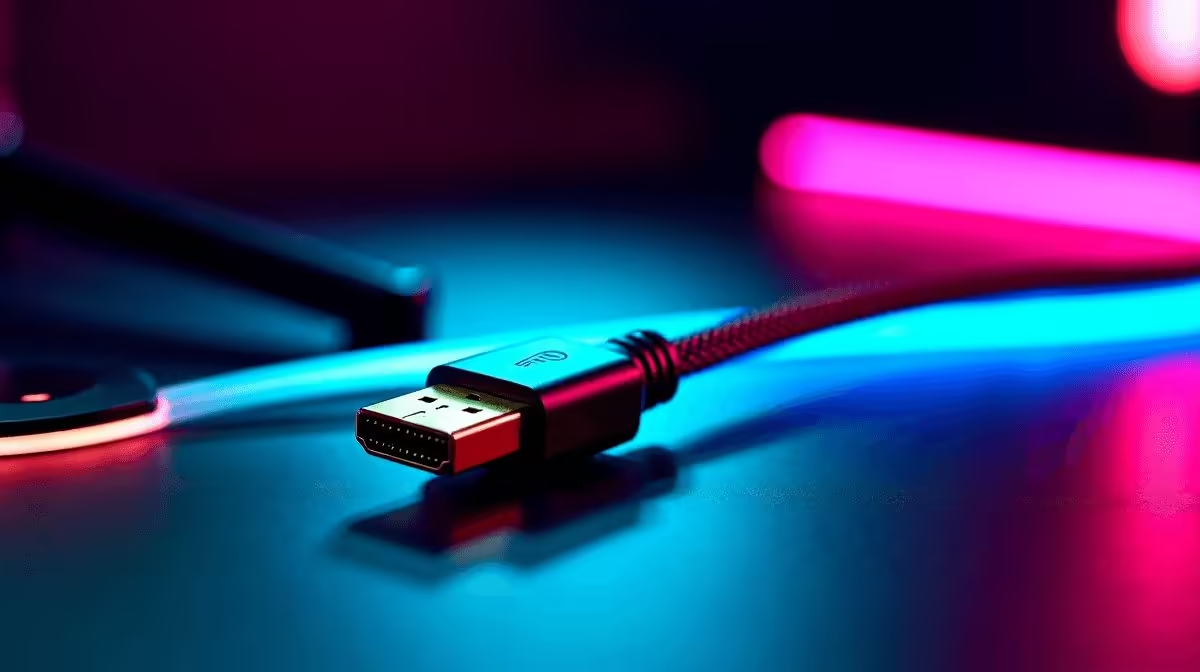
DisplayPort Cable for High-Resolution Gaming on a Budget
A bad cable can ruin a good screen. That hurts more when you’ve spent hard-earned rand on a sharp 1440p or 4K panel. South African gamers know the feeling... the monitor is ready, but the image feels off, flickers, or refuses full refresh rate. A DisplayPort cable for high-resolution gaming is often the simple fix. It can unlock smoother motion, cleaner colour, and the performance your GPU is already trying to deliver ⚡
Why a DisplayPort cable for high-resolution gaming matters
DisplayPort is the go-to standard for PC gaming monitors because it is built for high bandwidth. That matters when you want higher resolutions and faster refresh rates together. In practical terms, a good cable helps your monitor and graphics card talk properly... without dropout drama.
If you’re shopping on a budget, do not overpay for flashy packaging. Focus on the basics... the right version, a proper fit, and a reliable brand. Evetech’s comprehensive cable solutions page is a useful starting point when you want to compare options without bouncing between a dozen tabs.
What to check before you buy 🔧
Match the cable to your setup
Check your monitor’s max resolution and refresh rate first. Then confirm what your GPU supports. If you are running a 1080p 144Hz display, you do not need the same cable priorities as a 4K high-refresh setup. The cable should simply support the signal cleanly... no extra fuss.
Look for solid connectors
Cheap cables can loosen over time. A snug connector reduces signal issues. That matters if your desk gets moved around often, or if your PC sits in a tight corner.
Keep the length sensible
Longer is not always better. Shorter cables are usually easier to manage and less prone to signal loss. For a tidy battlestation, that is worth a few extra minutes of planning.
Don’t chase unnecessary premium claims
Some cables are priced as if they’ve been forged by wizards. They rarely need to be. For most gamers, a well-made mid-price option is enough. If you want to browse budget-friendly brand choices, Evetech also lists HP cable options and Promate cable options alongside other solutions.
Budget Buying Tip ⚡
If your monitor supports a higher refresh rate than your current cable seems to handle, test the setup before replacing everything. A clean DisplayPort connection, the right port selection, and the correct refresh rate setting in Windows often solve the issue without spending extra.
DisplayPort cable for high-resolution gaming: avoid common mistakes
A lot of buyers blame the monitor first. Fair enough... but the cable is an easy variable to test. If you see black screens, random signal drops, or the refresh rate won’t stick, check the cable before assuming the panel is faulty.
Also, make sure you are using the correct port on both ends. Some displays have multiple inputs, and only one may be configured properly in the menu. Small details like that can save you a return trip and keep your ZAR working harder for you.
A smart budget approach for South African gamers
If you’re building a rig in South Africa, every rand matters. That is why the best budget choice is usually the cable that does its job reliably... not the one with the loudest promise. Pair your monitor, GPU, and cable sensibly, and you will usually get the visual quality you paid for.
Think of it like this: your display setup is only as strong as the weakest link. A solid DisplayPort cable for high-resolution gaming keeps that link invisible, which is exactly what you want.
Ready to Find Your Perfect Match? The Mac vs Windows debate is complex, but for maximum power, choice, and value in South Africa, Windows is hard to beat. Explore our massive range of laptop specials and find the perfect machine to conquer your world.











