

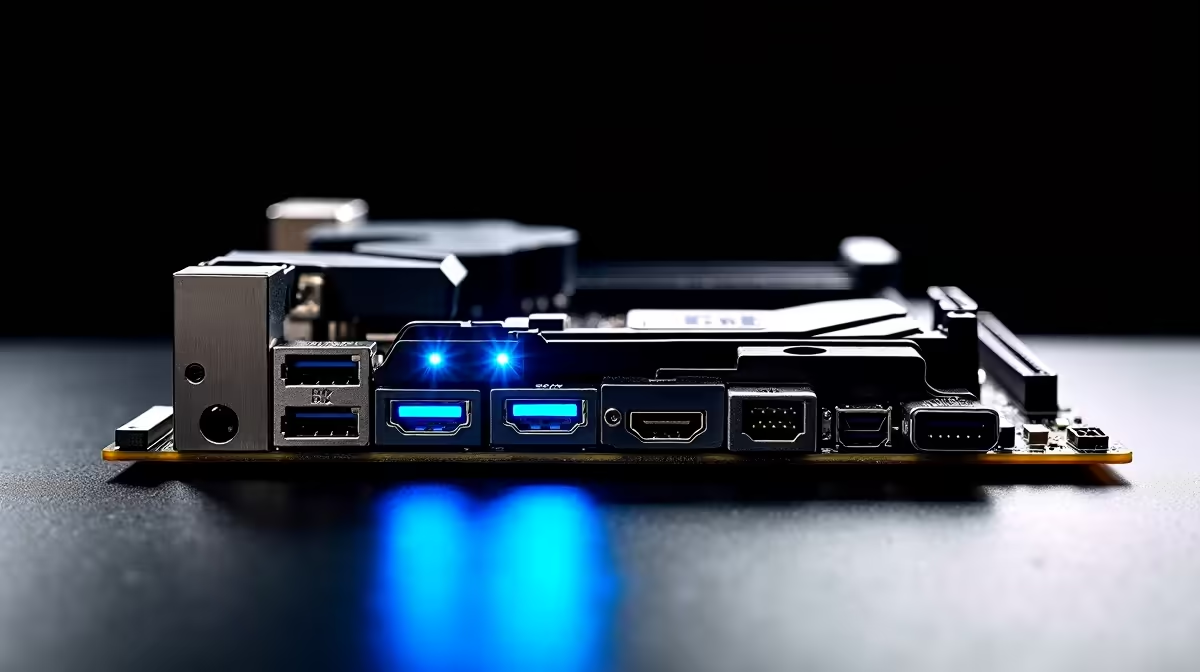
Building a rig in South Africa right now means making every single Rand count. You have finally chosen your CPU and graphics card. You flip your new board around to check the rear I/O... and suddenly you are drowning in ports. Do not panic. Let us break down exactly what those connectors do so you can maximise your desktop setup.
DisplayPort, HDMI, and USB Type C 20Gbps Explained on a Modern ATX Motherboard
When you browse the market to buy motherboards, the rear panel specifications can look like alphabet soup. If your processor has integrated graphics, your video ports are your lifelines.
HDMI is the universal standard we all know. It is perfect for plugging your PC into a living room TV or a standard 60Hz monitor. However, DisplayPort is the weapon of choice for serious gamers. It handles massive bandwidth to keep your 144Hz or 240Hz gaming monitors running buttery smooth without screen tearing. If you are eyeing premium ASUS AMD motherboards for a new Ryzen build, you will find these high-end display outputs clearly labelled.
The Raw Speed of USB Type C 20Gbps ⚡
Gone are the days of waiting hours to transfer a massive game backup. The latest connectivity standard offers serious speed. A 20Gbps connection can move heavy 4K video files in just seconds.
Many top-tier ASUS Intel motherboards feature this ultra-fast port on the rear panel. It is absolutely brilliant for external NVMe drives, high-resolution webcams, or premium streaming gear. It also provides excellent power delivery to fast-charge your peripherals while you play.
Cable Check Pro Tip 🔧
Not all cables are created equal. To actually hit those blazing 20Gbps speeds, you need a cable specifically rated for USB 3.2 Gen 2x2. A standard smartphone charging cable will bottleneck your expensive hardware instantly.
Matching Your Ports to Your Performance 🚀
Having the right ports is only half the battle. You still need the internal horsepower to drive them. To push crisp 4K resolutions through a DisplayPort connection, your system needs rapid data delivery. Upgrading your memory kits ensures your processor is never starved for information during intense gaming moments.
Whether you have a strict budget of R15,000 or a massive R50,000 to spend... balance is always key. Buying an expensive board with 20Gbps ports makes no sense if your other components bottleneck the system. Every part must work together seamlessly.
If picking individual parts feels a bit overwhelming, you can skip the hassle. You can easily grab one of our best gaming PC deals to get a fully optimised rig. These pre-built machines come with modern motherboards already configured for maximum performance and connectivity out of the box.
Ready to Upgrade Your Setup? ✨ Understanding your motherboard ports is the first step to building a flawless rig. For maximum power, choice, and value in South Africa, Evetech has you covered. Explore our massive range of PC components and find the perfect hardware to conquer your next gaming session.











