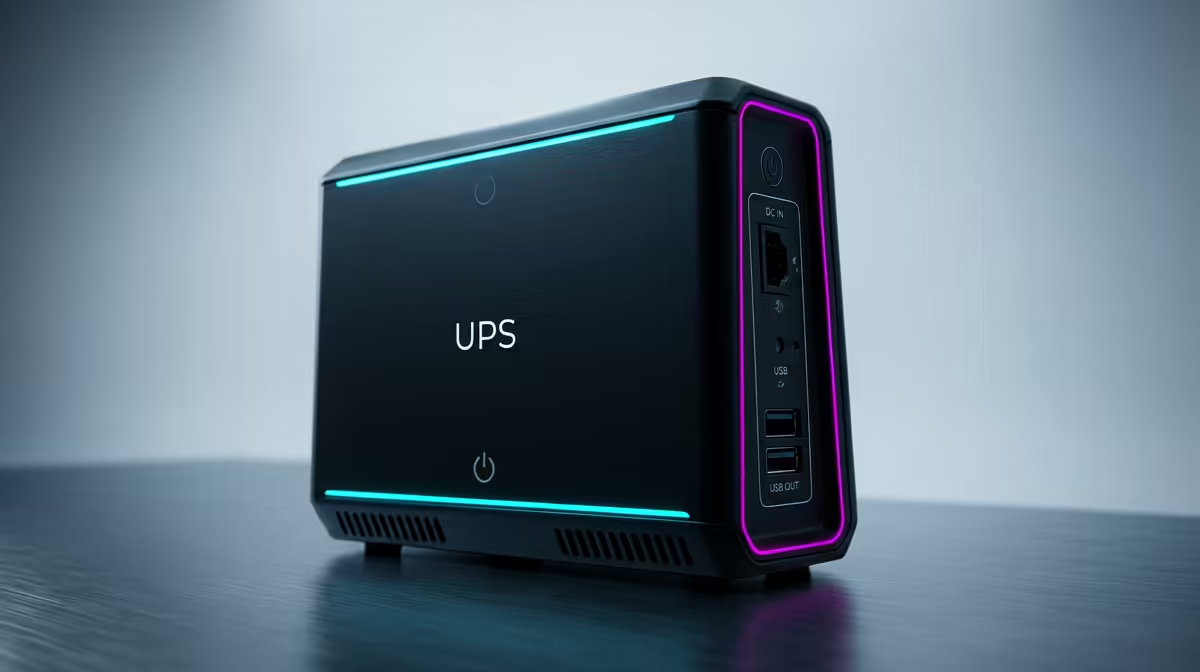
A home lab server is built to stay on. That is exactly what makes a sudden power cut dangerous: a NAS or hypervisor yanked off mid-write can corrupt a file system and take your data with it. A UPS for your home lab gives that always-on machine a battery cushion and the seconds it needs to shut down cleanly when the power drops, instead of crashing dirty. For the cost of a single drive, it protects everything stored across all of them.
Quick Answer
Yes, a home lab with an always-on server needs a UPS. It bridges short power interruptions and, more importantly, signals the server to shut down gracefully before the battery dies, preventing file system corruption. For a typical small lab drawing 100 to 150W, a 1500VA/1000W pure sine wave unit gives 25 to 35 minutes of runtime, which is plenty.
What a UPS actually protects against
The obvious benefit is riding out a brief flicker so the server never even notices. The bigger benefit is the controlled shutdown. When the power fails, the UPS keeps the server running on battery and sends it a signal to begin shutting down. The operating system closes open files, flushes pending writes to disk, and powers off in good order. A graceful shutdown takes most NAS units about 60 to 90 seconds, and a UPS buys you far more than that.
Without it, an abrupt cut while the server is writing can leave a file system in an inconsistent state, which is where corruption and lost data come from. A UPS also smooths out the dips and surges that wear hardware down over time. For the compact, low-power machines most home labs are built around, the mini PCs range at Evetech is a useful reference for the kind of efficient hardware a modest UPS can protect easily.
VA versus watts: sizing it right
UPS units are sold by their VA rating, but watts is the number that actually matters. VA is the headline marketing figure; watts is the real power your gear draws and the limit you must respect. A rough conversion divides watts by a power factor of about 0.8, so a 500W load needs at least 625VA of capacity. Size based on the watts your equipment consumes, not the VA on the box.
The cleanest way to size is to measure. A plug-in power meter tells you exactly what your lab draws at the wall, and you build from that real number rather than a guess. As a sweet spot for battery life and runtime, aim to run the UPS at roughly 40 to 60 percent of its watt rating, which leaves headroom and keeps the battery healthier over the years.
Matching a UPS to a typical lab
Most home labs are surprisingly light. One NAS, a mini PC or two, a managed switch and a small board often add up to only 100 to 150W. At that load, a 1500VA/1000W unit delivers roughly 25 to 35 minutes of runtime, which outlasts most short outages and gives generous time to trigger a graceful shutdown. A pure sine wave output is worth choosing for servers with active power factor correction, since it feeds them cleaner power than a stepped approximation.
Aim for enough runtime to cover the shutdown sequence with margin to spare. If you only get five minutes at your load, a shutdown threshold can leave barely a minute to act, which is too tight. Software like a network UPS tool watches the battery level and tells the server when to begin shutting down automatically. For the broader picture of what a lab build costs to power and protect, the best-selling PCs at Evetech help frame typical hardware draw.
Simulated vs Pure Sine Wave: Why It Matters for Servers
Not all UPS output is the same. An offline or standby UPS switches to battery and produces a simulated, stepped sine wave rather than the smooth curve of mains power. For basic desktop computers and monitors this is often fine. For servers, NAS units, and any hardware with an active power factor correction power supply, a simulated sine wave can cause the PSU to behave unpredictably: it may refuse to switch to battery, restart unexpectedly, or run hotter than normal. A pure sine wave UPS avoids all of this by delivering output that is indistinguishable from clean mains power, which is why it is the standard recommendation for home lab hardware.
Automating the shutdown with NUT
A UPS on its own does not shut the server down. That requires software. Network UPS Tools (NUT) is the standard open-source solution, supported natively by TrueNAS SCALE, Proxmox, and most Linux-based home-server distributions. You connect the UPS to the server via USB, configure NUT to monitor battery state, and set a threshold at which an automatic, ordered shutdown begins. The server then closes services, flushes writes, and powers off cleanly before the battery runs out, with no manual intervention needed. Once configured, the whole process is silent and invisible unless the power actually fails.
Frequently Asked Questions
Do I really need a UPS if outages are rare?
Yes, because it only takes one badly timed cut during a disk write to corrupt a file system. A UPS protects your data on that single bad event, and the smoothing it provides also reduces wear during everyday dips and surges.
Should I size a UPS by VA or by watts?
Size by watts. VA is the marketing figure, while watts reflect what your equipment actually draws. Measure your real load with a power meter, then choose a unit you will run at around 40 to 60 percent of its watt rating.
How much runtime does a home lab UPS need?
Enough to cover a graceful shutdown with margin. A clean shutdown takes most servers 60 to 90 seconds, so aim for several minutes of runtime at your load. A 1500VA/1000W unit on a 100 to 150W lab gives 25 to 35 minutes.
What does pure sine wave mean and do I need it?
Pure sine wave output mirrors clean mains power rather than a stepped approximation. Servers and gear with active power factor correction run more reliably on it, so it is the safer choice for an always-on lab.
How does the UPS tell my server to shut down?
Through monitoring software such as Network UPS Tools. It watches the UPS battery level over USB or the network and triggers an automatic, orderly shutdown once the charge drops below your set threshold.
Protecting an always-on home lab? Browse the efficient hardware in the mini PCs range at Evetech and pair your build with a UPS sized to its real wattage.