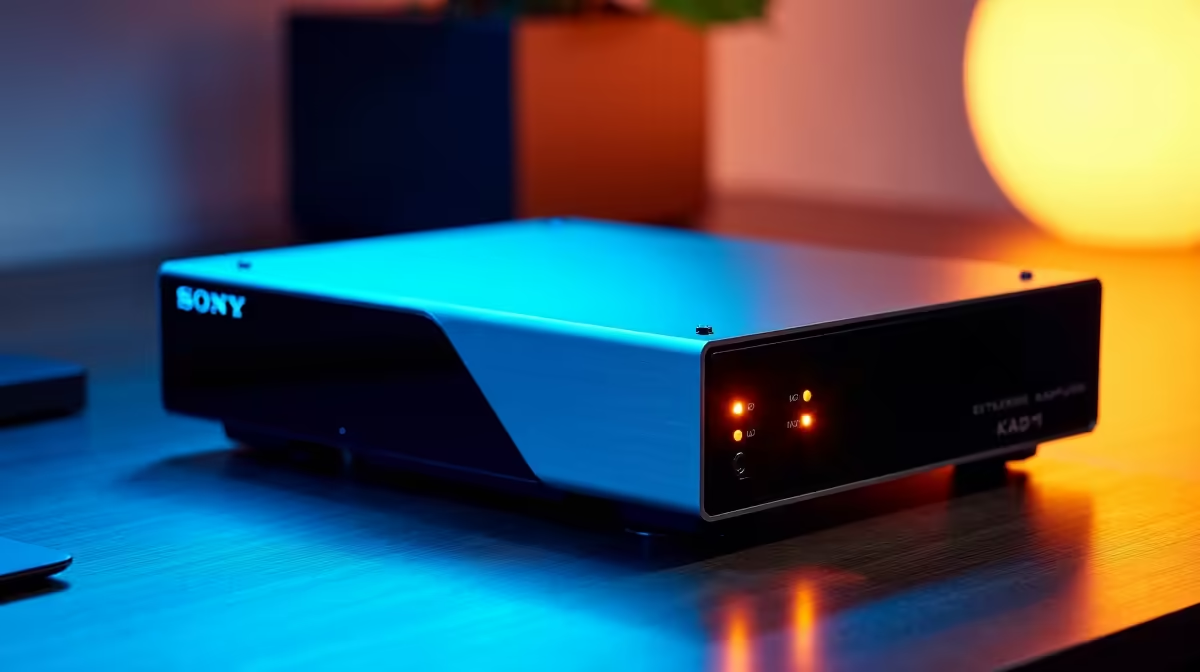
An eGPU promises desktop-class graphics from a laptop through a single cable, which is a tempting idea if you already own a capable portable. The hard truth is that the connection itself eats performance, and once you add up the enclosure, the dock and the card, the maths often points back to simply building or buying a desktop. The right call depends entirely on whether you genuinely need portability.
Quick Answer
An eGPU loses roughly 7 to 25 percent of the performance the same graphics card would deliver in a desktop slot, depending on the connection type. For SA buyers, compare local desktop component pricing against the combined enclosure, dock and GPU cost before committing, because a desktop usually delivers more frames per Rand.
Why an eGPU Loses Performance
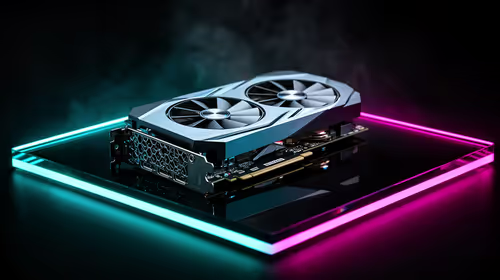
A desktop graphics card sits in a PCIe slot wired directly to the CPU with enormous bandwidth. An eGPU connects over Thunderbolt or USB4, which offers a fraction of that bandwidth. That narrower pipe becomes a bottleneck, and the card cannot feed frames as fast as it would internally.
The exact loss varies. A well-matched Thunderbolt link on a fast laptop might cost you only single digits, while a weaker connection, a slower laptop CPU, or driving the laptop's own internal display can push the penalty toward a quarter of the card's potential. You pay full price for the GPU but never get full use of it.
To see what the same money buys as a complete machine, the docking and external graphics options at Evetech sit alongside the desktop choices worth comparing.
The Real Cost of the eGPU Route
The graphics card is only one line on the bill. To run it externally you also need a Thunderbolt or USB4 enclosure, which is not cheap, and often a separate dock for your other peripherals.
Adding It All Up
Enclosure plus card plus the supporting bits frequently lands close to, or above, the cost of a small desktop built around the same GPU. You are paying a premium for the privilege of plugging in, and getting fewer frames out the other side.
The Hidden Requirements
An eGPU only works if your laptop has a fast enough Thunderbolt or USB4 port, and the performance leans heavily on the laptop's own CPU and RAM. A weak laptop cripples even a strong external card, so the eGPU cannot rescue an underpowered machine.
SA Desktop vs eGPU: The Numbers in Context
In South Africa, the price gap between a locally assembled desktop and an imported eGPU setup is wider than international comparisons suggest. Most eGPU enclosures are imported, so import duties, shipping, and the Rand exchange rate all stack onto the overseas list price. A Razer Core X V2 priced at around USD 350 internationally lands considerably higher once those costs are included.
A compact South African desktop using the same mid-range GPU, a budget motherboard, Ryzen processor, and basic case, can often be assembled for a competitive total. That machine runs the card at full speed in a native PCIe x16 slot, without any Thunderbolt overhead, and it upgrades cleanly over time without replacing an enclosure.
The eGPU makes financial sense mainly when you already own a compatible laptop and genuinely intend to carry it daily, because then you are spreading the enclosure cost across real portability value rather than paying purely for the convenience of not owning a second box.
When a Desktop Makes More Sense
If your computing happens at one desk most of the time, a desktop is the stronger value. The same graphics card runs at full speed in a proper slot, you get better cooling, quieter operation, and easy upgrades later. There is no bandwidth tax and no enclosure premium.
For SA gamers and creators chasing the most performance per Rand, building or buying a tower is almost always the better outcome. You can compare current cards directly through the best-selling graphics cards at Evetech to see how a desktop GPU budget stretches.
When an eGPU Is Genuinely Worth It
There is a real case for an eGPU: when you truly need one machine that is portable for work and powerful at the desk. If you carry a thin laptop daily and want it to game or render only when docked at home, an eGPU gives you that single-device flexibility. The performance loss is a fair trade for not owning two computers.
That said, be honest about how often you actually move the machine. If the laptop mostly lives on the desk anyway, you are paying the eGPU tax for portability you do not use.
Thunderbolt 5 and the changing landscape
One development worth knowing before you commit: Thunderbolt 5, which began appearing in laptops from late 2024, significantly narrows the bandwidth gap. Where Thunderbolt 3 and 4 cap at PCIe 3.0 x4, Thunderbolt 5 delivers enough effective bandwidth to cut the performance penalty from 25 to 30 percent down to roughly 15 to 20 percent. For buyers with a Thunderbolt 5-equipped laptop, the eGPU proposition is meaningfully stronger than it was even two years ago. That said, most SA users are still running older Thunderbolt 3 or 4 machines, where the classic penalty applies, and Thunderbolt 5 laptops themselves carry a premium that shifts the cost calculation further.
How to Decide
Choose a desktop if performance per Rand is the priority and you work mostly in one place. Choose an eGPU only if you have a capable laptop with a fast Thunderbolt or USB4 port, you genuinely need portability, and you accept paying more for fewer frames in exchange for a single device.
Frequently Asked Questions
How much performance does an eGPU lose compared to a desktop?
Roughly 7 to 25 percent of the same card's desktop performance, depending on the connection, the laptop's CPU and whether you drive the internal or an external display. The bandwidth of Thunderbolt or USB4 is the main limiter.
Is an eGPU cheaper than building a desktop?
Usually not. Once you add the enclosure and any dock to the graphics card, the total often matches or exceeds a small desktop built around the same GPU, while delivering fewer frames. In South Africa the import premium on enclosures widens that gap further.
Do I need a special port for an eGPU?
Yes. You need a laptop with a fast Thunderbolt or USB4 port. Without it, an eGPU either will not connect at all or runs with a severe bandwidth penalty.
Will an eGPU make a weak laptop fast?
Only partly. The external card still relies on the laptop's CPU and RAM, so a weak laptop bottlenecks even a strong GPU. An eGPU complements a capable machine rather than rescuing an underpowered one.
Who should actually buy an eGPU?
Someone who needs a single portable machine that is also powerful when docked, has a capable laptop with the right port, and accepts paying more for fewer frames in return for that flexibility.
Weighing an eGPU against a desktop? Compare the dock and enclosure options with the best-selling graphics cards at Evetech, and put your budget where it delivers the most frames per Rand.