

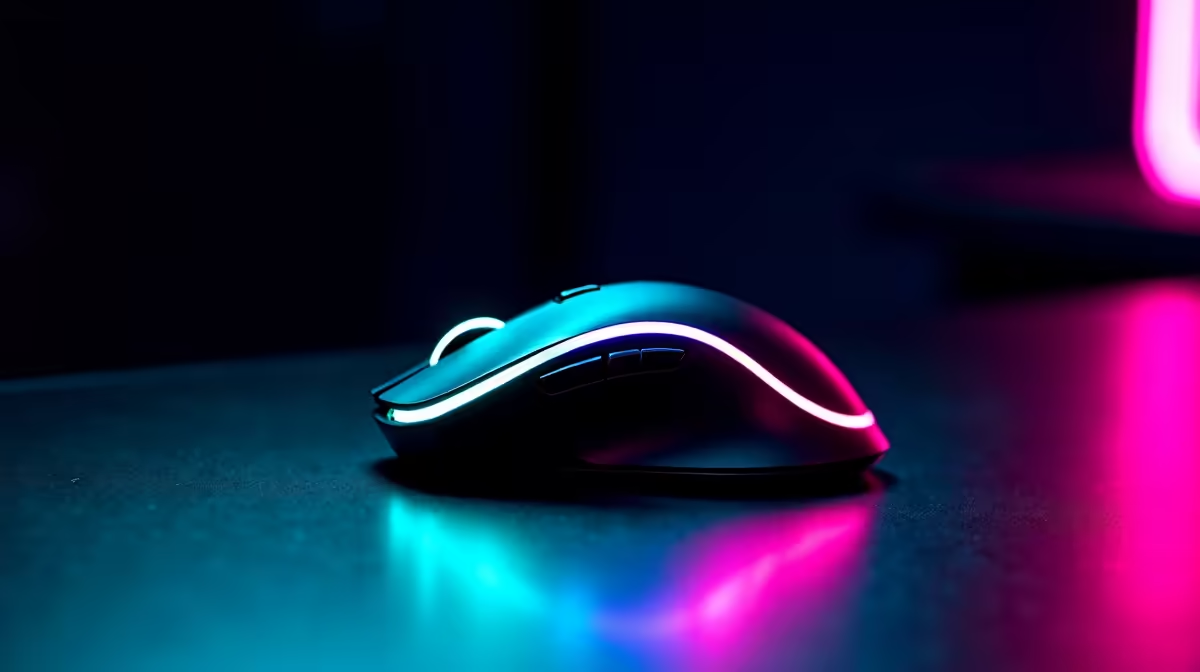
Master Your DPI Settings for Precision Gaming 🎯
Every South African gamer knows how critical mouse precision can be in high-stakes battles. Struggling with inconsistent aiming or lagging cursor movement? Your DPI settings might be the hidden factor affecting your gameplay. This DPI settings configuration guide will take you step-by-step through optimising your mouse sensitivity—tailored to how you play, whether you’re fragging on a budget PC or dominating on a high-end gaming rig. Ready to upgrade your aiming game? Let’s dive in.
What is DPI and Why It Matters in Gaming
DPI (dots per inch) determines how far your cursor moves on screen relative to your mouse movement. Higher DPI means faster cursor movement; lower DPI offers more control but requires larger hand movements. The ideal DPI depends on your game genre and personal comfort.
Low DPI settings help notably in first-person shooters or precision-focused games, giving you tighter control over crosshair placement. Conversely, fast-paced MOBA players might prefer higher DPI for swift manoeuvres. Often, pros use moderately low DPI settings paired with higher in-game sensitivity for the best balance.
How to Check & Change DPI Settings on Your Mouse
Most gaming mice feature dedicated buttons or software to adjust DPI instantly. If you’re unsure, consult your mouse’s manual or check for downloadable software from the manufacturer. Windows and macOS also offer basic pointer speed adjustments but lack the granularity competitive gamers need.
For South African gamers looking for a new setup, the best gaming PC deals at Evetech include gaming mice bundles perfect for DPI optimisation. Pair these with a PC tailored to your gaming style for unbeatable synergy.
Configuring DPI for Different Game Types
FPS Games
Choose a DPI between 400-800 for stability and precision. Lower DPI reduces jitter sensitivity while enabling fine aiming when scoped. Many pros complement this by reducing in-game sensitivity to 2-4.
MOBA & RTS
Higher DPI, around 1200-1600, helps swiftly navigate maps and manage quick commands. Ensure your mouse sensor is reliable at these speeds to avoid skip or lag.
Casual & MMO
A moderate DPI (800-1200) offers versatile performance, suitable for both large movements and fine clicks.
How to Test Your DPI Settings for Peak Performance
Setting DPI is not ‘set and forget’. Track performance in-game and adjust iteratively. Use dedicated mousepad space for fluid movement without running out of room. Popular testing tools like Pre-Built PC Deals from Evetech come optimised to help you test various hardware with your preferred DPI setup.
Fine-tune Your Settings
Before playing a ranked match, try practising aim drills with multiple DPI settings. Note which feels smoother and more accurate, then lock it in.
Additional Hardware Considerations for DPI Optimisation ⚙️
Your DPI settings can only shine if your hardware supports them fully. A high polling rate mouse and a smooth mousepad improve cursor tracking precision.
For users on the go or with space constraints, consider notebooks for sale in South Africa designed for gaming with responsive touchpads and external mouse support. They can handle quick sensitivity adjustments no matter where you play.
Software Tips: Custom Profiles & Sensitivity Layers
Take advantage of profiles offered in your mouse's configuration app. Create game-specific presets that trigger automatically. For example, lower DPI in sniper sections, higher DPI for exploration.
Also, explore software that helps map DPI switches to hotkeys for mid-game adaptation. Enhancing your control this way can shave precious milliseconds off your reaction time.
Enhance graphics and performance alongside your mouse precision. Browse the graphics cards section for powerful GPUs that run games flawlessly, reducing input lag and screen tear.
Keeping Your Setup Fresh with Latest Offers and Upgrades
Optimising DPI settings is part of a bigger picture: a balanced system. Don’t settle on outdated gear. Visit Evetech’s specials page regularly to catch deals that can elevate your gaming setup at affordable ZAR prices. Upgrading peripherals or swapping out old components can immediately improve your gaming responsiveness.
Upgrade Your Gaming Precision Today Ready to experience flawless aim and turbocharged gameplay? Shop now at Evetech for setups that match your DPI preferences and gaming ambitions.











