

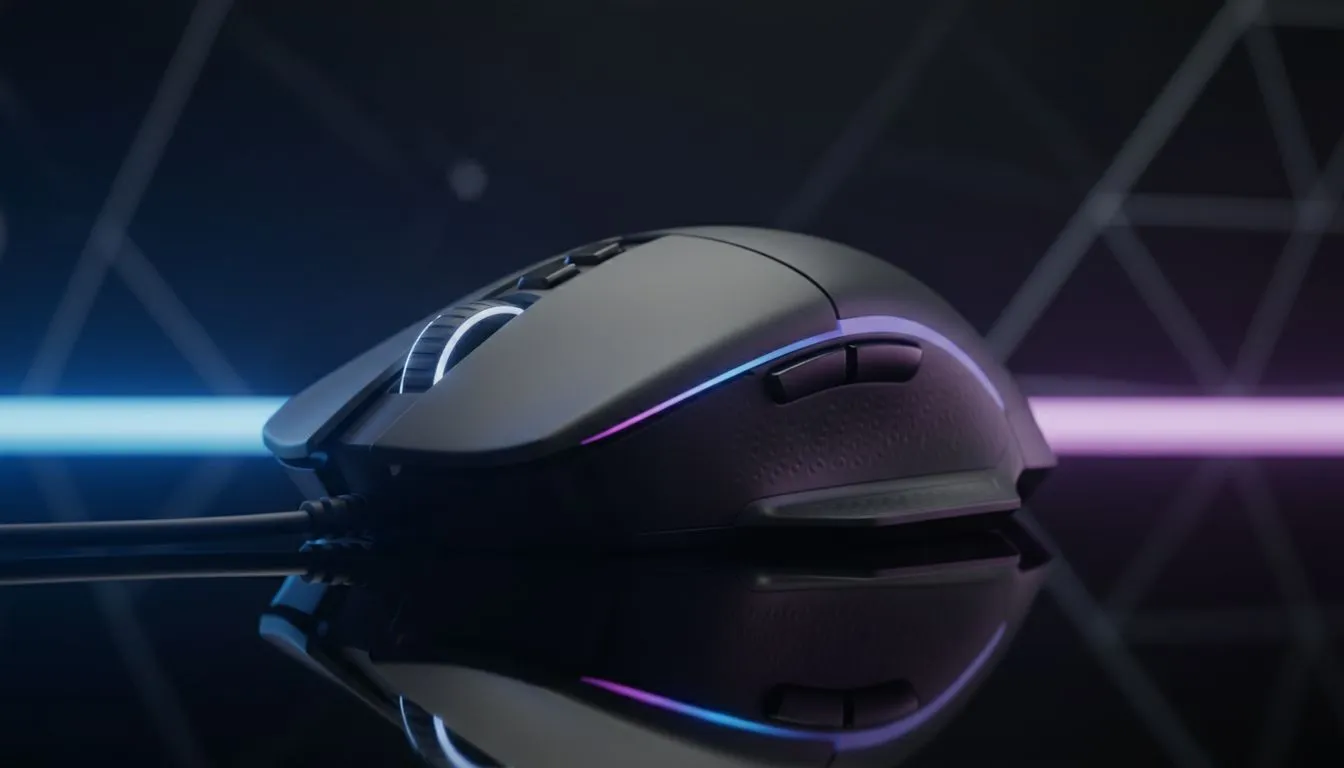
Understanding DPI Settings for FPS: The Foundation of Aim
Ever wonder why your crosshair jumps past the enemy's head in a clutch Valorant round? It isn't just nerves... it is likely your settings. Getting your DPI settings for FPS right is the first step toward climbing the ranks in South Africa's competitive scene. Whether you are flicking in CS2 or tracking in Overwatch, your mouse sensor is your most vital tool for consistent performance.
The Difference Between DPI and CPI
Most gamers use the term DPI (Dots Per Inch), but technical experts prefer CPI (Counts Per Inch). When you browse for a new gaming mouse, the DPI spec tells you how many pixels your cursor moves for every inch of physical movement. A higher DPI means the cursor travels further with less effort. In the fast-paced world of shooters, finding the right balance is essential for muscle memory.
Why Low DPI Often Wins in FPS Games
You might see mice advertised with 25,000 DPI, but most professionals play at 400 or 800. Why? Lower sensitivity allows for larger arm movements... which are more precise than tiny wrist adjustments. When you look for the best gaming mouse deals, focus on sensor quality rather than just the highest possible DPI number. A stable sensor at 800 DPI is worth more than a jittery one at 10,000.
The Pixel Skipping Myth ⚡
While high DPI sounds better, setting it too high on a budget sensor can cause jitter. Most pros stick to 400 or 800 DPI because it feels more "raw" and predictable. If you use a 4K monitor, 1600 DPI is often the sweet spot for a balance between desktop navigation and in-game precision.
Finding Your Perfect eDPI
Your effective DPI (eDPI) is your mouse DPI multiplied by your in-game sensitivity. This is the "true" number that determines how you aim. If you choose to buy wireless mouse technology, you gain the freedom to move your arm across the entire desk without cord drag. This freedom often encourages players to lower their eDPI for better long-range accuracy.
Hardware Matters for Precision
If you prefer a classic, lightweight setup, you can still buy wired mouse variants that offer incredible polling rates for under R1,000. No matter your choice, the surface matters too. You should buy mouse accessories like an extra-large cloth pad to ensure your sensor tracks every micro-adjustment without skipping. Consistency is the key to winning more 1v1 duels in the local South African servers. 🚀
Optimise Your Windows Settings
Before you jump into a match, ensure "Enhance Pointer Precision" is turned off in Windows. This feature adds mouse acceleration... which ruins your muscle memory by changing your speed based on how fast you move the mouse. You want a 1:1 relationship between your hand and the screen. ✨
Ready to Find Your Perfect Match? Your aim is only as good as the hardware in your hand. For the best precision, speed, and value in South Africa, upgrading your sensor is the ultimate move. Explore our massive range of gaming mouse specials and find the perfect tool to dominate the lobby.











