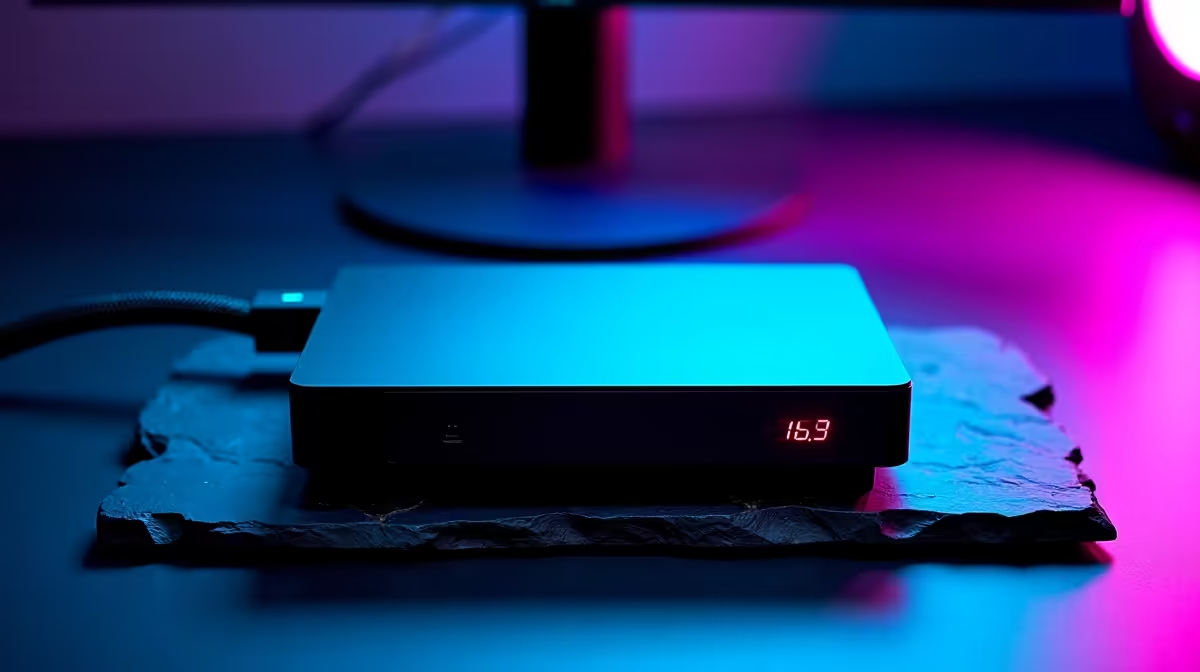
The dream is tidy: a slim laptop on the desk, a graphics card in a box beside it, desktop power when you are home and portability when you leave. The reality is that an eGPU gives up frames to do it. Run the same card externally versus in a tower and you lose performance, and at South African pricing the enclosure and dock add cost that closes in on a budget desktop. The build-versus-buy maths rarely favours external graphics here.
Quick Answer
An eGPU consistently loses around 20 percent of its frame rate compared to the same card running inside a desktop, even on an external monitor. Add the cost of the enclosure and dock at SA import pricing, and the total can approach what a budget gaming tower costs. For most people who do not strictly need a single portable machine, a desktop delivers more frames per rand.
Why an eGPU Loses Frames
The bottleneck is the connection. An eGPU links to your laptop over Thunderbolt or USB4, which offers far less bandwidth than the PCIe slot a card sits in inside a desktop. That narrower pipe limits how fast data moves between the card and the host processor, and the result is a measurable frame deficit of roughly 20 percent versus the identical card in a tower.
This loss happens even when you plug a monitor directly into the eGPU enclosure, which avoids the extra penalty of sending the image back to the laptop's own screen. So the card is doing the same work, but the constrained link means you simply get fewer frames out of it than that hardware is capable of delivering.
The South African Cost Problem
The performance loss is only half the picture. The bigger issue locally is money. An eGPU setup is not just the graphics card, it is the card plus a Thunderbolt enclosure plus the dock, and both of those extra items carry import costs that land hard in South Africa.
Stack it up and the enclosure and dock alone can cost a meaningful fraction of a complete budget tower. So you end up paying close to desktop money for a setup that delivers less performance than a desktop. That is the heart of the build-versus-buy calculation: the external route asks you to spend more to get less, purely for portability.
Running the Numbers
Compare two paths for the same graphics card. In the desktop path, the card slots into a tower you already need to buy or own, with no enclosure premium. In the eGPU path, you add an enclosure and a dock on top of the card, then accept a 20 percent frame penalty. Unless the single-machine convenience is worth that premium to you, the tower wins on both fronts. It helps to compare current card pricing directly, and the best-selling graphics cards at Evetech give a clear read on what each performance tier costs before you factor in any enclosure.
When an eGPU Still Makes Sense
This is not a blanket no. An eGPU is the right call in a few specific situations, and it is worth being honest about them.
If you genuinely need one machine, a laptop you carry daily for work or study that also has to game or render at home, an eGPU lets that single device do both without owning a second computer. For someone with no desk space for a tower, or who moves between locations constantly, the convenience can outweigh the frame loss and the cost. The deciding question is whether portability is a hard requirement or just a nice-to-have.
What You Need to Make It Work
If you do go the eGPU route, your laptop must have a Thunderbolt or USB4 port with the bandwidth to support it, since older or cheaper ports will not work or will choke the card further. The enclosure has to physically fit and power the card you want. A quality dock matters for stability. Treat the docking station range at Evetech as the place to confirm connectivity and compatibility before committing to the parts.
Squeezing More From an eGPU Setup
If you are committed to the external route, a few practical choices recover a meaningful chunk of that 20 percent loss.
The single biggest improvement is display output. When a game renders on the eGPU and the frames have to travel back across the Thunderbolt cable to the laptop screen, the link carries both directions of traffic at once and suffers for it. Plugging a monitor directly into the graphics card's own outputs on the enclosure eliminates that return trip entirely. In controlled tests, this single change recovers several percentage points of the frame-rate gap, and it is zero additional cost if you already have a desk monitor.
Connection choice also matters. OCuLink delivers more raw bandwidth than Thunderbolt 4 or USB4, which is why OCuLink-based setups in benchmarks trail desktops by only around 10 to 15 percent rather than the 20 to 30 percent typical of Thunderbolt setups. If your laptop or mini PC supports OCuLink, that path noticeably narrows the performance gap.
Card selection is the third lever. An extremely powerful flagship GPU is more easily starved by the bandwidth ceiling, so its advantage over a mid-range card shrinks more than it would in a desktop. Choosing a mid-to-upper card and running it over the best available connection often delivers a better real-world result than a top-tier card over a slower link.
Upgrade Path
One genuine eGPU advantage that rarely gets mentioned is upgrade flexibility. In a traditional desktop, swapping a graphics card can mean motherboard compatibility checks and PSU upgrades. With an eGPU, you pull the old card from the enclosure and drop in a newer one, and the enclosure works with your next laptop too. Over two or three years, that reuse matters.
The Verdict for Most Buyers
For the majority of South African gamers and creators, a desktop tower is the better value. You get the full performance of the graphics card, no import premium on an enclosure and dock, and an easier upgrade path later. The eGPU is a niche solution for people who truly cannot have a separate desktop, not a default choice. Decide based on whether one portable machine is a requirement, and let that, not the appeal of the idea, drive the spend.
Frequently Asked Questions
How much performance does an eGPU lose?
An eGPU typically loses around 20 percent of its frame rate compared to the same graphics card installed in a desktop. The loss comes from the limited bandwidth of the Thunderbolt or USB4 connection versus a direct PCIe slot.
Does using an external monitor fix the eGPU performance loss?
It helps by avoiding the extra penalty of routing the image back to the laptop screen, but the roughly 20 percent deficit from the connection bandwidth still remains. The card cannot fully stretch its legs over the external link.
Is an eGPU cheaper than a desktop in South Africa?
Often not. The enclosure and dock carry import costs that, added to the card, can approach the price of a budget tower, while delivering less performance. For pure value, a desktop usually wins.
When is an eGPU actually worth it?
When you genuinely need a single portable machine that also games or renders at home, and you have a Thunderbolt or USB4 laptop. The convenience can justify the frame loss and cost if portability is a hard requirement.
What do I need to run an eGPU?
A laptop with a capable Thunderbolt or USB4 port, an enclosure that fits and powers your chosen graphics card, and a reliable dock. Check port bandwidth and physical compatibility before buying any parts.
Weighing external graphics against a proper build? Compare current card pricing and tower-ready hardware at Evetech, and put your money where it returns the most frames.