


RTX 4060 Ti Throttling Under Load: SA Temperature Guide
RTX 4060 Ti Throttling Under Load: Temperature. Everything you need to know with SA pricing, step-by-step instructions & expert recommendations.
Read moreUpgrade your voice clarity with easy mic fixes! 🎙️ Discover practical steps to achieve studio-quality sound without breaking the bank. 🎧
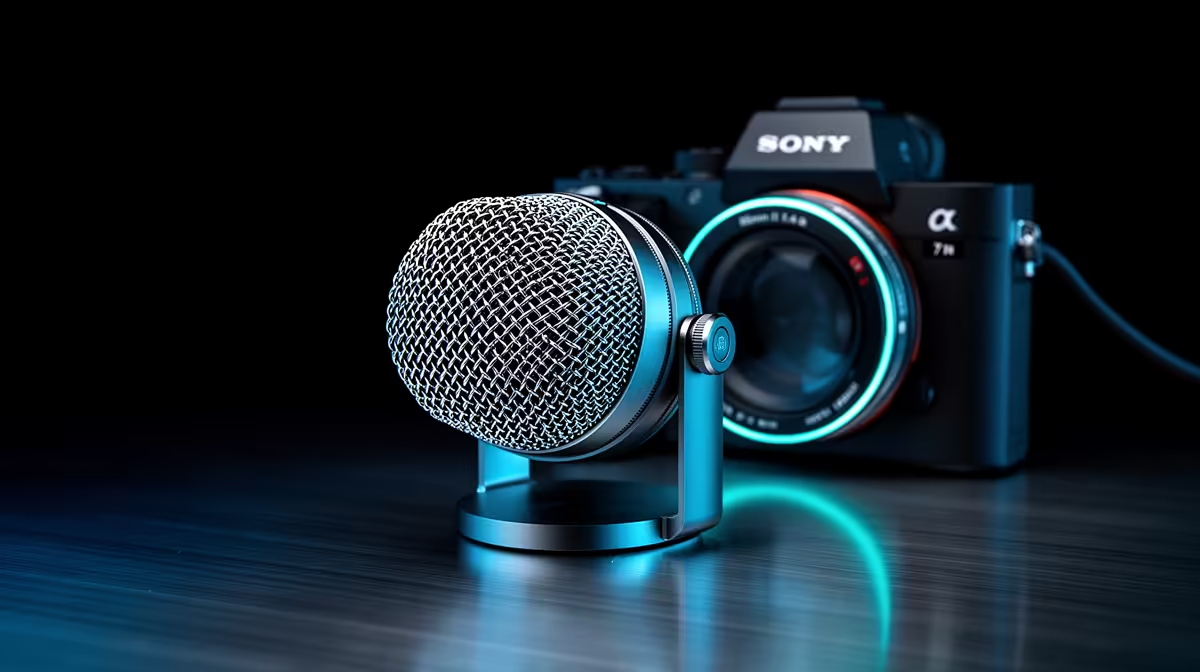
Is your squad constantly telling you to "fix your mic"? That muffled, fuzzy audio isn't just a vibe-killer in your Discord channel; it’s a competitive disadvantage. Whether you're coordinating a rush in Valorant or streaming for your first few fans, poor sound quality can ruin the experience. The good news? You don’t need a studio budget to enhance your mic sound. We’ve got some simple, effective fixes that will give you 10x the clarity. 🎤
Before you even think about software or new gear, let's talk physics. How you position your microphone is the single biggest factor affecting its quality. Most gamers make the mistake of keeping their mic too far away, forcing them to crank up the gain, which introduces a ton of background noise and that dreaded electronic hiss.
To get much clearer mic sound, follow the "fist rule":
Making this one small adjustment can dramatically improve your mic audio without costing you a cent.
In software like OBS or Voicemeeter, set up a 'Noise Gate'. This clever filter automatically mutes your mic when you're not speaking, cutting out keyboard clicks, fan noise, and even the hum from your inverter during load shedding. Set the 'close threshold' just above your background noise level and the 'open threshold' just below your speaking voice.
Your PC is packed with powerful tools that can clean up your audio. Most modern communication and streaming apps have built-in features designed to fix mic quality. Dive into the settings and you'll find gold.
In Discord, head to Voice & Video settings and enable "Noise Suppression". Krisp.ai technology does a fantastic job of isolating your voice from background chaos. For streamers, OBS Studio offers a suite of audio filters. Right-click your mic in the 'Audio Mixer' panel, go to 'Filters', and add a 'Noise Suppression' and a 'Compressor' filter. The compressor evens out your volume, making you sound more professional and consistent. Experimenting with these settings is key to unlocking better microphone clarity.
Once you've optimised your setup and software, you might find that your hardware is the final bottleneck. A cheap, built-in headset mic will only ever sound so good. But upgrading doesn't have to mean spending a fortune. A dedicated USB microphone is a massive leap forward.
You can find some truly great options under R6000 that will deliver crisp, broadcast-quality sound. Pair it with a boom arm to keep it perfectly positioned and a pop filter to soften those plosives, and you're well on your way to sounding like a pro. ✨
And once you've sorted your audio, why not complete the look? A professional stream setup balances great sound with engaging visuals, and a few well-placed lights can make all the difference. Check out some ambient Cololight setups to really make your stream pop. After all, a setup that looks good often inspires you to perform better.
Ready for a Real Audio Upgrade? Stop letting a bad mic hold you back. Explore our wide range of premium Corsair microphones and other essential streaming gear to finally sound as good as you play.
Enhance mic quality without costs! Use free tools like Audacity, position your mic correctly, and optimize settings for clear audio.
Poor mic quality often stems from background noise, improper placement, outdated drivers, or low-quality hardware. Fix issues by optimizing your setup.
Yes, pop filters reduce harsh sounds and plosives, improving voice clarity significantly. They’re ideal for achieving polished, professional recordings.
Optimize your mic settings by adjusting input volume, noise suppression, and equalization in your computer’s audio preferences for optimal clarity.
Yes, apps like Audacity or Adobe Audition offer tools to enhance audio. These programs boost clarity, reduce noise, and polish recordings effectively.
Absolutely! Position your mic at mouth level, a few inches away, and at a slight angle to capture crystal-clear voice recordings without distortion.
RTX 4060 Ti Throttling Under Load: Temperature. Everything you need to know with SA pricing, step-by-step instructions & expert recommendations.
Read more
Apex Legends Max Settings on RTX 4080. Tested & verified settings for best FPS and visual quality on SA hardware budgets.
Read more
GPU Buying Guide. Everything you need to know with SA pricing, step-by-step instructions & expert recommendations.
Read more
GPU Terms Guide. Everything you need to know with SA pricing, step-by-step instructions & expert recommendations.
Read more
AMD Adrenalin Download & Setup Guide: GPU. Clear setup instructions with SA-specific considerations, troubleshooting tips & recommended components.
Read more
Back-to-School GPU Buying Guide. Everything you need to know with SA pricing, step-by-step instructions & expert recommendations.
Read more
Can RTX 4080 Super Run AI Workloads for SA Developers Detailed answer with SA data, expert analysis & practical recommendations for local buyers.

Can RTX 4090 Run AI Workloads for SA Developers Detailed answer with SA data, expert analysis & practical recommendations for local buyers.

Top Settings for Intel Arc B580 at Ultrawide 1440p picks evaluated on performance, value & SA availability with current Rand pricing from Evetech.

RX 7600 Overclocking Guide: Safe OC Settings for. Real-world benchmark data, FPS numbers & performance analysis. What SA gamers can actually expect.

RTX 4060 CS2 Low Settings at 1080p: FPS Results. Real-world benchmark data, FPS numbers & performance analysis. What SA gamers can actually expect.

Visual Artifacts: Possible GPU Issue Issue #1. Diagnosis steps, proven fixes & when to seek professional help. SA-specific support info included.

Can the RTX 4090 Handle 1440p 144Hz Gaming. Performance testing verdict with real data & practical recommendations for SA buyers.

Top ASUS GPU Under R15000 picks evaluated on performance, value & SA availability with current Rand pricing from Evetech.
RTX 4060 Ti Throttling Under Load: Temperature. Everything you need to know with SA pricing, step-by-step instructions & expert recommendations.
Apex Legends Max Settings on RTX 4080. Tested & verified settings for best FPS and visual quality on SA hardware budgets.
GPU Buying Guide. Everything you need to know with SA pricing, step-by-step instructions & expert recommendations.
GPU Terms Guide. Everything you need to know with SA pricing, step-by-step instructions & expert recommendations.