

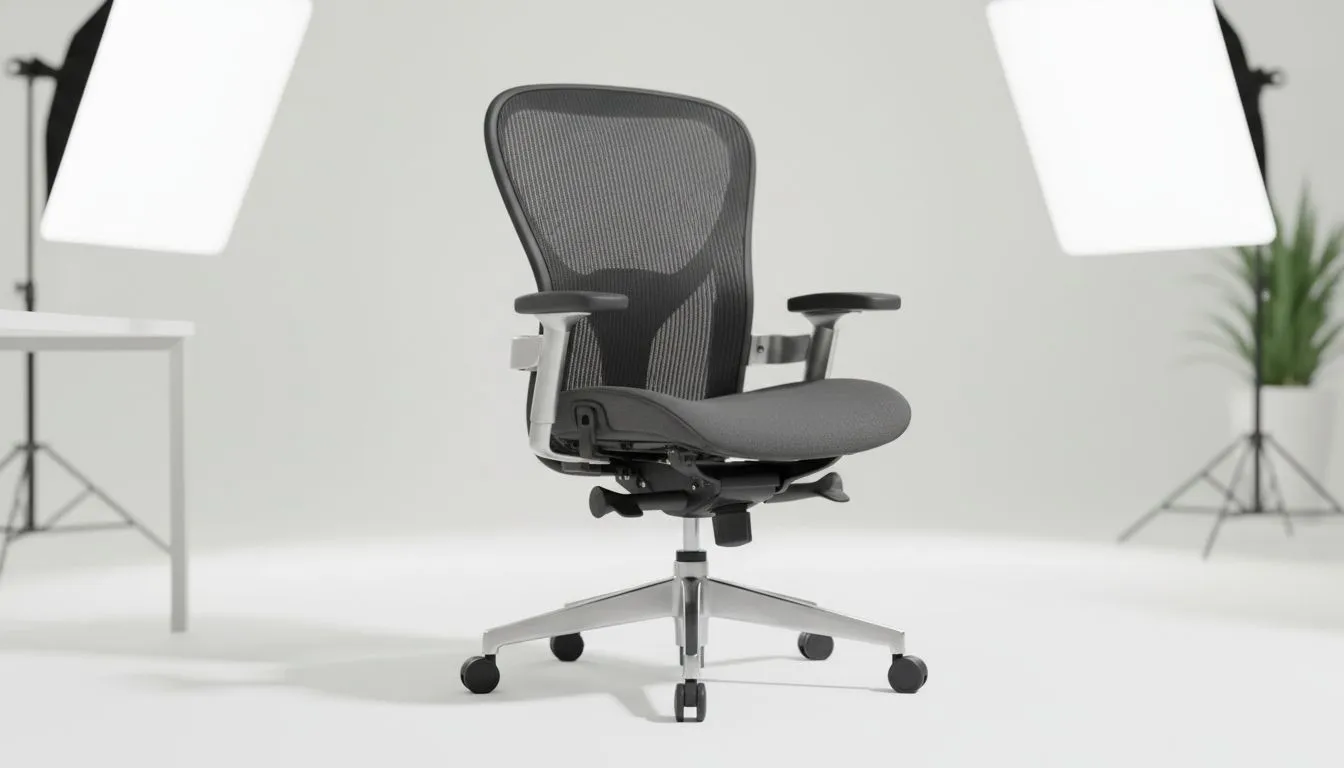
Why Ergonomic Chair Adjustments Matter for South African Gamers
You’ve spent thousands on your high-end rig. But your lower back feels like it’s been through a 12-hour load shedding session without a UPS. We often obsess over frame rates while ignoring the very seat supporting us. Proper ergonomic chair adjustments are the secret to staying in the game longer. If you’re making these seven common mistakes, you’re basically sabotaging your health and your K/D ratio 🔧.
1. The Mistake of Dangling Feet
Many gamers sit too high. If your feet don't touch the floor, your thighs bear all your weight. This restricts blood flow and leads to numb legs. You want your feet flat. This anchors your posture. Just as you wouldn't settle for a slow mechanical drive, don't settle for a chair that lags in support. Upgrading to one of our solid state drives ensures your OS is as snappy as your posture should be.
2. Misaligned Lumbar Support Positions
The curve in your lower back is natural. Your chair should hug it. Most people leave the lumbar cushion too low or too high. It should fit perfectly into the small of your back. This prevents the "slump" that causes long-term spinal issues. For those building a sleek, modern setup, choosing M.2 2280 SSDs keeps the interior clutter-free... much like a tidy desk helps you sit straighter.
3. Incorrect Armrest Height and Shoulder Strain
Armrests are for support... not for leaning. If they are too high, your shoulders shrug. If they are too low, you lean to one side. This causes "gamer shoulder" and neck tension. When speed is everything, PCI Express (NVME) drives offer the responsiveness needed for high-stakes gaming. Your chair's armrests should offer that same immediate, effortless support for your elbows ⚡.
4. Monitor Height and the Dreaded "Gamer Neck"
Even with perfect ergonomic chair adjustments, a low monitor ruins everything. You will naturally lean forward. This puts immense pressure on your cervical spine. Ensure the top third of your screen is at eye level. If you want the absolute pinnacle of tech for your system, Gen 5 SSDs are the current gold standard. They represent the same level of excellence your physical health deserves.
5. Forgetting to Move During Long Sessions
A chair is not a bed. Even the best ergonomic setup requires you to stand up. Every hour, take a five-minute break. Reliability is key in both furniture and hardware. Brands like Western Digital provide peace of mind for your data. Your chair should provide that same peace of mind for your spine through regular movement and proper use.
6. Poor Seat Depth and Circulation Issues
There should be a small gap between the edge of your seat and the back of your knees. If the seat is too deep, it cuts off circulation. If it's too shallow, your thighs aren't supported. You can find great value without sacrificing quality in your setup. For example, ADATA M.2 2280 drives offer excellent performance per Rand. Apply that same logic when selecting and adjusting your ergonomic chair ✨.
7. Overlooking Your System's Responsiveness
Physical tension often comes from digital frustration. A lagging PC makes you lean in and tense up. By ensuring your hardware is up to date, you stay relaxed. Proper ergonomic chair adjustments work best when your mind is focused on the game... not on a spinning loading icon 🚀.
The 90-Degree Rule ⚡
Aim for a 90-degree angle at your ankles, knees, and elbows. This alignment reduces the strain on your joints and prevents long-term inflammation. If your desk is too high to allow this, consider a footrest to bring the floor to you.
Ready to Find Your Perfect Match? Solving back pain is complex, but for maximum comfort and gaming performance in South Africa, a proper chair is hard to beat. Explore our massive range of gaming chairs and find the perfect seat to conquer your world.











