


GPU Setup Guide for SA Gamers
GPU Setup Guide Gamers. Clear setup instructions with SA-specific considerations, troubleshooting tips & recommended components.
Read moreFind an ergonomic gaming chair for long work-from-home days in South Africa. Reduce neck strain, improve posture, and stay comfortable longer with the right fit and features 🪑✨
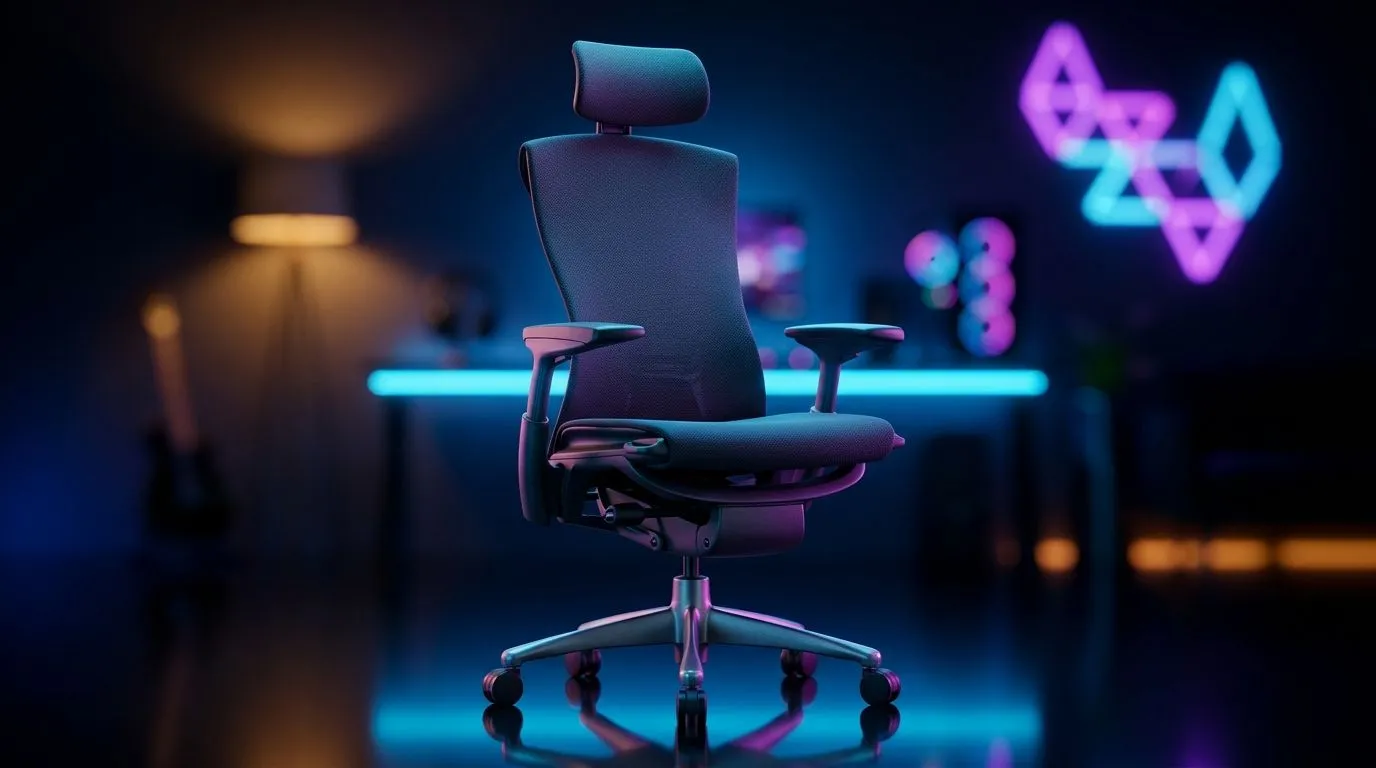
South African work-from-home life can be a grind. One hour you’re on a Teams call, the next you’re sorting invoices, then you’re sneaking in a quick match after load-shedding. If your back, neck, or shoulders are complaining by lunch, the problem may not be your desk job... it may be your chair. An ergonomic gaming chair for long work-from-home days can make the difference between powering through and counting down to 5 pm 🔧
A proper chair supports the parts of your body that take the most strain during long sessions. That usually means your lower back, upper back, neck, and hips. It also helps you sit in a more natural position, which can reduce slouching over time.
For South Africans working from home, that matters even more. Many people are using the same setup for work, study, and gaming. A cheap office chair may look fine at first, but it often loses support fast. A well-built gaming chair, especially one with adjustable lumbar and armrests, is designed for longer daily use.
If you’re building out your setup properly, it helps to think beyond the chair alone. A good desk gives you room to sit correctly and keep your gear stable. You can explore a practical gaming desk option if your current table is too narrow or too low.
Not every flashy chair is actually comfortable. When you shop, focus on the features you’ll use every day.
Look for:
These features help the chair fit your body, not the other way around.
Breathable upholstery is helpful in warmer South African weather. Firm cushioning usually lasts longer than overly soft foam, which can flatten quickly. If you sit for many hours, consistency matters more than a soft first impression.
A solid base and smooth castors make daily use easier. The chair should feel steady when you lean back or shift position. That’s especially useful if your day moves between spreadsheets, meetings, and gaming sessions ⚡
Even a good chair can feel wrong if it is set up badly. Start with your feet flat on the floor. Your knees should sit roughly level with your hips. Then adjust the armrests so your shoulders stay relaxed.
Your screen should be at eye level, or close to it. If you’re looking down too often, your neck will feel it. A chair can only do so much if the rest of your setup fights against it.
Keep your elbows close to your sides and your wrists straight while typing. If your chair arms are too high, lower them. If your desk is too low, raise your screen or keyboard position instead. Small changes add up fast during long workdays.
If you want a cleaner and more focused workspace, some buyers also look at full matching setups. Evetech’s Arrozi gaming setups can help if you want a coordinated look without piecing everything together yourself.
Comfort is only part of the story. A better workspace can improve focus too. Good cable management, balanced lighting, and a desk that fits your room all help create a calmer environment. That matters when your home office doubles as your gaming zone.
If your setup feels dull or cramped, even subtle upgrades can help the space feel more intentional. Some users also like adding ambient lighting for mood and visibility. You can browse NZXT case lighting if you’re aiming for a more polished PC corner.
And if your current seating is the weak point, it may be time to browse gaming chairs in South Africa and compare options built for longer sessions. The right chair should fit your body, your space, and your budget in ZAR.
The best chair is the one you’ll still be happy sitting in months later. Don’t buy on looks alone. Focus on support, adjustability, and how much time you spend seated each day.
If you work from home full-time, it can be worth paying more for better comfort and durability. If you only sit for a few hours a day, a simpler model may be enough. The goal is not luxury for its own sake. It’s reducing strain and making long days feel less punishing.
A solid chair won’t fix every WFH frustration. But it can improve how you feel by the end of the day. That alone is worth taking seriously. If you’re tired of shifting around every 20 minutes, this is one upgrade that earns its place fast 🚀
Ready to Find Your Perfect Match? The Mac vs Windows debate is complex, but for maximum power, choice, and value in South Africa, Windows is hard to beat. Explore our massive range of laptop specials and find the perfect machine to conquer your world.
Prioritise lumbar support, adjustable armrests, seat depth, headrest comfort, and breathable materials for an ergonomic gaming chair that reduces strain.
Match chair height, seat width, and seat depth to your body. Proper fit helps keep knees at ~90 degrees and supports your lower back.
Yes. Strong lumbar support in an ergonomic gaming chair helps maintain posture during long work sessions and can reduce lower-back discomfort.
An adjustable headrest and recline that supports neutral neck positioning are key features for neck comfort during extended work-from-home days.
Breathable mesh generally helps with airflow. Pair it with proper padding for comfort while you work or game in warmer climates.
Set seat height so feet are flat, adjust armrests to keep elbows near 90 degrees, and position lumbar support at your lower back.
Budget options can work if they still offer key adjustments like lumbar support and armrest height. Avoid fixed, non-adjustable designs.
Use an ergonomic gaming chair with lumbar support, set it for neutral posture, and take short breaks to relieve pressure.
GPU Setup Guide Gamers. Clear setup instructions with SA-specific considerations, troubleshooting tips & recommended components.
Read more
When Will the RTX 6090 Launch in South Africa Detailed answer with SA data, expert analysis & practical recommendations for local buyers.

Top Valorant Settings for RTX 5070: FPS Optimisation picks evaluated on performance, value & SA availability with current Rand pricing from Evetech.

RDNA 3.5 Graphics in Ryzen AI 400? Can You Game. Plain-English explanation of what it means, why it matters & how it affects your buying decisions in SA.

GPU Price Index : December Report. Current stock data & price tracking for SA buyers. See what is available and where prices are heading.

Core i5-14600K + B760 + RTX 5060 Build Under. Full parts list, Rand pricing & expected performance. Build confidently with SA-available components.

RX 7600 Apex Legends at 4K: FPS Benchmark. Real-world benchmark data, FPS numbers & performance analysis. What SA gamers can actually expect.

RX 7900 XTX GTA 6 at 4K: FPS Benchmark & Optimal. Real-world benchmark data, FPS numbers & performance analysis. What SA gamers can actually expect.

Head-to-head comparison of RTX 5070 vs RX 9070 XT: Gaming Performance for SA gamers. Performance benchmarks, Rand pricing & which delivers better value.

Top Laptop with Ryzen 5 + RTX 4090 Laptop: Picks picks evaluated on performance, value & SA availability with current Rand pricing from Evetech.

Top Budget GPU for Marvel Rivals picks evaluated on performance, value & SA availability with current Rand pricing from Evetech.

Valorant Settings on RTX 5070: Performance. Real-world benchmark data, FPS numbers & performance analysis. What SA gamers can actually expect.

Top Budget GPU for Assassins Creed Shadows picks evaluated on performance, value & SA availability with current Rand pricing from Evetech.