

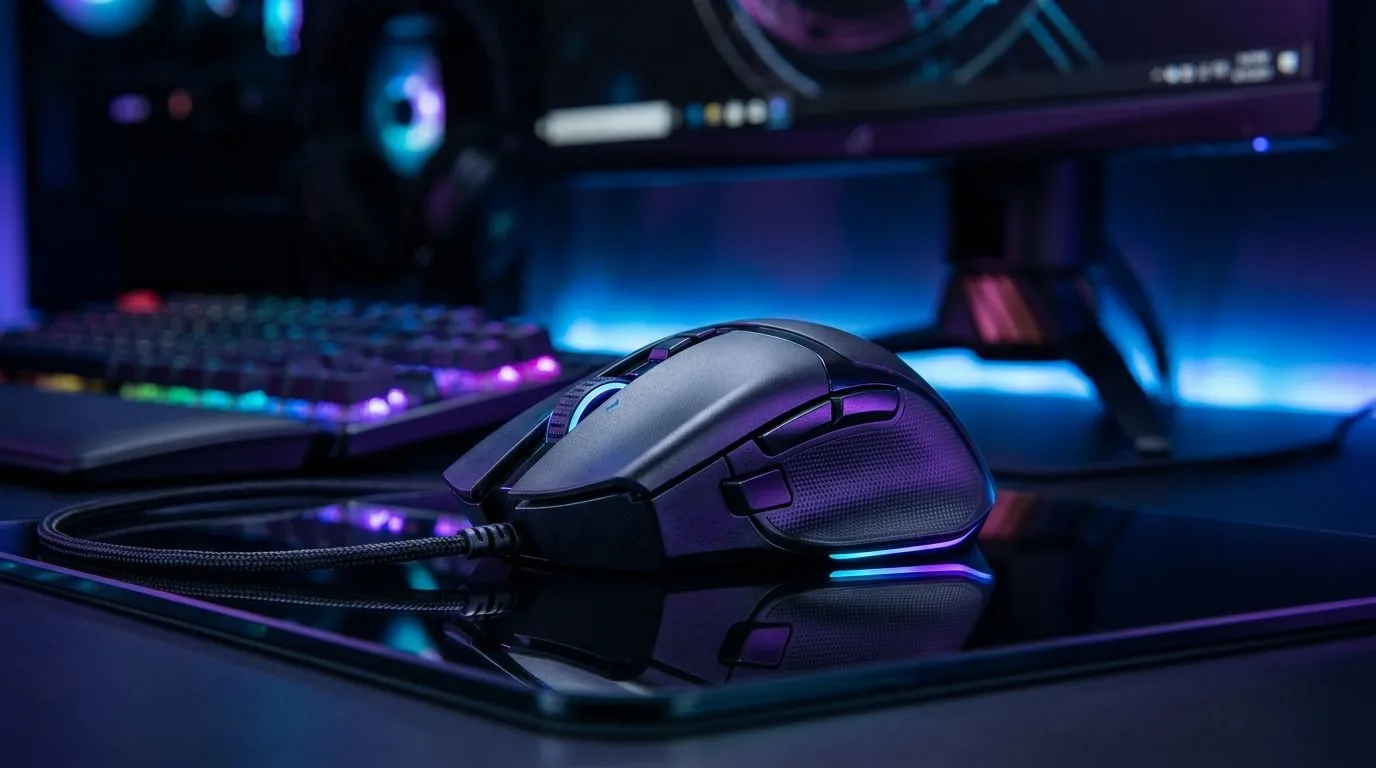
Ergonomic Gaming Mouse Shape Reduces Wrist Fatigue for Local Gamers
If you’ve ever finished a ranked session and felt that dull ache in your wrist… you’re not alone. In South Africa, where sessions run long and setups vary from budget desks to high-end battlestations, comfort matters. A mouse isn’t just a tool for clicks. It can change how your hand rests over hours.
That’s why an ergonomic gaming mouse shape matters. Specifically, a design that reduces awkward wrist angles can help reduce wrist fatigue during everyday play and work. ✨
Ergonomic Gaming Mouse Shape Reduces Wrist Fatigue: What to Look For
Ergonomics is simple: your wrist should stay neutral as often as possible. Look for these features when you shop:
- Right-handed or ambidextrous fit: Your grip style changes everything. If you squeeze the mouse to “make it fit”, fatigue ramps up faster.
- Curved contours for palm support: A good shape helps your hand settle without constant micro-adjustments.
- Button reach that feels natural: If you have to stretch to hit side buttons, your wrist and fingers compensate all match.
- Scroll wheel and main buttons that stay consistent under pressure: Less unintended movement means less strain.
Evetech stocks both wired and wireless gaming options, so you can prioritise comfort without ignoring latency expectations.
Wired vs wireless ergonomics (the real-world angle)
Wireless mice can reduce cable drag, but charging habits matter. Wired mice avoid battery worries and can suit players who prefer a fixed cable route for desk comfort. Choose based on how you move during play, not just hype.
You can browse Evetech’s selection here:
Ergonomic Gaming Mouse Shape Reduces Wrist Fatigue: Setup Tweaks That Actually Help
Even the best mouse can’t fix a bad desk height. Try this quick baseline before you blame the hardware. 🔧
- Chair height: Keep your forearm close to parallel with the desk.
- Wrist position: Aim for a neutral wrist, not bent up during flicks.
- Mousepad size: Give your arm room so you can move with your forearm instead of twisting your wrist.
- Grip calibration: If you switch between palm, claw, or fingertip, pick a mouse shape that supports your most frequent grip.
TipBox
Productivity Pro Tip ⚡
On Windows, use the PowerToys FancyZones utility to create custom snap layouts for your windows. It's a lifesaver for managing multiple apps on an ultrawide monitor, letting you organise your timeline, preview window, and asset folders perfectly for video editing.
Ergonomic Gaming Mouse Shape Reduces Wrist Fatigue: Buying Smarter in 2026
Let’s talk budget reality. In SA, you want comfort and value without overspending. Start by deciding whether you want wired stability or wireless freedom, then compare shapes across models rather than only specs.
If you’d like to compare what’s best right now (and catch deals), check:
Here’s a practical mindset: spend for the mouse shape that keeps your wrist neutral. The “best sensor” won’t help if your grip forces your hand into a bend all day. 🚀
Ergonomic Gaming Mouse Shape Reduces Wrist Fatigue: Quick Self-Test Before You Commit
Next time you use your mouse, do a 30-second check:
- Are you shifting your thumb position often?
- Does your wrist hover above the desk?
- Do you feel tension after 20 to 30 minutes?
If “yes”, it’s likely the shape or button reach isn’t matching your grip. Upgrading to a better ergonomic profile is often the simplest fix.
Ready to Find Your Perfect Match? The Mac vs Windows debate is complex, but for maximum power, choice, and value in South Africa, Windows is hard to beat. Explore our massive range of laptop specials and find the perfect machine to conquer your world.











