

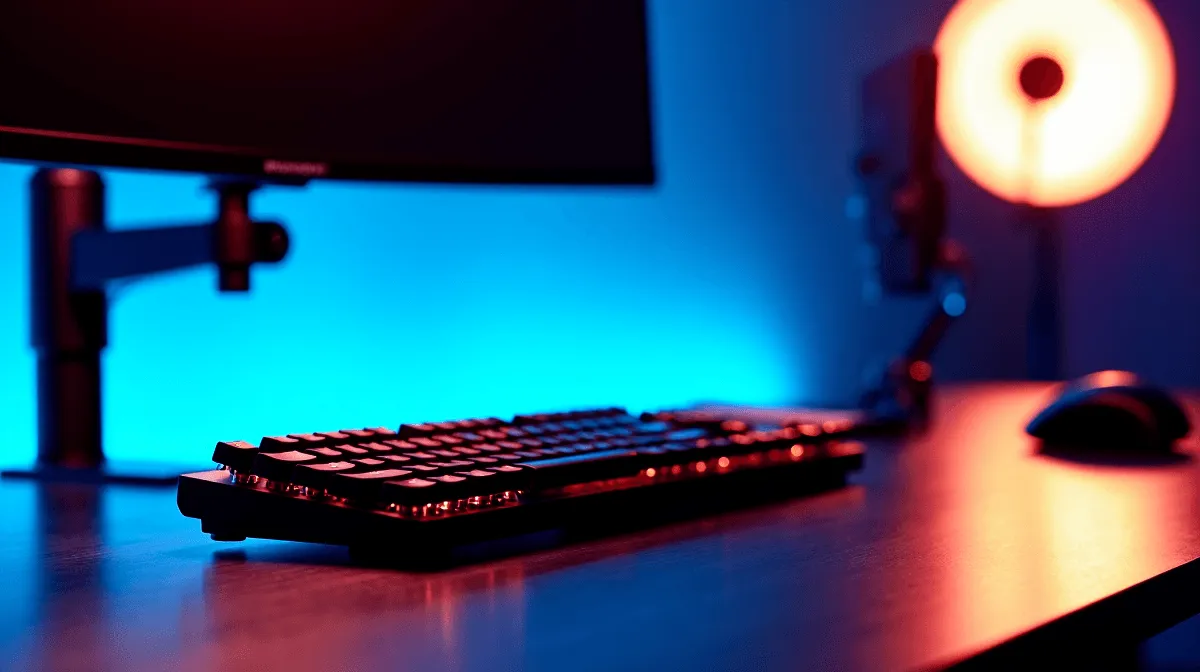
Setting up an ergonomic workstation correctly can eliminate the most common sources of desk-related discomfort, including neck strain, lower back pain, and wrist fatigue. The good news is that most ergonomic improvements require configuration changes rather than expensive new equipment.
Quick Answer
How do you set up an ergonomic desk and chair configuration? Position your monitor at arm's length with the top of the screen at or just below eye level, adjust your chair so your feet are flat on the floor with knees at 90 degrees, and keep your keyboard and mouse at elbow height. These three adjustments resolve the majority of ergonomic issues at a typical workstation.
🔧 Chair and Desk Height Configuration
Start with your chair. Sit fully back in the seat with your lower back supported by the lumbar cushion or adjustable lumbar support. Adjust seat height until your feet rest flat on the floor and your knees form roughly a 90-degree angle. If your desk is too high after adjusting the chair, a footrest brings your feet into the correct position. Armrests should sit just below elbow height so your arms rest lightly without your shoulders shrugging upward. Your forearms should be roughly parallel to the floor when your hands are on the keyboard.
📊 Monitor, Keyboard and Mouse Positioning
Monitor distance should be roughly an arm's length from your face - about 50 to 70 cm for most screen sizes. The top of the screen should be at or slightly below eye level, which keeps your neck in a neutral position rather than craning upward or downward. If you use dual monitors, position the primary screen directly in front of you and angle the secondary screen inward. Your keyboard should sit close enough that your elbows stay near your sides, not extended forward. A slight negative tilt on the keyboard (front edge slightly higher than the back) keeps wrists in a more neutral position than the raised-back-edge default many keyboards ship with.
💡 Habits and Micro-Adjustments That Make a Difference
Even the best ergonomic setup benefits from regular breaks. The 20-20-20 rule for eye strain - every 20 minutes, look at something 20 feet away for 20 seconds - applies equally to posture resets. Stand up, stretch your hip flexors, and roll your shoulders back every 45 to 60 minutes. A good ergonomic chair paired with correct positioning dramatically reduces fatigue during long gaming or work sessions. For cable management and desk cleanliness, routing cables behind the monitor and off the work surface removes visual clutter that subtly contributes to cognitive fatigue during long sessions.
❓ Frequently Asked Questions
How high should my monitor be for an ergonomic setup? The top of your monitor should sit at or just below eye level when you are seated in your normal working position. This keeps your neck neutral and reduces upper back strain over long sessions.
Should my keyboard be flat or angled? Most ergonomics experts recommend a flat or slightly negative tilt (front of keyboard raised) rather than the traditional positive tilt. Negative tilt keeps your wrists straighter and reduces strain during extended typing.
Does chair quality matter as much as positioning? Both matter. Correct positioning with a mediocre chair will still be more comfortable than a premium chair used incorrectly. That said, a good chair with proper lumbar support makes correct positioning easier to maintain over long periods.
Evetech stocks Graphics Card Deals and Evetech Best Sellers — great options for your gaming setup.
Ready to Find Your Perfect Match? Shop at Evetech











