

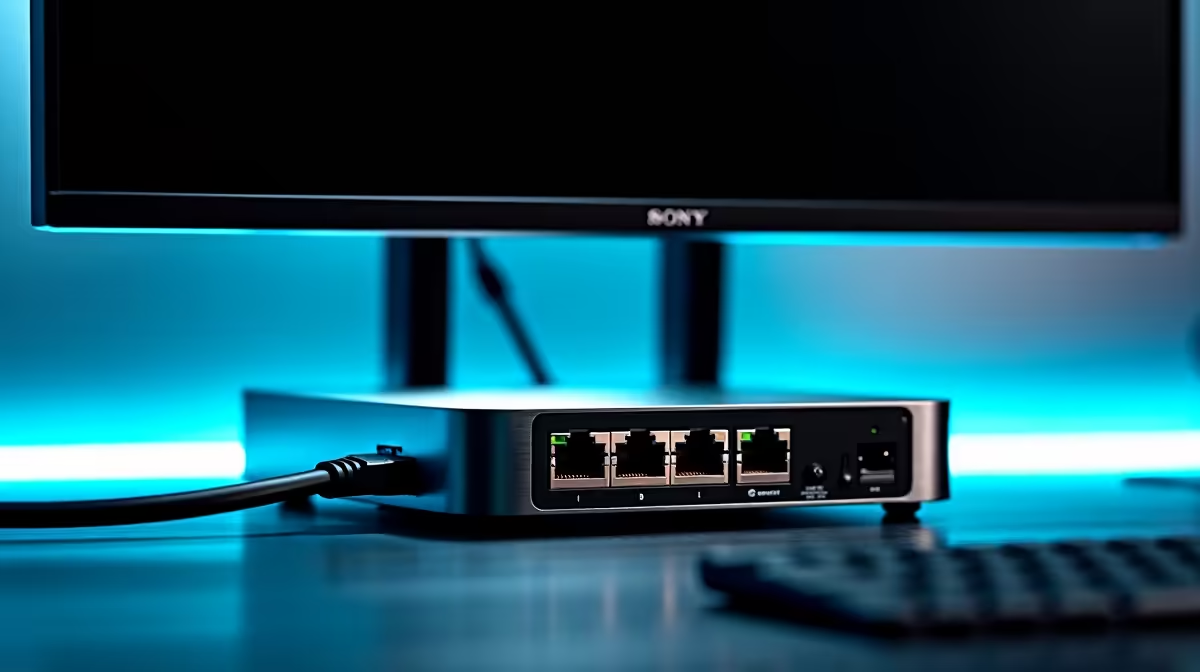
Is your desk buried under a tangled mess of cables? We've all been there. The power brick for your laptop, the HDMI cable, the USB hub, and that crucial Ethernet cable for lag-free gaming… it’s a chaotic setup. What if you could replace that entire nest with a single, sleek cable? An Ethernet dock monitor setup is the elegant solution South African gamers and professionals have been waiting for, transforming your workspace from cluttered to clean. ⚡
Why Your Desk Needs an Ethernet Dock Monitor Setup
Let's be honest, cable management is a mission. You spend hours getting it perfect, only for one device swap to ruin everything. This is where a monitor with a built-in docking station and an RJ45 Ethernet port becomes your setup's MVP.
Instead of plugging everything into your laptop, you connect your peripherals—keyboard, mouse, webcam, and even your wired internet—directly to the monitor. Then, a single USB-C cable runs from the monitor to your laptop, delivering video, data, a stable internet connection, and even power to charge your device. It’s the ultimate way to streamline your battle station or home office, giving you a minimalist aesthetic without sacrificing performance. This modern approach is becoming a standard feature across many of the best PC monitors available today.
The Core Components of a Clutter-Free Setup
Achieving this dream setup is surprisingly simple, but it relies on a few key pieces of hardware working together in harmony.
The Hero: A Monitor with a Built-in Dock
The heart of this operation is the monitor itself. You're not just looking for a pretty display; you need one with a built-in USB-C hub that includes an Ethernet port. When shopping, keep an eye out for these specs:
- USB-C Port: This should support DisplayPort Alt Mode (for video) and Power Delivery (PD) to charge your laptop. A PD of 65W or higher is ideal for most notebooks.
- RJ45 Ethernet Port: This is non-negotiable for a true Ethernet dock monitor setup. It ensures you get that rock-solid, low-latency connection essential for competitive gaming and large file transfers.
- USB-A Ports: At least two or three for your keyboard, mouse, and other accessories.
Many premium 5K and 4K monitors now include these features, offering both stunning visuals and incredible convenience.
Check Your Laptop's Specs! 🔧
Not all USB-C ports are created equal. Before you buy, confirm your laptop's USB-C or Thunderbolt port supports 'DisplayPort Alternate Mode' and 'Power Delivery'. This info is usually on the manufacturer's website or in your device's tech specs. Without it, you won't get video or charging through the single cable.
The Sidekicks: Cables and Accessories
With a docking monitor, your need for extra dongles and adapters vanishes. However, the one cable you do use matters. Ensure you have a high-quality, full-featured USB-C or Thunderbolt 4 cable capable of handling high-resolution video, fast data speeds, and power. Investing in good monitor accessories like a quality cable or a versatile monitor arm can further enhance your clean setup.
Is This Setup Right for Your Use Case?
So, who benefits most from a monitor with an Ethernet dock? The short answer: almost everyone who hates clutter and values performance.
- Gamers: For you, the main draw is the stable, wired internet connection straight from the monitor. It minimises ping and packet loss, giving you a competitive edge. Whether you're looking at all gaming monitors for high refresh rates or immersive curved monitors, finding one with a dock adds a massive quality-of-life improvement. ✨
- Work-From-Home Professionals: A clean, organised desk promotes a clear mind. The ability to dock your work laptop with a single cable and be instantly ready for a productive day is a huge plus.
- Content Creators & Students: Juggling external drives, cameras, and other peripherals is part of the job. A docking monitor simplifies your workflow, giving you more ports and less hassle. While this setup is perfect for your main desk, you can still maintain flexibility on the go with one of the latest portable monitors for a dual-screen experience anywhere.
Ultimately, an Ethernet dock monitor setup is about optimising your space and your time. It’s a smart investment that pays off every single day. 🚀
Ready to Declutter Your Desk? Transform your workspace with a single-cable solution that delivers power, performance, and peace of mind. Explore the best PC monitor deals and find the perfect hub for your setup today.











