You’ve just got fibre installed. Lekker! But the installer only gave you one LAN port, and now your gaming PC, your console, and your smart TV are all fighting for that single, stable connection. You’ve heard about Ethernet splitters and switches, but what’s the difference? Choosing the wrong one can kill your speed and cause major headaches. Let’s clear up the confusion between Ethernet splitters vs switches once and for all. ⚡
Understanding the Humble Ethernet Splitter
First, let's talk about the Ethernet splitter. Think of it as a simple Y-cable. It takes one Ethernet cable and physically splits the internal wires into two separate outputs. The catch? It’s a one-at-a-time device. You can connect two devices, but only one can be powered on and use the network at any given moment.
The biggest drawback is performance. Splitters are limited to a maximum speed of 100Mbps because they only use four of the eight wires inside a standard Ethernet cable. For modern gaming or 4K streaming, that’s a serious bottleneck. They are an older, niche solution that rarely makes sense in today's connected homes. While some simple Promate networking accessories can solve other problems, a splitter is often not the answer for expanding your network.
Demystifying the Powerful Network Switch
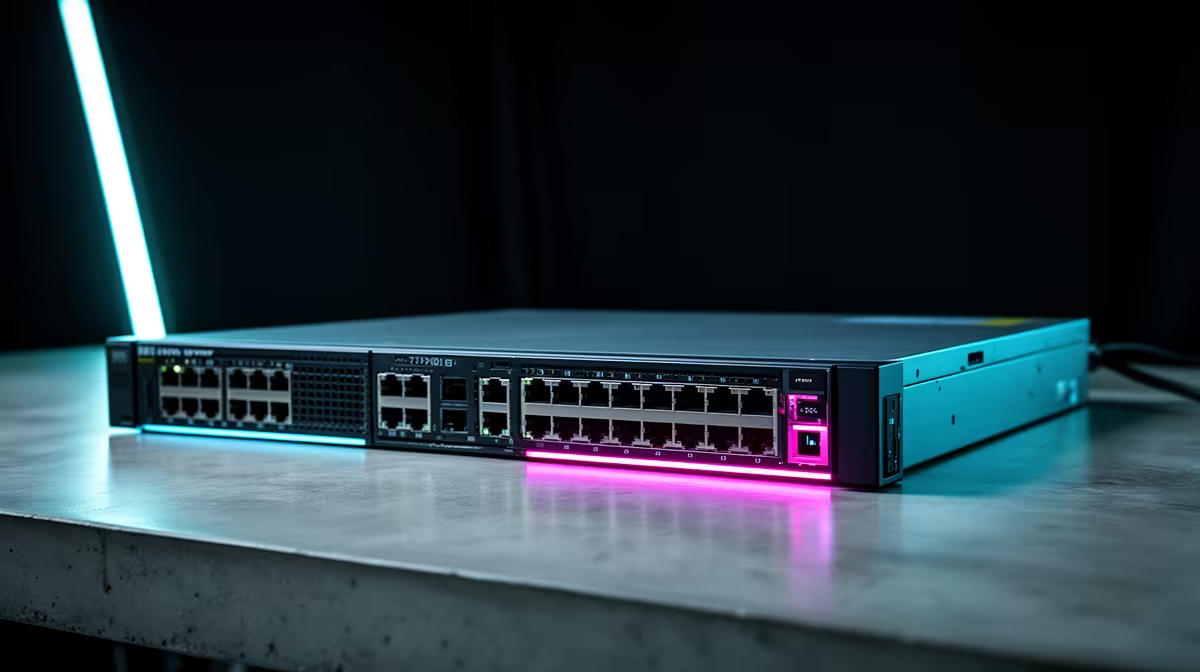
Now, let’s look at the network switch. This is the device you probably need. A switch is an intelligent piece of hardware that takes a single internet connection from your router and creates multiple new, independent connections. If you plug a cable into a 5-port switch, you get four new, fully functional ports to use. 🚀
Unlike a splitter, every device connected to a switch can be online simultaneously, each getting the maximum possible speed (usually Gigabit, or 1,000Mbps). It actively manages data traffic, sending information only to the device that needs it. This makes it incredibly efficient for a modern South African home setup where you’re juggling downloads on your PC, online gaming on your PS5, and streaming on your TV.
Cable Check!
To get true Gigabit speeds from your switch, make sure you're using at least CAT5e or CAT6 Ethernet cables. Using an old, frayed cable is like putting cheap tyres on a sports car… you're just limiting your performance!
Ethernet Splitters vs Switches: The Final Verdict
So, when it comes to the showdown of Ethernet splitters vs switches, which one wins for gamers and power users? The answer is almost always the switch.
Here’s a quick breakdown:
- Use a Splitter if... you have a very specific, old-school need to run two connections over a single in-wall cable to two different rooms, and you know for a fact you'll never use both devices at the same time. Honestly, this scenario is extremely rare.
- Use a Switch if... you want to connect multiple devices in the same area (like your entertainment centre or home office) and have them all work at full speed, all at once. For gaming, streaming, and a lag-free life, a switch is essential.
Thankfully, high-quality switches from trusted brands like HP are incredibly affordable, often costing less than a new game. They are a simple, plug-and-play solution that requires zero technical setup. You can find a huge variety of reliable GIZZU networking gear that will get the job done without breaking the bank. ✨
Don't let a lack of ports slow you down. The debate over an Ethernet splitter or switch has a clear winner for any modern tech setup. Investing in a simple network switch is one of the easiest and most effective upgrades you can make to your home network.
Expand Your Connection Today
Stop compromising on speed and stability. Explore our wide range of comprehensive cable solutions for performance that leaves lag in the dust.