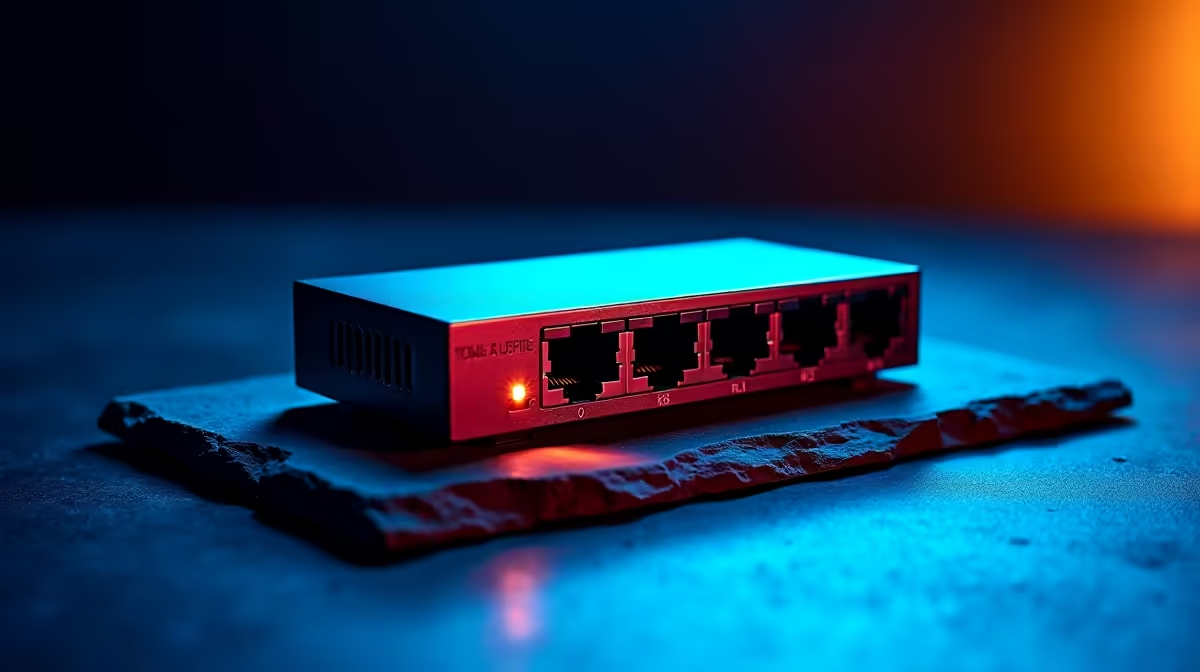
Is your gaming den or creative studio starting to feel… crowded? Not with gear, but with devices all fighting for a slice of that precious Wi-Fi signal. Your PC, console, streaming deck, and smart TV are all battling it out, and the result is lag spikes and buffering. It’s a classic problem. The solution, however, is simpler and more affordable than you think: a dedicated Ethernet switch for your hobby room or studio. 🚀
Why Your Hobby Room Studio Needs an Ethernet Switch
Let's be honest, the handful of ports on the back of most standard wireless routers just isn't enough for a serious setup. You're left daisy-chaining devices or relying on Wi-Fi, which can be unreliable due to wall interference, microwave ovens, or even your neighbour's network.
An Ethernet switch acts like a high-tech power strip for your internet connection. You run a single cable from your router to the switch, and voilà… you’ve instantly multiplied your available wired ports. This is the secret to creating a stable, low-latency environment, making it one of the best upgrades for any hobby room. Every connected device gets a direct, rock-solid line to the network, eliminating the wireless congestion that causes frustrating lag in the middle of a boss fight or dropped frames during a stream.
Choosing the Right Ethernet Switch for Your Setup
Finding the perfect network switch for your studio doesn't have to be complicated. Forget confusing jargon; for 99% of home setups, the choice is straightforward.
Unmanaged vs. Managed Switches
For a hobby room, an unmanaged switch is your best friend. It's a true plug-and-play device. There’s no software to install or settings to configure. You just plug in the power, connect your router, and start adding your devices. It’s the simplest way to expand your network with zero fuss. Managed switches offer advanced features for corporate environments, but for gaming and content creation at home, unmanaged is the way to go.
How Many Ports Do You Need?
Take a quick inventory of your wired devices: PC, PlayStation, Xbox, NAS drive, TV... Now add two or three extra ports to that number. This gives you room to grow without needing to buy another switch later. A 5-port or 8-port switch is typically the sweet spot for most hobby rooms and studios, offering a fantastic balance of size and capacity for just a few hundred Rand.
Pro Tip: Go for Gigabit Speed ✨
When choosing an Ethernet switch, make sure it’s a ‘Gigabit’ switch. This means it supports speeds up to 1,000 Mbps per port, ensuring your connection is never the bottleneck for fast downloads, 4K streaming, or competitive online gaming.
Optimising Your Entire Home Network
A great Ethernet switch for your hobby room studio is a massive step up, but it's part of a larger ecosystem. To get the absolute best performance, consider the other links in the chain.
Ensure you're using at least Cat 5e or Cat 6 Ethernet cables for all your main connections to take full advantage of Gigabit speeds. For devices that are too far away for a cable and must use Wi-Fi, strategically placed wireless range extenders can significantly boost signal strength and stability. And if you have an older desktop PC without a built-in Ethernet port, a simple USB or PCIe wireless adapter can get it connected in minutes. 🔧
Building a robust home network means every device gets the clean, fast signal it needs to perform at its peak.
Ready to Conquer Lag for Good?
Stop letting poor Wi-Fi dictate your performance. A simple Ethernet switch is the key to unlocking a faster, more stable connection for all your gear. Explore our full range of wireless networking solutions for performance that leaves lag in the dust.