

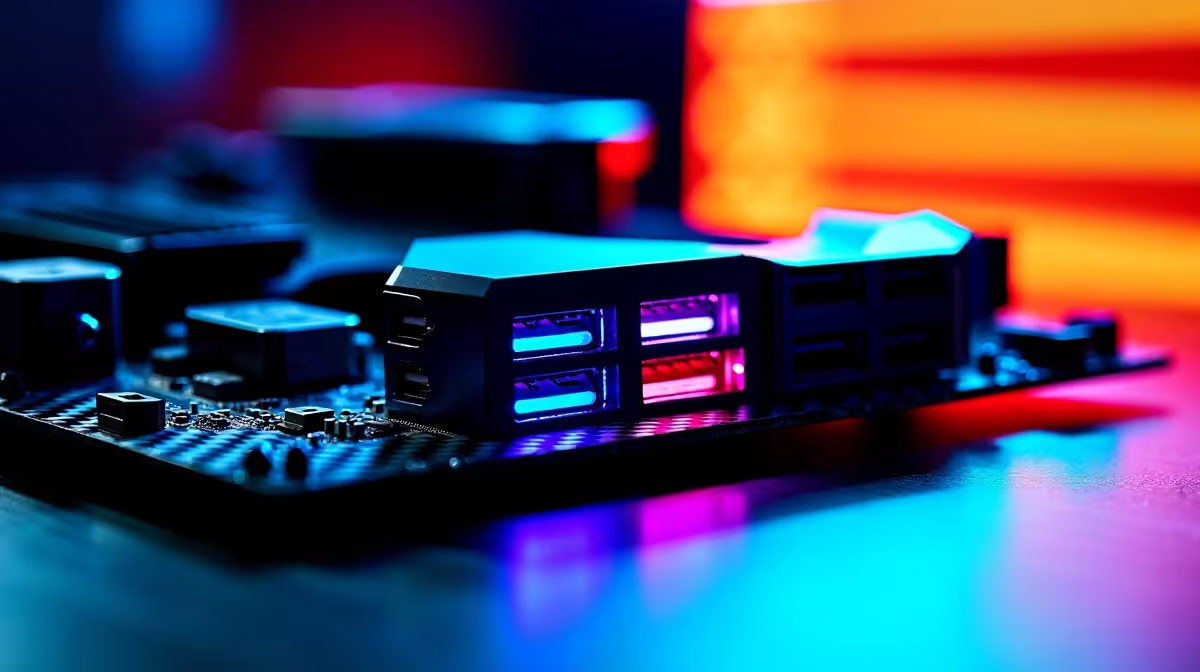
Load shedding is bad enough... waiting hours to transfer your Steam library is worse. Backing up 4K gameplay files or connecting high-end VR gear on slow ports ruins the gaming vibe. If you want a flawless setup, you need to understand USB 10Gbps ports on a premium gaming motherboard. They are the unsung heroes of modern PC builds.
Why Blazing Fast Ports Matter for Your Setup ⚡
Let us face it. Modern games are getting massive. Moving a 150GB title to an external drive used to take ages. With 10Gbps speeds, you are transferring data at over 1,000 megabytes per second. That means less waiting and more playing. To get these blazing speeds, you need the right foundation. Upgrading to high-performance motherboards ensures your system handles heavy data loads perfectly. Starting from around R2,500, a solid board is an investment in pure speed.
Intel vs AMD... Who Handles Connectivity Better? 🔧
Both major chipmakers take connectivity seriously. The choice simply comes down to your processor preference. If you are Team Blue, modern ASUS Intel motherboards offer incredible native USB support. They route data efficiently to prevent annoying bottlenecks. On the flip side, Team Red fans are fully covered too. The latest ASUS AMD motherboards deliver massive PCIe lanes. This means your high-speed ports never starve for bandwidth. Both platforms give you the premium connectivity you deserve.
Connectivity Pro Tip 🚀
Always check your PC case specifications before buying a new board. To use front-panel USB 10Gbps ports, your case needs a matching internal Type-C header. If it lacks one, you will be stuck reaching around to the back of your PC every single time.
Powering High-End Peripherals and VR Gear
It is not just about raw storage. Premium gaming gear demands serious, uninterrupted bandwidth. 4K webcams, high-res audio interfaces, and modern VR headsets all rely on fast connections. A standard port might cause stuttering, audio crackle, or dropped frames. A 10Gbps connection keeps your peripherals running flawlessly. If you are browsing pre-built gaming PC deals, always check the rear I/O specs. Ensure the rig has enough high-speed ports to support your entire desktop ecosystem.
Balancing Fast Ports with System Memory ✨
Your USB ports do not work in total isolation. When you transfer massive files, that data passes straight through your system memory. If your RAM is slow, your lightning-fast USB drive will still bottleneck. To maximise the potential of USB 10Gbps ports on a premium gaming motherboard, you need hardware balance. Pairing your board with high-speed RAM ensures a smooth data flow. Spending roughly R2,200 on a fast 32GB DDR5 kit keeps everything running perfectly. Every component must pull its weight.
Ready to Upgrade Your Setup? Stop settling for slow transfer speeds and lagging peripherals. If you want to build a future-proof rig in South Africa, you need the right foundation. Explore our massive range of premium motherboards and unlock the true speed of your gaming PC today.











