

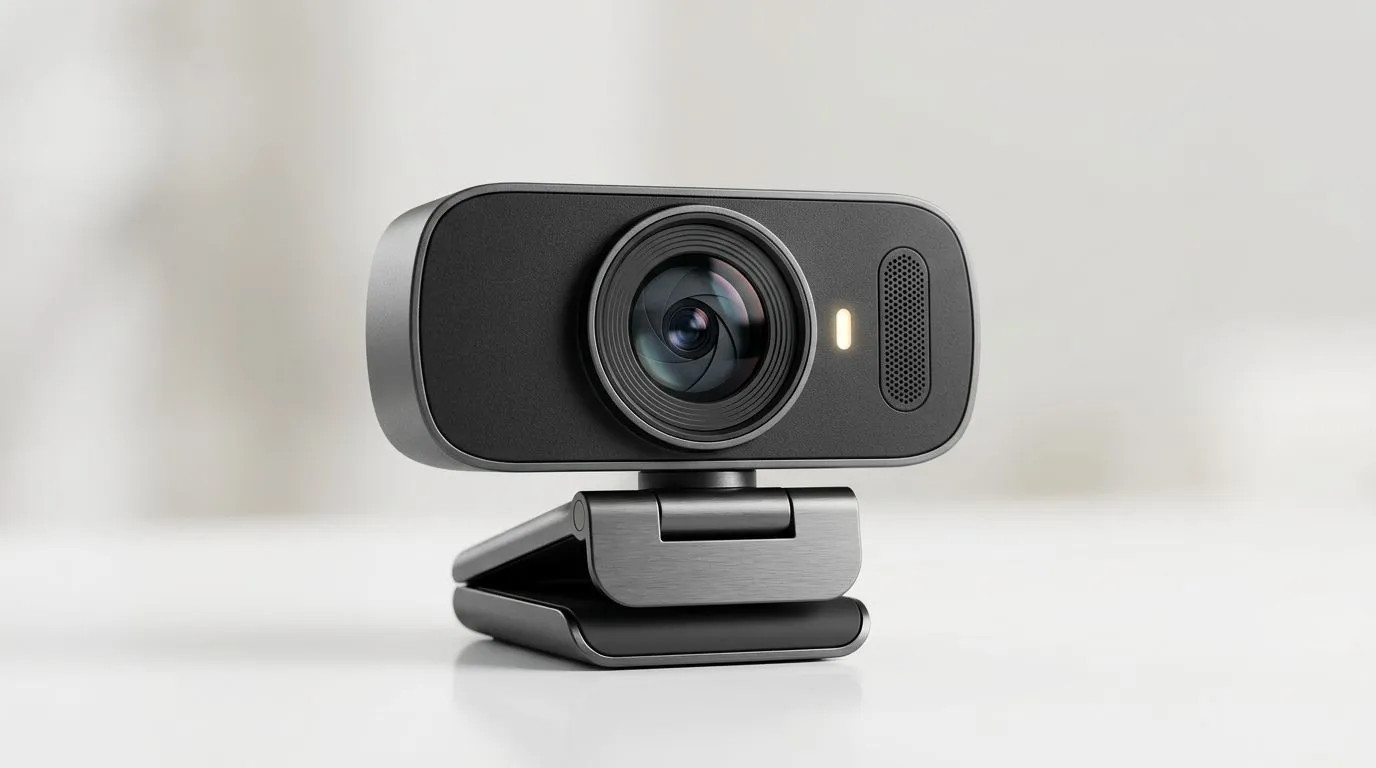
Why upgrade to an external webcam for Zoom?
Tired of pixelated faces and terrible low‑light performance on important calls? An external webcam for Zoom instantly sharpens your image, improves colour and autofocus, and gives you a cleaner, more professional presence — especially useful for interviews, client calls, and streamed game nights with mates. 🔧
What to look for in an external webcam for Zoom
Resolution and frame rate matter: 1080p at 30fps is a strong baseline; 60fps helps for smoother motion. For South African home offices, low‑light performance and autofocus are crucial. If you want to see what's available, check Evetech’s full webcam range for current models and prices. https://www.evetech.co.za/PC-Components/buy-webcams-145.aspx
- Resolution: 720p is okay, but 1080p gives crisp details.
- Frame rate: 30fps is standard; 60fps is smoother for streaming.
- Low‑light and HDR: look for noise reduction and good dynamic range.
- Microphone: onboard mics are fine for casual calls; consider a headset or USB mic for podcasts or streaming.
For budget shoppers, there are decent options from roughly R300 to about R1,000 — browse webcams under R1,000 to compare features and current pricing. https://www.evetech.co.za/PC-Components/buy-webcams-145.aspx?max-price=1000
Price tiers and real choices
If you want a solid daily driver without breaking the bank, mid‑range webcams up to R2,000 usually offer better sensors, autofocus, and wider fields of view. For pros and streamers, premium models under R3,000 bring improved glass and image processing. See mid and premium selections here: https://www.evetech.co.za/PC-Components/buy-webcams-145.aspx?max-price=2000 and https://www.evetech.co.za/PC-Components/buy-webcams-145.aspx?max-price=3000 🚀
Setup tips to look professional on meetings
Small changes make a big difference:
- Raise the camera to eye level. Use a tripod or stack books.
- Light your face from the front; avoid bright windows behind you. Soft, warm LED lights work well.
- Frame yourself with headroom and a little shoulder space.
- Use Zoom’s video settings to enable HD and adjust exposure. Consider turning off virtual backgrounds unless they’re clean and consistent.
Productivity Pro Tip ⚡
On Windows, use the PowerToys FancyZones utility to create custom snap layouts for your windows. It's a lifesaver for managing multiple apps on an ultrawide monitor, letting you organise your timeline, preview window, and asset folders perfectly for video editing.
Quick narrative: small upgrade, big confidence
A Cape Town freelancer I coach swapped their laptop camera for an external webcam and changed how clients perceived them. The video looked sharper, colours were truer, and that professional sheen translated into faster trust and clearer communication. It’s not magic; it’s optics and setup… and it often pays for itself in better outcomes.
Final buying cue
Decide on your budget, prioritise sensor quality and low‑light performance, and pair the webcam with decent lighting. Want hands‑on help choosing the right unit for your setup? Check the category page for options and specs to match your needs. https://www.evetech.co.za/PC-Components/buy-webcams-145.aspx
Ready to Find Your Perfect Match? The Mac vs Windows debate is complex, but for maximum power, choice, and value in South Africa, Windows is hard to beat. Explore our massive range of laptop specials and find the perfect machine to conquer your world.











