Mastering the Fable Cross-Save: PC & Xbox Integration Guide
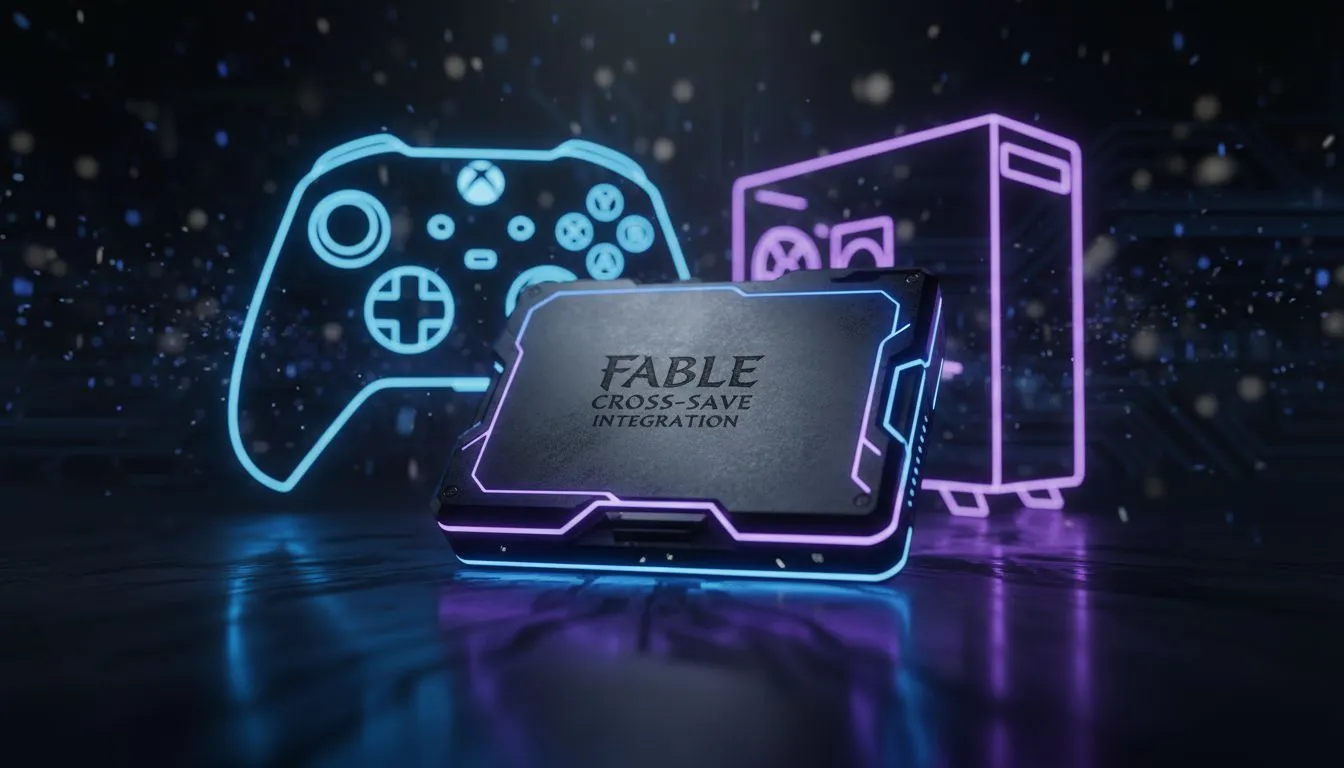
Albion is calling once again... and this time, you do not have to be tethered to a single screen. Whether you are questing on your couch or pushing frames at your desk, the ability to swap platforms is essential. This Fable Cross-Save: PC & Xbox Integration Guide breaks down how to ensure your hero’s journey remains uninterrupted across the Microsoft ecosystem. 🚀
The Magic of Xbox Play Anywhere
Microsoft has streamlined the transition between console and desktop through the Xbox Play Anywhere initiative. When you purchase a digital copy of Fable, it is tied to your Microsoft account. This means your achievements, DLC, and most importantly, your save files, live in the cloud. If you have recently browsed the best gaming pc deals, you are already halfway to a seamless multi-platform setup.
To get started, ensure you are signed into the same Microsoft account on both your Xbox Series X|S and your Windows PC. The system handles the heavy lifting... syncing your progress every time you close the game session.
Choosing Your Hardware for Albion
While cross-save handles the data, your hardware handles the immersion. To see the lush forests of Albion in high fidelity, many South African gamers choose to buy pcs above r20k to ensure smooth performance at 1440p or 4K.
However, you do not need a royal treasury to enjoy the game. Many budget gaming pcs offer excellent entry points for those who prefer the flexibility of a desktop without the massive price tag. If you want a balanced experience that sits right in the middle, you can buy pcs under r20k to get great frame rates at 1080p.
Syncing Pro Tip ⚡
Always allow the "Syncing Data" progress bar to finish when launching Fable on a new device. If you cancel this process or disconnect from the internet before it completes, you risk creating a version mismatch. This could lead to losing progress made during your last session on the other platform.
Setting Up Your Integration
For those who want a hassle-free experience, looking into pre-built pc deals is the smartest move. These systems come pre-configured with the latest Windows updates, making the integration process much faster. ✨
- Enable Cloud Saves: Ensure your Xbox console is set to "Always Connected" mode.
- Update the Xbox App: On your PC, keep the Xbox app updated via the Microsoft Store.
- Verify Account: Double-check that your Gamertag matches on both devices.
- Network Stability: Use a wired connection where possible to speed up the initial save sync.
By following this guide, your hero will be ready for action whether you are in the living room or the study. 🔧
Ready to Find Your Perfect Match?
The Fable universe is vast, and you need the right hardware to experience it properly. For maximum power, choice, and value in South Africa, our custom builds are hard to beat. Explore our massive range of gaming PC specials and find the perfect machine to conquer Albion.