


RTX 4060 Ti Throttling Under Load: SA Temperature Guide
RTX 4060 Ti Throttling Under Load: Temperature. Everything you need to know with SA pricing, step-by-step instructions & expert recommendations.
Read moreFibre fast enough for AI workloads in South Africa? 🚀 Learn what developers need to know about speed, latency, upload limits, and when fibre is enough.
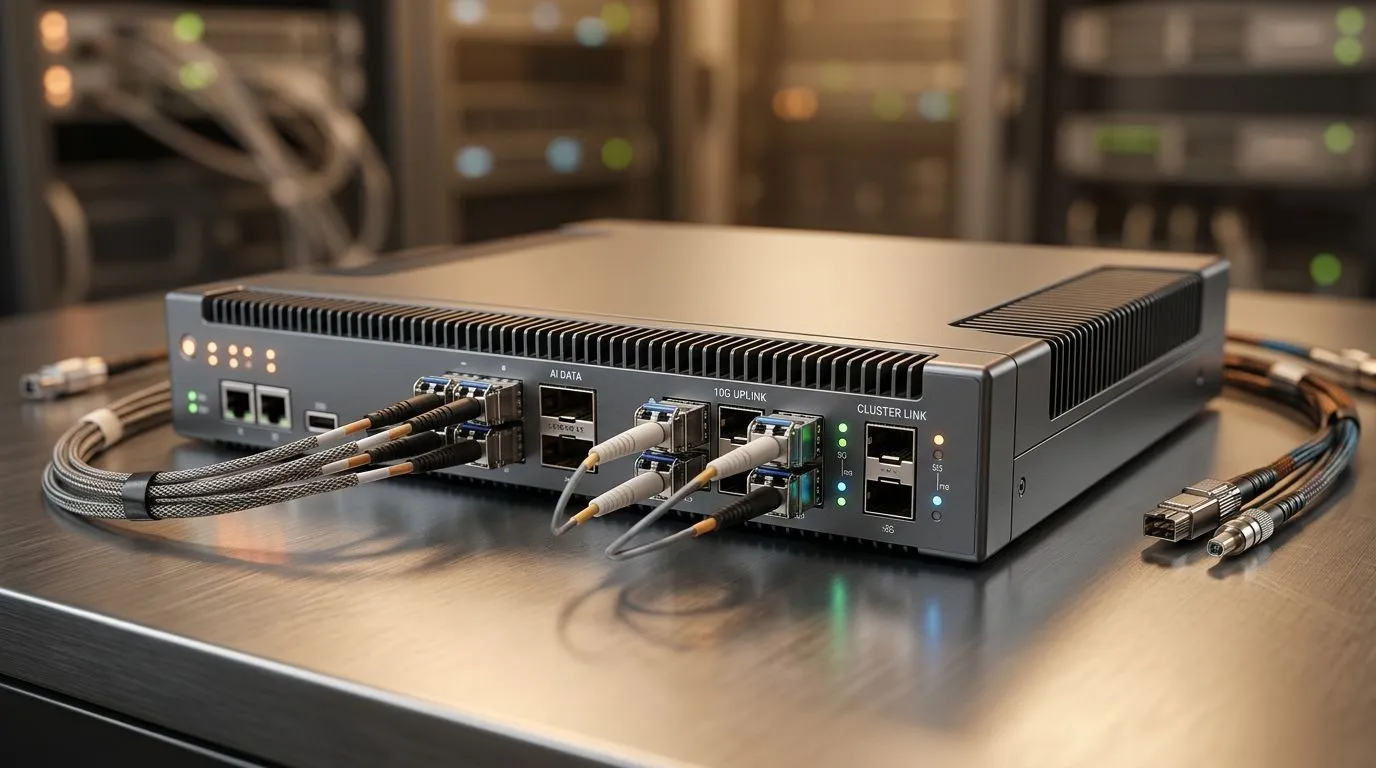
Ever tried to game on a “pretty good” connection… then watched your frame-rate tank during off-peak streaming? Now imagine that, but with AI workloads that need steady uploads, fast downloads, and predictable latency. In South Africa, the question isn’t just “Is fibre fast?” It’s “Is it fast enough when it matters… for the whole session?” Let’s break down what actually impacts AI work, and how to plan your setup before your next render or fine-tune 🙃⚡
AI workloads usually feel like they’re “waiting” even when your PC is ready. That delay is often one of three things:
If you’re moving datasets to a cloud workspace (or syncing model checkpoints), upload speed becomes your gatekeeper. Even small quality-of-life drops in upload performance can stretch hours into overnight jobs. In South Africa, fibre plans vary widely, so check your line speed and stability, not only the marketed Mbps.
Tooling like remote notebooks, model dashboards, and some collaborative AI workflows rely on consistent response times. High latency or jitter means commands feel laggy, previews stall, and syncs retry more often. Gamers notice jitter immediately… and AI users will too.
Long transfers punish unstable networks. Packet loss triggers retransmits, which reduces effective throughput. Result? Your “500 Mbps” plan might behave like something much lower when things get busy.
On Windows, test your real upload performance by running an internet speed test, then immediately transfer a folder (even 5–10 GB) to your cloud drive or a local NAS. Compare the time taken against your expected throughput to spot hidden throttling or Wi‑Fi issues.
Before you commit to a mini PC for AI experiments, think like a systems builder. Your internet is one part, but the rest needs to be ready.
If you’re training locally, your bottleneck shifts to compute and storage. If you’re offloading work, network becomes primary. That’s why many creators split workloads: local preprocess, cloud training, then local inference.
For dataset uploads and continuous sync, use Ethernet. Wi‑Fi can work… but uploads are where it tends to struggle, especially through walls and in busy areas.
A good AI-ready mini PC isn’t only about raw GPU power. It’s about whether you can keep workflows smooth while the network does its job.
If you’re building an AI-friendly workstation in a compact form factor, start by considering options like these:
Here’s a practical way to decide if your fibre is “good enough” for your AI workload:
If you’re unsure, replicate your real workflow on a small test dataset today. Measure the time, then scale up. That beats “feels fast” every time 🚀✨
South African gamers and tech buyers care about value. You don’t want to pay for hardware that sits idle while your internet struggles. The goal is smooth sessions, predictable uploads, and less time staring at progress bars.
Ready to stop guessing and build a setup that fits how you actually work… then let’s match you with a mini PC that fits your AI workflow and budget.
Ready to Find Your Perfect Match? The Mac vs Windows debate is complex, but for maximum power, choice, and value in South Africa, Windows is hard to beat. Explore our massive range of laptop specials and find the perfect machine to conquer your world.
Yes for most cloud-based AI workloads, fibre is usually enough if upload speed and latency are stable.
For cloud AI, speed helps, but low latency and strong upload performance matter more than raw download speed.
Yes. Low latency improves API calls, remote model access, and real-time AI app testing.
It can be enough for light cloud AI use, but larger datasets and frequent uploads benefit from faster fibre.
Cloud training works well on fibre, but local training depends more on GPU power than internet speed.
Both matter, but latency and upload speed often affect AI developer workflows more than download speed.
Yes, most South African fibre connections can handle cloud AI tools if the line is stable and uncapped.
RTX 4060 Ti Throttling Under Load: Temperature. Everything you need to know with SA pricing, step-by-step instructions & expert recommendations.
Read more
Apex Legends Max Settings on RTX 4080. Tested & verified settings for best FPS and visual quality on SA hardware budgets.
Read more
GPU Buying Guide. Everything you need to know with SA pricing, step-by-step instructions & expert recommendations.
Read more
GPU Terms Guide. Everything you need to know with SA pricing, step-by-step instructions & expert recommendations.
Read more
AMD Adrenalin Download & Setup Guide: GPU. Clear setup instructions with SA-specific considerations, troubleshooting tips & recommended components.
Read more
Back-to-School GPU Buying Guide. Everything you need to know with SA pricing, step-by-step instructions & expert recommendations.
Read more
Can RTX 4080 Super Run AI Workloads for SA Developers Detailed answer with SA data, expert analysis & practical recommendations for local buyers.

Can RTX 4090 Run AI Workloads for SA Developers Detailed answer with SA data, expert analysis & practical recommendations for local buyers.

Top Settings for Intel Arc B580 at Ultrawide 1440p picks evaluated on performance, value & SA availability with current Rand pricing from Evetech.

RX 7600 Overclocking Guide: Safe OC Settings for. Real-world benchmark data, FPS numbers & performance analysis. What SA gamers can actually expect.

RTX 4060 CS2 Low Settings at 1080p: FPS Results. Real-world benchmark data, FPS numbers & performance analysis. What SA gamers can actually expect.

Visual Artifacts: Possible GPU Issue Issue #1. Diagnosis steps, proven fixes & when to seek professional help. SA-specific support info included.

Can the RTX 4090 Handle 1440p 144Hz Gaming. Performance testing verdict with real data & practical recommendations for SA buyers.

Top ASUS GPU Under R15000 picks evaluated on performance, value & SA availability with current Rand pricing from Evetech.
RTX 4060 Ti Throttling Under Load: Temperature. Everything you need to know with SA pricing, step-by-step instructions & expert recommendations.
Apex Legends Max Settings on RTX 4080. Tested & verified settings for best FPS and visual quality on SA hardware budgets.
GPU Buying Guide. Everything you need to know with SA pricing, step-by-step instructions & expert recommendations.
GPU Terms Guide. Everything you need to know with SA pricing, step-by-step instructions & expert recommendations.