


Humidity Damage to PC Components: Recovery Guide
Humidity Damage to PC Components: Recovery Guide. Everything you need to know with SA pricing, step-by-step instructions & expert recommendations.
Read moreFix GPU sag in large ATX cases with a support bracket to protect your PCIe slot and improve alignment. Learn when you need it, what to look for, and how to install safely. 🛠️✅
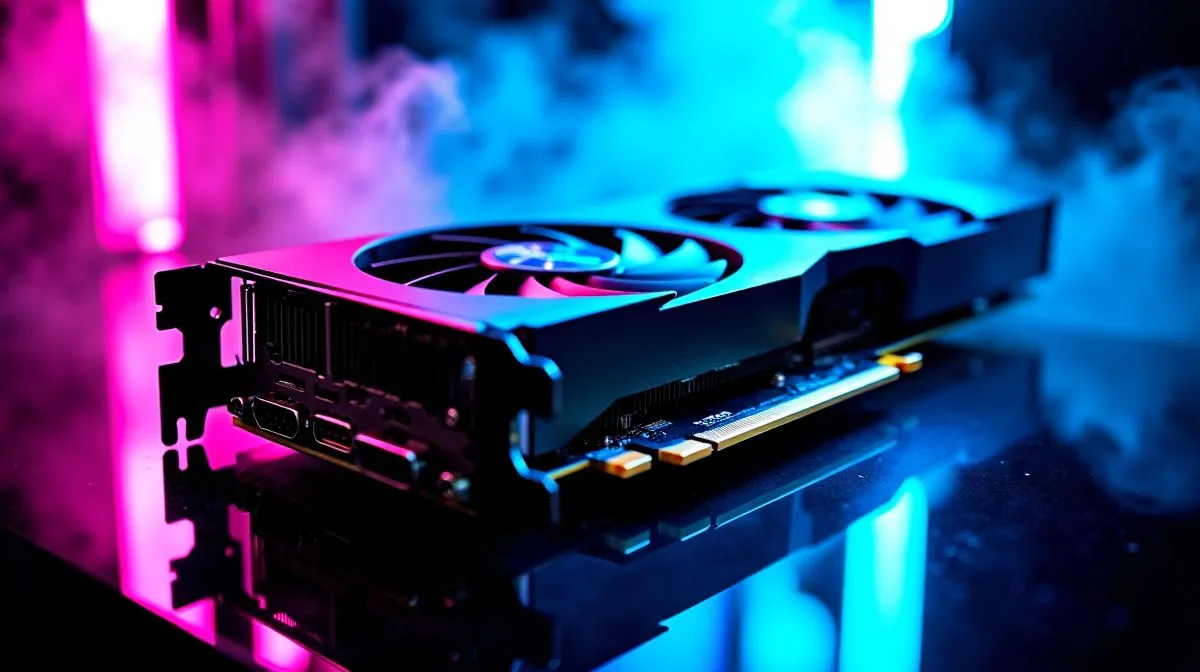
You just dropped thousands of ZAR on a massive new graphics card. You slot that beast into your rig, step back, and see it drooping. That dreaded droop is more than just an eyesore... it is a real threat to your expensive hardware. To protect your investment long-term, you must fix GPU sag in large ATX cases with a support bracket. 🔧
Modern GPUs pack massive heatsinks to maintain high frame rates. All that copper and aluminium adds serious weight. This heavy load pulls down hard on your motherboard PCIe slot. When building your dream rig inside spacious computer cases, the card hangs entirely unsupported at the far end.
Even premium chassis options like Evetech gaming cases cannot magically defy gravity. Over time, this constant downward pressure can bend the circuit board. It can even rip the PCIe slot straight out of the motherboard. A simple bracket takes the load off and keeps your components safe.
A drooping graphics card does more than just bend metal. It can actually disrupt your carefully planned airflow. An angled GPU might block intake air from reaching crucial motherboard components. It could also interfere with bulky CPU coolers.
This is why many South African builders upgrade to a sleek AIO liquid cooler to clear up internal space. However, you still need proper ventilation underneath your supported graphics card. Installing reliable case fans ensures cool air pushes directly into the GPU fans. ⚡
To fix GPU sag in large ATX cases with a support bracket, you do not need an ugly piece of plastic. Modern brackets come in stunning designs that complement your build. If you love a vibrant setup, you can sync an illuminated bracket with your RGB case fans.
If you prefer a dark and stealthy aesthetic, a matte black brace pairs perfectly with non-RGB fans. High-performance options like Corsair case fans provide the static pressure needed to cool massive GPUs. You will always find ample room to mount these stylish brackets in roomy enclosures like Gamdias gaming cases. 🚀
When installing your GPU bracket, use a small spirit level or a smartphone app to ensure the card sits perfectly horizontal. Do not push the bracket up too high... over-correcting puts upward stress on the slot and causes just as much damage as the sag itself!
Replacing a damaged motherboard in South Africa is an expensive headache. Motherboard repairs often cost thousands of ZAR and leave you without a PC for weeks. A support bracket acts as cheap insurance for your high-end gaming rig.
It prevents micro-fractures in the graphics card PCB. It also ensures the thermal pads maintain proper contact with the memory modules. When your heavy GPU sits perfectly level, the internal cooling solution works exactly as the manufacturer intended. You get lower temperatures, quieter fans, and a longer lifespan for your favourite games. ✨
Ready to Protect and Upgrade Your Rig? A sagging GPU is a disaster waiting to happen, but fixing it is easy. Explore our massive range of PC components and find the perfect cases, coolers, and fans to build a flawless, sag-free gaming machine.
GPU sag usually comes from heavy GPUs, long cards, and limited clearance or flex in the motherboard/slots. A GPU support bracket helps counter the weight.
If the card tilts downward, the backplate bends, or you notice misalignment near the PCIe slot, you likely need a gpu sag fix with a support bracket.
Install it when your GPU overhang feels heavy, after a case upgrade, or whenever your card visibly droops. Early support prevents stress on the PCIe slot.
A properly fitted gpu support bracket should stay snug without overtightening. Use gentle contact on the GPU to avoid pressure on PCB components.
Not always. Lighter GPUs may be fine, but long, multi-fan models in large ATX cases often benefit from gpu weight support to prevent sag over time.
Common options include adjustable stands and screw-mounted braces. Choose the one that fits your GPU thickness and keeps alignment steady.
Yes. Excess stress can lead to poor seating at the PCIe connector and can contribute to crashes or artifacts, so fixing gpu sag improves reliability.
The bracket should support the GPU without forcing it. Tighten just enough for stable contact, then recheck PCIe seating and clearance.
Humidity Damage to PC Components: Recovery Guide. Everything you need to know with SA pricing, step-by-step instructions & expert recommendations.
Read more
Gamer Spending Trends April : Complete Setups. Clear setup instructions with SA-specific considerations, troubleshooting tips & recommended components.
Read more
Setting Up DDR5 32GB Kit. Tested & verified settings for best FPS and visual quality on SA hardware budgets.
Read more
Tech Setup Guide for SPU Res Students. Clear setup instructions with SA-specific considerations, troubleshooting tips & recommended components.
Read more
Monster Hunter Wilds Ultrawide Support: 21:9 and. Clear setup instructions with SA-specific considerations, troubleshooting tips & recommended components.
Read more
Apple iPad Durability Guide: Cases, Screen. Practical breakdown of costs, regulations & whether it makes financial sense for SA buyers.
Read more
AMD RX 9050 XT: Rumoured Specs, Price & Release. SA-focused analysis with local pricing data, real-world insights & actionable buying advice.

Can RTX 4080 Super Run AI Workloads for SA Developers Detailed answer with SA data, expert analysis & practical recommendations for local buyers.

Can RTX 4090 Run AI Workloads for SA Developers Detailed answer with SA data, expert analysis & practical recommendations for local buyers.

Top Settings for Intel Arc B580 at Ultrawide 1440p picks evaluated on performance, value & SA availability with current Rand pricing from Evetech.

RTX 4060 CS2 Low Settings at 1080p: FPS Results. Real-world benchmark data, FPS numbers & performance analysis. What SA gamers can actually expect.

Visual Artifacts: Possible GPU Issue Issue #1. Diagnosis steps, proven fixes & when to seek professional help. SA-specific support info included.

Can the RTX 4090 Handle 1440p 144Hz Gaming. Performance testing verdict with real data & practical recommendations for SA buyers.

Top ASUS GPU Under R15000 picks evaluated on performance, value & SA availability with current Rand pricing from Evetech.

GTA 6 Max Settings on RTX 5070. Tested & verified settings for best FPS and visual quality on SA hardware budgets.

Cyberpunk 2077 Max Settings on RTX 5080. Tested & verified settings for best FPS and visual quality on SA hardware budgets.

Starfield Max Settings on RTX 5070 Ti. Tested & verified settings for best FPS and visual quality on SA hardware budgets.

Top RTX 5090 Under R5000 picks evaluated on performance, value & SA availability with current Rand pricing from Evetech.