

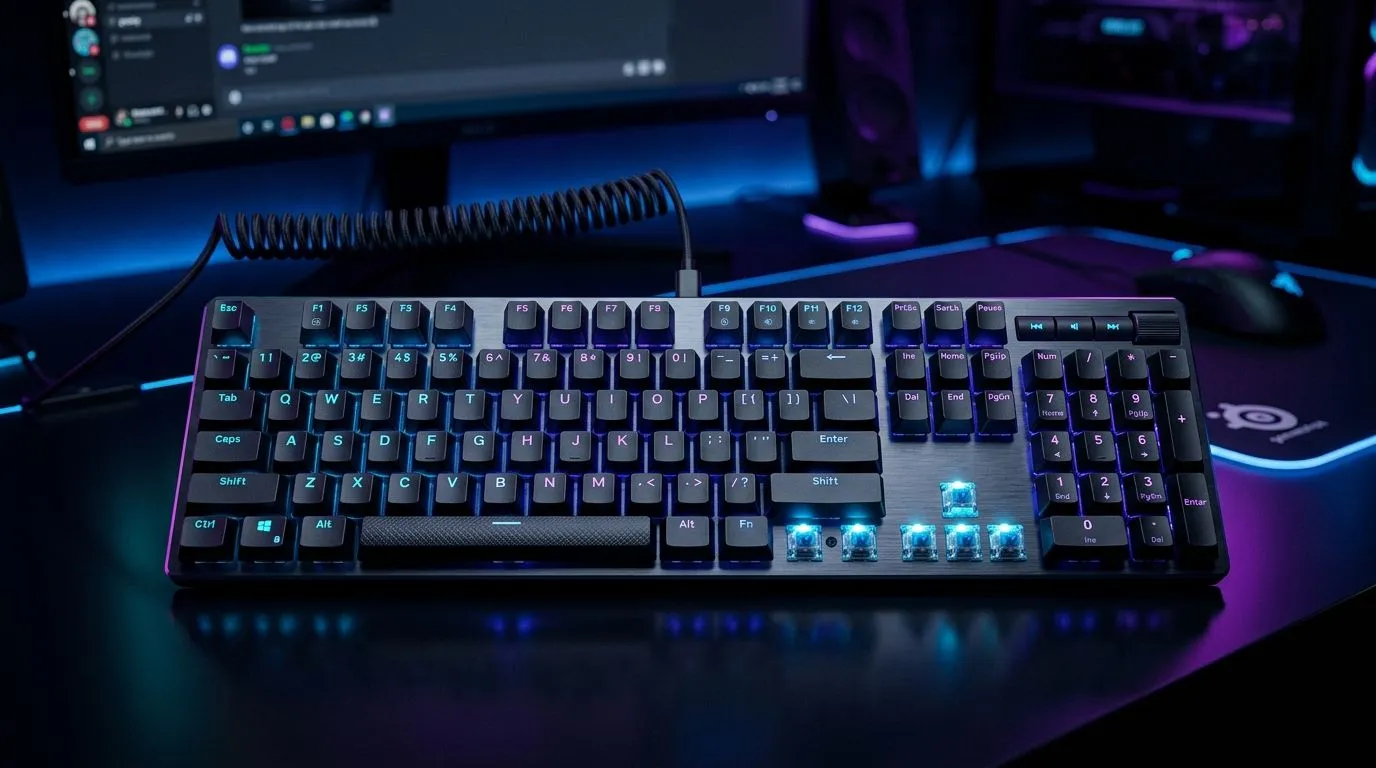
Full-Size Mechanical Gaming Keyboards: Hook, Then Reality Check
If you’re building a serious South African setup… you’ve probably stared at a wall of keyboards and thought: “Which one actually fits my life?” 🔧 Full-size mechanical gaming keyboards are the sweet spot for people who want dedicated number keys, reliable travel, and the option to tweak later. They look great on desks in Durban heat, Johannesburg commutes, and everything in-between. But features and connectivity can be a maze. Let’s map it properly.
Full-Size Mechanical Gaming Keyboards: What “Full-Size” Really Means for Gamers
Full-size generally means a complete layout with function row plus a numeric keypad (the “big” advantage). That’s not just for productivity. In games, the number pad can become hotkeys, push-to-talk, inventory quick-swap, or even per-weapon macros. Some keyboards also include media controls and a volume knob. If you stream or trade often, that extra control row can cut your alt-tab trips dramatically.
Key feature checklist that matters (and what it affects)
- Switch type (linear, tactile, clicky): affects feel and sound.
- Actuation and key travel: impacts response feel (not “better,” just different).
- Programmable keys: essential for serious remaps.
- Anti-ghosting / N-key rollover: helps when multiple keys are pressed together.
- RGB options: mostly aesthetic, but useful for profile cues.
If you’re sensitive to noise in shared spaces, you’ll want to look at switch sound and keycap material. Evetech carries a wide range of gaming boards, so you can compare kits side-by-side in your budget.
Full-Size Mechanical Gaming Keyboards: Connectivity Guide (Wired vs Wireless)
Connectivity is where most buyers get burned. Wired is usually the simplest: stable signal, no battery anxiety, and consistent input timing. Wireless has come a long way, but you still need to think about battery life and latency class for competitive play.
Connectivity Pro Tip ✨
Wired vs wireless is not just a preference. If you play ranked sessions longer than your phone’s battery life, choose wired or buy a keyboard with strong wireless battery claims and easy charging. That one decision can save you from mid-match lag surprises.
Wired keyboards (why many SA gamers stick with them)
Wired boards are great for:
- consistent performance with no charging rhythm
- competitive FPS and fighting game sessions
- stream desks where you already run cables for monitors and capture
If you want to start with a wired-focused selection, check these keyboard deals: Explore wired options for the cheapest gaming keyboard picks
Wireless keyboards (when it’s worth it)
Wireless is ideal if you:
- hate cable clutter on your desk
- move your setup between rooms
- prefer quieter sessions and tidy setups
For wireless buyers, this is a good route to compare models: Browse wireless connectivity keyboard choices
Full-size combos and buying smart
If you’re upgrading the whole input chain, don’t ignore mouse pairing. A combined buy can reduce “compatibility headaches” like mismatched software ecosystems and inconsistent polling feel. Look at a keyboard and mouse combo deal
And if you want to see what’s currently hot in the market, these deal lists are worth a quick scan: Check the latest best gaming keyboard deals
Full-Size Mechanical Gaming Keyboards: Buying Steps That Prevent Regret
Before you checkout, do this in order:
- Pick your connectivity first (wired for stability, wireless for desk freedom).
- Choose a layout you’ll actually use (full-size only if you want the numpad).
- Decide on the switch feel (linear if you want smooth, tactile if you want feedback).
- Confirm programmability (macro support helps if you play multiple genres).
- Check pricing in ZAR and compare at the same tier. A small price jump can be the difference between basic and fully featured.
If you’re hunting a value-first option, start here and filter from there: Find the cheapest gaming keyboards in South Africa
Full-Size Mechanical Gaming Keyboards: Quick Setup Checklist for South African Desks
Once you’ve bought your full-size mechanical gaming keyboard:
- Map your key profiles right away (one for FPS, one for productivity).
- Dial in RGB brightness so it doesn’t reflect off your monitor at night.
- Keep spare keycaps or at least replacement spacebar compatibility in mind.
- If wireless, charge before tournaments. Seriously… don’t “test it later.”
Want your next upgrade to feel effortless, not like guesswork?
Ready to Find Your Perfect Match? The Mac vs Windows debate is complex, but for maximum power, choice, and value in South Africa, Windows is hard to beat. Explore our massive range of laptop specials and find the perfect machine to conquer your world.











