

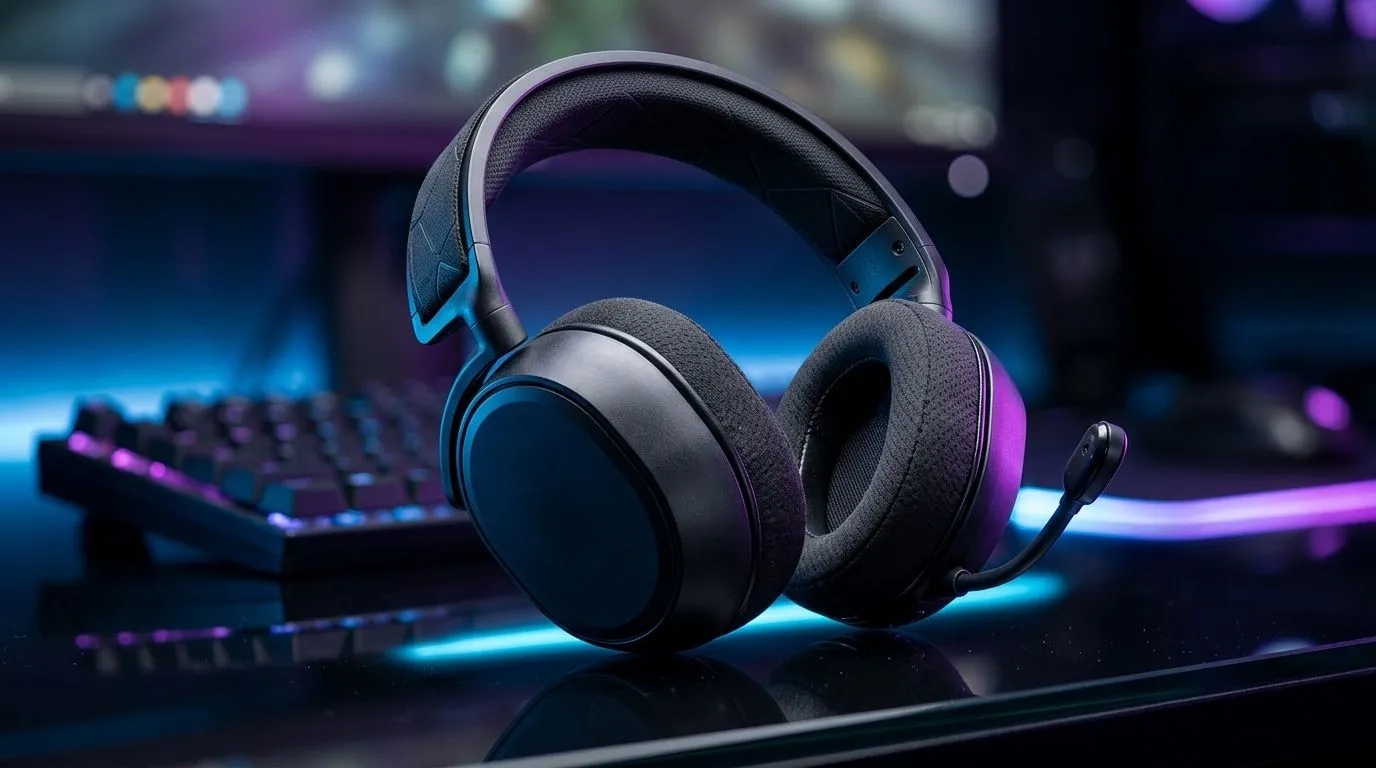
Gaming Audio EQ Modes: How 10-Band EQ Customisation Changes Play (and why SA gamers should care)
If you’ve ever cranked your volume during footsteps and then regretted it when explosions hit… you’re not alone. South Africa’s power cuts, load shedding, and internet hiccups can be stressful, but your audio shouldn’t be. 🎧 With 10-band EQ customisation, you can shape how your headset responds, so footsteps sound clearer and gunfire stays balanced. That means better aim decisions… and fewer “wait, what was that?” moments.
In this Deep Dives guide, we’ll break down Gaming Audio EQ Modes and show how 10-band EQ presets help you tune for FPS, story games, and music.
Gaming Audio EQ Modes: How 10-Band EQ Customisation Changes Play in real life
Most gaming headsets use EQ to boost or cut frequency ranges. In plain terms: each “band” targets a slice of sound.
- Lower bands (bass): thump, recoil, explosions
- Mid bands: vocals, footsteps body, environmental detail
- Higher bands: clarity, attack, “air” around sounds
The twist with a 10-band EQ is control. Instead of one “bass boost” slider, you can nudge specific ranges. For example, small boosts in lower mids can make steps feel more grounded, while careful treble cuts can reduce harshness during long sessions.
Gaming EQ presets: what to try first 🔧
If you’re using a headset that supports EQ, start with a safe approach:
- Pick one game type (FPS, battle royale, or story).
- Adjust in small steps (1–3 dB changes).
- Test for 10 minutes in the same area of the same map.
Why small steps? Because over-boosted bass can mask footsteps, and overly boosted treble can fatigue your ears.
Quick EQ Setup Tip ✨
On most gaming EQ apps, start by flattening your EQ (0 dB across bands), then apply a preset based on your genre. After that, make only one change at a time so you can tell what actually improves footsteps and what just makes the game louder.
Gaming Audio EQ Modes: How 10-Band EQ Customisation Changes Play across popular headsets
Hardware matters too. A good headset’s drivers and tuning affect how EQ behaves. If you’re shopping, look for models that pair EQ support with comfort for long sessions.
For example, the Razer Barracuda X Chroma gives you wireless convenience and tuning options that suit everyday gaming and chat-heavy matches (and yes, the Chroma branding is a nice bonus). If you’re comparing deals in the current market, check the latest pricing here: Razer Barracuda X Chroma Wireless Headset in Phantom White (best deal).
If you want to browse more options, this category page helps you compare headset styles and features without guessing: Razer headphones and headsets category. And if you prefer to shop broadly across brands, use Evetech’s: headphone headsets selection.
Gaming Audio EQ Modes: How 10-Band EQ Customisation Changes Play (a practical tuning recipe) ⚡
Here’s a simple recipe many players can adapt. Start with modest changes, then fine-tune by ear:
- Item
- Item
- Item
Remember: the goal isn’t to make everything louder. It’s to make important cues easier to separate.
Gaming Audio EQ Modes: How 10-Band EQ Customisation Changes Play (what to avoid)
Two common mistakes:
- Turning EQ into a volume knob. If your settings make everything intense, you’ll still miss details.
- Copy-pasting presets without rebalancing. Different games, different maps, different listening environments… small tweaks beat blind copying.
If you want long-term comfort too, prioritise a good fit. A headset that slips or presses wrong changes how you hear high frequencies.
Ready to Find Your Perfect Match? The Mac vs Windows debate is complex, but for maximum power, choice, and value in South Africa, Windows is hard to beat. Explore our massive range of laptop specials and find the perfect machine to conquer your world.











