Ever finished a marathon gaming session with aching shoulders and sore wrists? Your gaming chair's armrests might be the culprit. Choosing the right support is crucial for comfort and performance, but with terms like 2D, 3D, and 4D, it's easy to get lost. This gaming chair armrests guide breaks down the 2D vs 3D for PC gaming debate, helping South African gamers find the perfect ergonomic fit for their setup in 2025.
Understanding Gaming Chair Armrests: What Do the "D"s Mean?
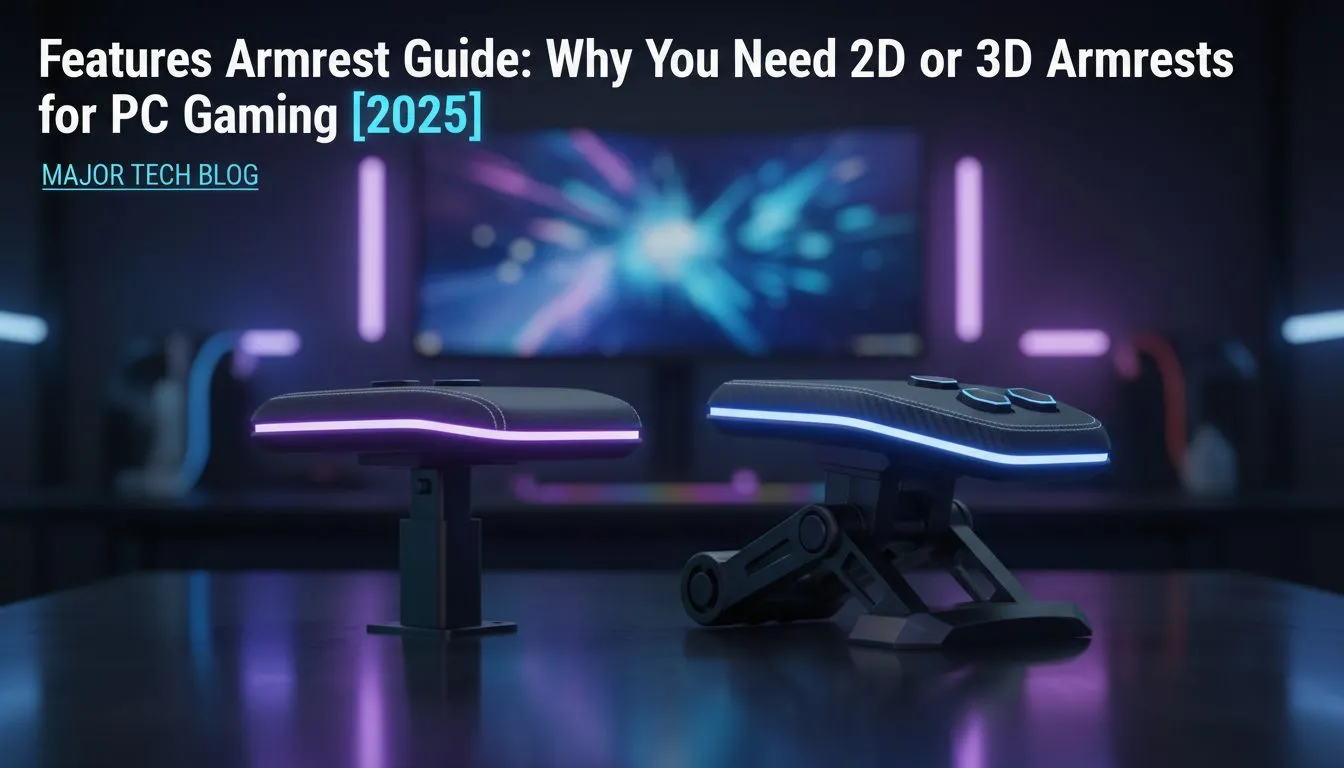
Before we dive into the 2D vs 3D armrest comparison, let's quickly decode the terminology. The "D" stands for "Directional" or "Dimensional," and it simply refers to the number of ways you can adjust the armrest.
- 1D: Moves up and down (height).
- 2D: Adds a second movement, usually side-to-side (width) or forward/backward.
- 3D: Adds a third movement, combining all of the above.
- 4D: The ultimate in adjustability, adding a fourth movement, typically a pivot or rotation.
Understanding this is the first step to optimising your gaming posture. ✨
The 2D Armrest: The Reliable Standard
A 2D armrest is the workhorse of the gaming chair world. It typically offers height adjustment (up and down) and a second adjustment, which can be either width (in and out) or depth (forward and backward).
This level of customisation is a significant step up from static armrests and provides enough support for many casual to mid-core gamers. It allows you to align your arms correctly to reduce shoulder shrug, a common cause of neck and shoulder pain. For many, this is the sweet spot of price and performance, and you'll find them on many great budget-friendly gaming chairs under R5000.
When is a 2D armrest enough?
- You primarily use a controller and rest your arms on your lap.
- Your desk and posture are already well-aligned.
- You're on a tighter budget but still want essential ergonomic support.
The 3D Armrest: A Step Up in Ergonomics
This is where true ergonomic fine-tuning begins. A 3D armrest provides three directions of adjustment: up/down, forward/backward, and side-to-side. This trifecta of control allows you to position the armrest perfectly under your forearm, regardless of how you're sitting or what game you're playing.
Leaning forward in a tense FPS match? Slide the armrests forward. Kicking back to watch a stream? Pull them back and in. This adaptability is why 3D armrests are often the recommended minimum for serious PC gamers who spend hours at their desks. You'll see this feature become standard as you look at chairs from popular brands like Enova, offering a tangible upgrade in comfort.
Ergonomic Pro Tip 🔧
Always adjust your armrests to be level with your desk. This creates a continuous surface for your forearms, reducing strain on your shoulders and preventing wrist fatigue during long sessions. Your elbows should form a comfortable 90-degree angle.
2D vs 3D Armrests: Which is Right for Your PC Gaming Setup?
So, what's the final verdict in the 2D vs 3D gaming chair armrest battle? The best choice depends entirely on your usage, budget, and how much you value micro-adjustments.
- For the Casual Player: If you game for an hour or two at a time and your primary concern is basic comfort and avoiding major strain, a 2D armrest is perfectly adequate. It provides the core support needed without breaking the bank.
- For the Dedicated Grinder: If you're spending 4+ hours a day at your PC for both gaming and work, the investment in 3D armrests is well worth it. The ability to perfectly tailor the support to your posture and activity drastically reduces long-term fatigue and risk of repetitive strain injury. You can find this superior adjustability on many premium options from Vertagear.
Beyond 3D: A Quick Look at 4D Armrests 🚀
While this is a guide to 2D vs 3D armrests, it's worth mentioning their bigger brother: 4D. These add a fourth adjustment—pivoting the armrest inwards or outwards. This is the peak of ergonomic customisation, allowing you to angle the support to match the natural resting position of your arms, which is fantastic for typing or angled WASD gameplay. You'll typically find this deluxe feature on top-tier brands like noblechairs, designed for the enthusiast who demands zero compromises.
Ultimately, choosing the right armrests is a key part of your long-term gaming health. By understanding the difference between 2D and 3D, you can make an informed decision that will keep you comfortable and in the game for years to come.
Ready to Find Your Perfect Fit?
Choosing between 2D and 3D armrests is a key step to ergonomic victory. For the best support, comfort, and value in South Africa, the right chair makes all the difference. Explore our massive range of gaming chairs and find the perfect throne to conquer your game.