


Starfield Max Settings on RTX 5070: Complete Guide
Starfield Max Settings on RTX 5070. Tested & verified settings for best FPS and visual quality on SA hardware budgets.
Read moreGaming chair feels uncomfortable after an hour? Fix fit, posture, and seat pressure fast with setup tweaks you can try today. Reduce back and neck strain with the right chair settings. ✅🪑
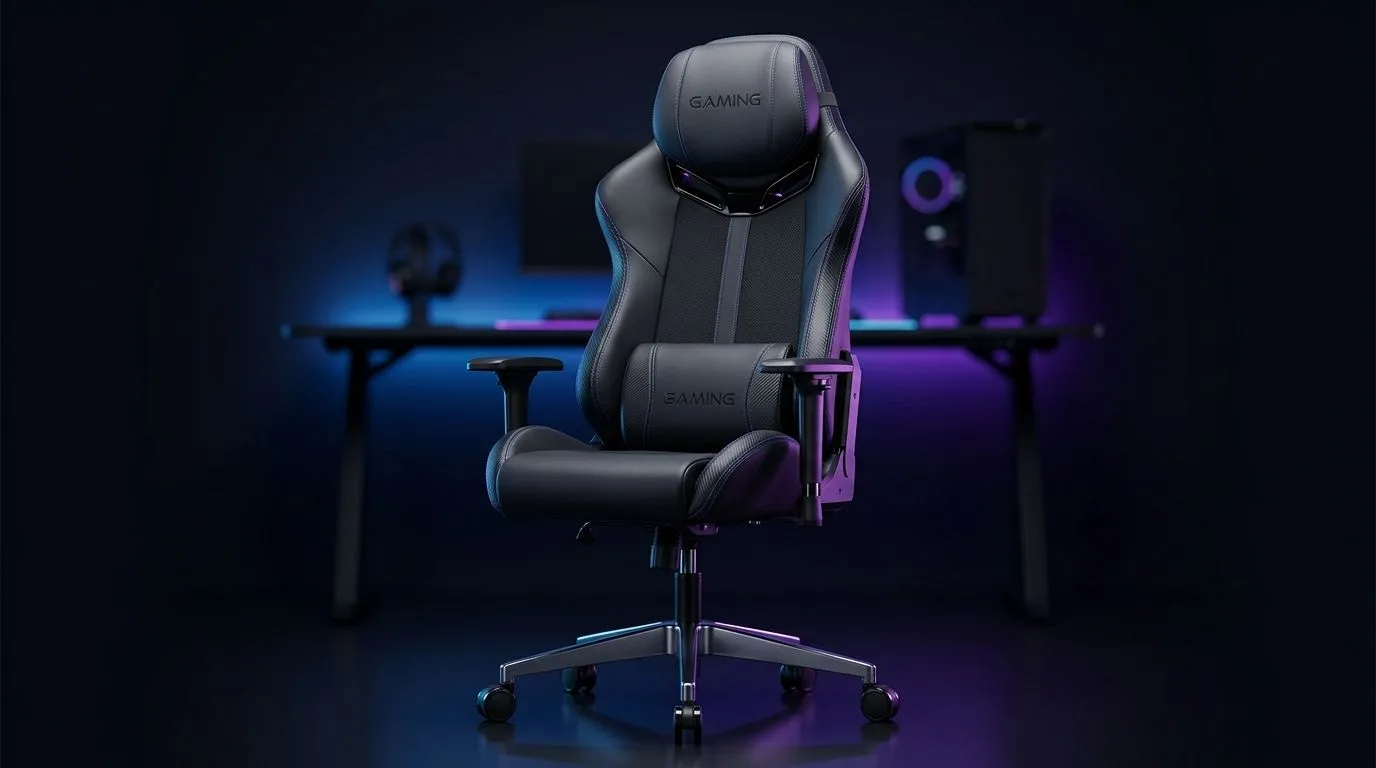
If your chair starts feeling rough after one ranked session, you are not imagining it. Most “gaming chair” pain comes from poor fit, shallow cushioning, or a setup that forces your body into one position for too long. The good news? You usually do not need a new chair immediately. A few practical fixes can make a huge difference, especially for South African gamers who sit through long nights, work calls, and weekend grind sessions.
A chair can feel fine at first, then become painful once your body settles in. That usually happens for one of three reasons:
A tall backrest does not automatically mean support. If the seat is too deep, your lower back may drift away from the lumbar area. If the seat is too narrow, your thighs and hips can feel compressed. That pressure builds fast.
Too firm, and you feel the base. Too soft, and your body sinks into a poor posture. Either way, your muscles start working harder than they should.
Even a decent chair can feel terrible if the desk height is wrong, your feet hang, or your monitor sits too low. A poor setup makes you lean forward, shrug your shoulders, and tense your neck.
Before blaming the chair, test your posture and environment.
Your feet should rest flat on the floor. Your knees should sit roughly at hip level or slightly below. If your feet dangle, pressure shifts into your thighs and lower back.
Armrests should support your elbows without lifting your shoulders. If they are too high, you tense up. Too low, and your wrists carry too much load.
Your screen should be close to eye level. If you are constantly looking down, your neck pays the price.
A simple footrest can help shorter users improve circulation and reduce pressure under the thighs.
your chair feels fine for 20 minutes and then becomes painful, try this test: sit back fully, tuck a small cushion into your lower back, and place both feet flat on the floor. If the discomfort drops quickly, the issue is usually fit and posture, not just cushioning.
A full replacement is not always the answer. Sometimes a modest change gives better results for less money.
A lumbar pillow can help if the built-in support sits too low or too high. The trick is to support the curve of your lower back, not push your spine forward.
If the base feels hard, a quality cushion may reduce pressure on your hips and tailbone. This is especially helpful for longer sessions.
Stand up every 45 to 60 minutes. Stretch your hips, roll your shoulders, and reset your posture. It sounds basic, but it works.
South African summers can make synthetic chair materials feel worse. Breathable clothing can reduce the sticky, compressed feeling that builds during long sessions.
Sometimes the chair is only half the problem. A cramped or awkward desk can force bad posture all day. If your current desk is too small, too low, or too cluttered, it may be worth exploring a proper gaming desk that gives you more room for your monitor, keyboard, mouse, and leg space.
A larger surface can also help you position everything more naturally, which reduces strain over time. If you are building a cleaner battle station, have a look at this range of gaming desks. You may be surprised how much better a well-sized desk makes a chair feel.
If you are after a specific style, these options may help you narrow things down: AutoFull gaming desks, Arozzi gaming desks, and Nitro gaming desks. A better desk layout can improve posture before you even touch the chair again.
If you have already adjusted the setup and added cushions, but still get pain in the same spots, the chair may simply not suit you.
Look for these signs:
If you cannot position it comfortably, the chair is fighting your body.
That often means the seat depth is wrong.
Once foam compresses, it loses support. You will feel that during longer sessions first.
If you cannot sit still without fidgeting, your body is telling you something.
Before buying anything new, run this simple test tonight:
That approach saves money and gives clearer answers. Sometimes the fix is a cushion. Sometimes it is posture. Sometimes it is a desk that finally fits your setup properly. Either way, you do not have to live with a chair that ruins your evening. 🚀
Ready to Find Your Perfect Match? The Mac vs Windows debate is complex, but for maximum power, choice, and value in South Africa, Windows is hard to beat. Explore our massive range of laptop specials and find the perfect machine to conquer your world.
Most causes are setup errors like wrong seat height, missing lumbar support, or armrests that force your shoulders forward. A quick comfort checklist helps.
Set seat height so your feet rest flat and knees form about a right angle. If your chair is too high, you’ll feel hip and lower-back pressure.
Position lumbar support at your lower back curve, not mid-spine. Adjust until it fills the gap without pushing your ribs forward.
Armrests should support your forearms at a relaxed angle. If they’re too high, you’ll shrug; too low makes you reach and strain your shoulders.
Raise or lower the headrest so it supports the back of your head without pushing your chin forward. Use it for breaks, not constant pressure.
Yes. Uneven foam or a too-tight recline can create pressure points. Try a slight recline change and add a breathable cushion if needed.
Match desk height so you don’t reach. Keep mouse and keyboard close, and maintain a neutral wrist angle to reduce fatigue and back tension.
If discomfort persists after proper gaming chair setup tweaks, your chair may not fit your body proportions. Consider different support shapes or adjustability.
Starfield Max Settings on RTX 5070. Tested & verified settings for best FPS and visual quality on SA hardware budgets.
Read more
When Will the RTX 6090 Launch in South Africa Detailed answer with SA data, expert analysis & practical recommendations for local buyers.

Top Valorant Settings for RTX 5070: FPS Optimisation picks evaluated on performance, value & SA availability with current Rand pricing from Evetech.

RDNA 3.5 Graphics in Ryzen AI 400? Can You Game. Plain-English explanation of what it means, why it matters & how it affects your buying decisions in SA.

GPU Price Index : December Report. Current stock data & price tracking for SA buyers. See what is available and where prices are heading.

Core i5-14600K + B760 + RTX 5060 Build Under. Full parts list, Rand pricing & expected performance. Build confidently with SA-available components.

RX 7600 Apex Legends at 4K: FPS Benchmark. Real-world benchmark data, FPS numbers & performance analysis. What SA gamers can actually expect.

RX 7900 XTX GTA 6 at 4K: FPS Benchmark & Optimal. Real-world benchmark data, FPS numbers & performance analysis. What SA gamers can actually expect.

Head-to-head comparison of RTX 5070 vs RX 9070 XT: Gaming Performance for SA gamers. Performance benchmarks, Rand pricing & which delivers better value.

GPU Setup Guide Gamers. Clear setup instructions with SA-specific considerations, troubleshooting tips & recommended components.

Top RTX 5090 Under R12000 picks evaluated on performance, value & SA availability with current Rand pricing from Evetech.

Call of Duty Warzone 2 Settings on RX 7600. Real-world benchmark data, FPS numbers & performance analysis. What SA gamers can actually expect.

GTA 6 Settings on RTX 5070 Ti: Performance. Real-world benchmark data, FPS numbers & performance analysis. What SA gamers can actually expect.