


GTA 6 Max Settings on RTX 5070: Complete Guide
GTA 6 Max Settings on RTX 5070. Tested & verified settings for best FPS and visual quality on SA hardware budgets.
Read moreGaming headset connectivity types explained 🎧 Compare 2.4GHz wireless, Bluetooth 5.2, and wired to find the best mix of latency, battery life, and sound for your setup.
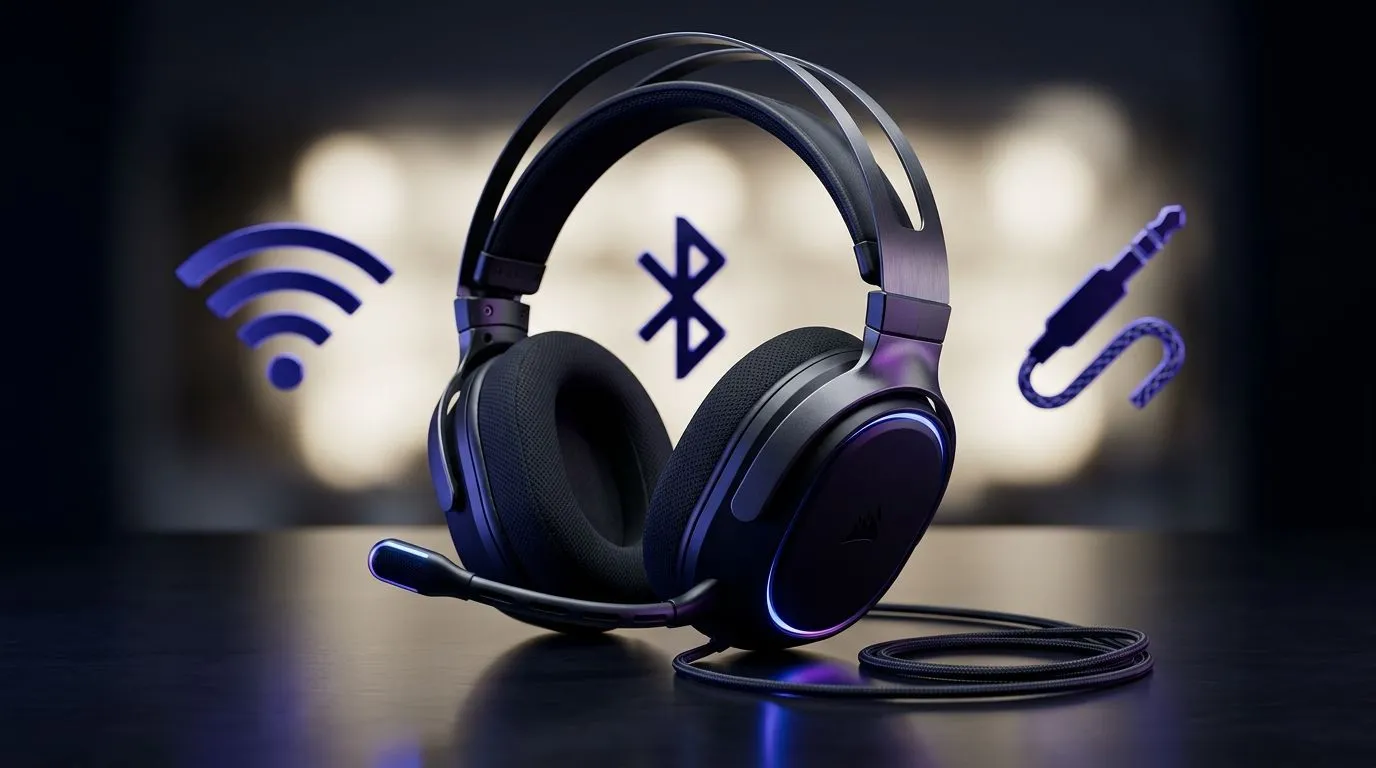
Buying a headset in South Africa is never just “plug and play”. You’ve got load shedding schedules, Wi‑Fi congestion in apartments, and friends who want chat audio that doesn’t cut out mid-match. 🎮 That’s why understanding gaming headset connectivity types is worth 5 minutes of your time. If you game on PC, PS5, Xbox, or even a Steam Deck-like handheld setup, the difference between 2.4GHz, Bluetooth 5.2, and wired can change your whole experience… from latency to battery life.
In this deep dive, we’ll break down what actually matters when choosing your next headset, and how to match it to your setup.
2.4GHz headsets use a dedicated USB dongle. The big win is responsiveness. In practical terms, that means less delay between your game audio and your footsteps cues. ⚡
When 2.4GHz feels best:
If you’re shopping around for a reliable wireless model, take a look at the Razer Barracuda X Chroma Wireless Headset (Phantom White) on Evetech here: Explore the Razer Barracuda X Chroma Wireless Headset.
Bluetooth 5.2 is excellent for convenience. Pair your headset with a phone, laptop, or tablet in seconds. ✨ But Bluetooth can be more sensitive to interference, and audio latency can be higher than a 2.4GHz dongle. That doesn’t make it “bad”… it just means it may not be your first choice for serious competitive gaming.
Bluetooth 5.2 is ideal for:
If you want a broader view of headset options (including wireless picks), browse Evetech’s category pages and compare features side-by-side: Compare Razer headphones headsets.
Wired headsets remove most wireless variables. No battery drama. No pairing delays. No “why did my audio drop out?” moments. 🔧 The trade-off is physical. Cables can limit movement, and you might need adapters depending on your device.
Wired is a smart pick if:
Want to explore a wide range of options to find the right fit, mic style, and comfort? Start here: Shop Evetech headphone headsets.
Here’s the fast way to choose:
On Windows, set your headset as the Default Communication Device in Sound settings. This reduces the chances that chat audio switches to your monitor speakers mid-session, especially after driver updates or Bluetooth reconnections.
Specs matter, but comfort wins longer sessions. Look for:
If you’ve ever leaned in during a ranked match… you already know. Get the connectivity right, then dial in your mic and volume so your team trusts you.
Ready to Find Your Perfect Match? The Mac vs Windows debate is complex, but for maximum power, choice, and value in South Africa, Windows is hard to beat. Explore our massive range of laptop specials and find the perfect machine to conquer your world.
Yes for most gamers. 2.4GHz wireless usually offers lower latency and more stable performance than Bluetooth 5.2.
It works best for casual play, calls, and mobile use. Bluetooth 5.2 can have more delay than 2.4GHz wireless.
Wired gaming headsets give near-zero latency, no battery concerns, and reliable audio for competitive play.
Wired headsets use no battery. For wireless, battery life depends on the model, but 2.4GHz often drains faster than Bluetooth 5.2.
Yes, if it supports the right gaming headset connectivity types like USB 2.4GHz, Bluetooth 5.2, or 3.5mm wired.
Wired is typically the lowest latency, while 2.4GHz wireless is the best low-lag wireless choice.
Yes, Bluetooth 5.2 is great for voice chat, meetings, and everyday use because it is convenient and widely compatible.
GTA 6 Max Settings on RTX 5070. Tested & verified settings for best FPS and visual quality on SA hardware budgets.
Read more
Cyberpunk 2077 Max Settings on RTX 5080. Tested & verified settings for best FPS and visual quality on SA hardware budgets.
Read more
Starfield Max Settings on RTX 5070 Ti. Tested & verified settings for best FPS and visual quality on SA hardware budgets.
Read more
AMD RX 9050 XT: Rumoured Specs, Price & Release. SA-focused analysis with local pricing data, real-world insights & actionable buying advice.

Can RTX 4080 Super Run AI Workloads for SA Developers Detailed answer with SA data, expert analysis & practical recommendations for local buyers.

Can RTX 4090 Run AI Workloads for SA Developers Detailed answer with SA data, expert analysis & practical recommendations for local buyers.

Top Settings for Intel Arc B580 at Ultrawide 1440p picks evaluated on performance, value & SA availability with current Rand pricing from Evetech.

RTX 4060 CS2 Low Settings at 1080p: FPS Results. Real-world benchmark data, FPS numbers & performance analysis. What SA gamers can actually expect.

Visual Artifacts: Possible GPU Issue Issue #1. Diagnosis steps, proven fixes & when to seek professional help. SA-specific support info included.

Can the RTX 4090 Handle 1440p 144Hz Gaming. Performance testing verdict with real data & practical recommendations for SA buyers.

Top ASUS GPU Under R15000 picks evaluated on performance, value & SA availability with current Rand pricing from Evetech.
GTA 6 Max Settings on RTX 5070. Tested & verified settings for best FPS and visual quality on SA hardware budgets.
Cyberpunk 2077 Max Settings on RTX 5080. Tested & verified settings for best FPS and visual quality on SA hardware budgets.
Starfield Max Settings on RTX 5070 Ti. Tested & verified settings for best FPS and visual quality on SA hardware budgets.

Top RTX 5090 Under R5000 picks evaluated on performance, value & SA availability with current Rand pricing from Evetech.