A gaming monitor buying order for cloud gaming at home is different from a local gaming PC, because the heavy lifting happens on a remote server. The screen, your connection, and input latency matter most, while the GPU in your house barely does, so spend accordingly.
Quick Answer
For cloud gaming, the must-have is a low-latency 1080p or 1440p 120Hz+ monitor with low input lag, around R3,000 to R6,000, paired with a stable 30Mbps+ connection. A high local GPU is the skip, since GeForce NOW or Xbox Cloud render remotely. Prioritise the panel's response time and a wired or strong Wi-Fi link over local graphics power.
The buying order that matters
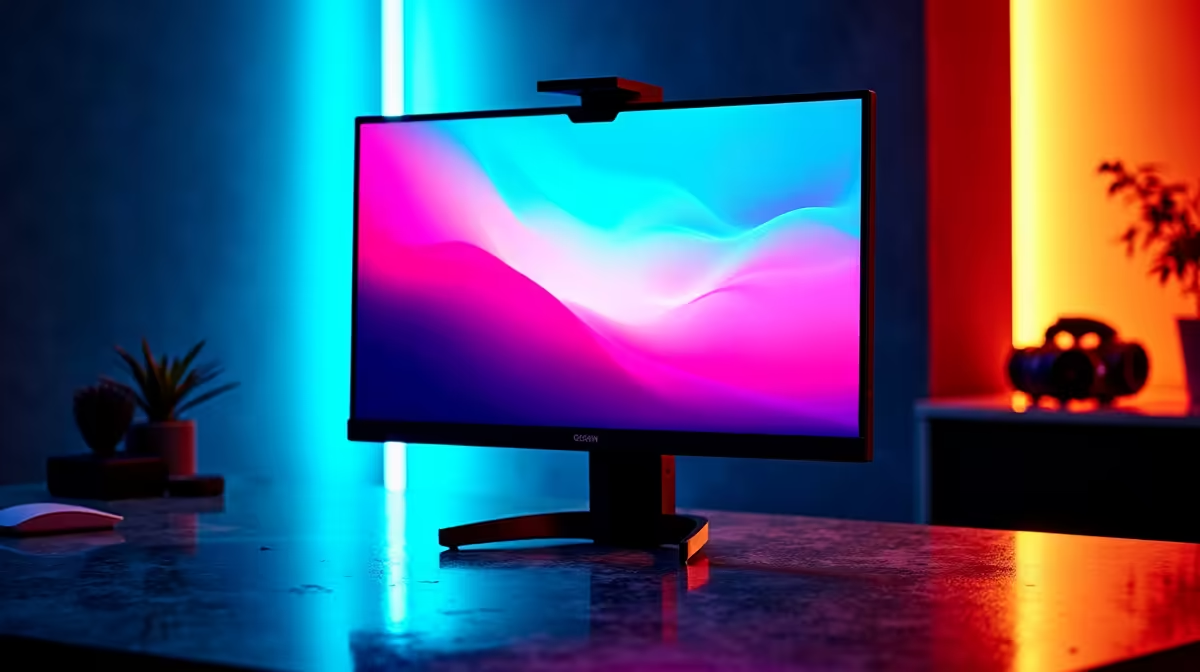
Must-have first: a monitor with low input lag and a 120Hz+ refresh so the cloud stream feels responsive, plus a fast, stable internet connection (30Mbps+ for 1080p, 45Mbps+ for 4K) since the stream quality and latency come over the network. Nice-to-have: a 1440p panel for sharper image if your line supports the bitrate. Skip: a powerful local GPU, because cloud services render the game on their servers and your PC just decodes the video. That reverses the usual priority, where the GPU comes first.
Setting up for the lowest latency
Wire your device to the router with Ethernet if you can, since a cabled link cuts the jitter that makes cloud gaming feel laggy. A 1080p 120Hz or 1440p 144Hz monitor with a low response time keeps the decoded stream smooth and the input snappy. Enable any low-latency or reflex mode the service offers. Because the local GPU does not matter, even a modest PC or a smart TV with the app drives cloud gaming well, so put the budget into the screen and the connection that actually shape the experience.
FAQ
What monitor is best for cloud gaming?
A 1080p or 1440p 120Hz+ panel with low input lag, around R3,000 to R6,000. Refresh rate and response time keep the decoded cloud stream feeling responsive, which matters more than resolution or any local graphics power.
Do I need a powerful GPU for cloud gaming?
No. Cloud services like GeForce NOW render the game on their servers, so your PC only decodes the video stream. A modest device or even a smart TV with the app handles cloud gaming, freeing budget for the monitor and connection.
What internet speed do I need for cloud gaming?
A stable 30Mbps or more for 1080p, and 45Mbps+ for 4K, with low jitter. A wired Ethernet connection is ideal, as it reduces the latency and jitter that make cloud gaming feel laggy compared to local play.
cloud-gaming device to the router with Ethernet rather than relying on Wi-Fi. A cabled link cuts the jitter that causes input lag and stream artefacts, which matters far more than any local hardware.
Put your cloud-gaming budget into a low-latency 120Hz+ monitor and a stable wired connection, and skip the powerful local GPU that cloud services make unnecessary.