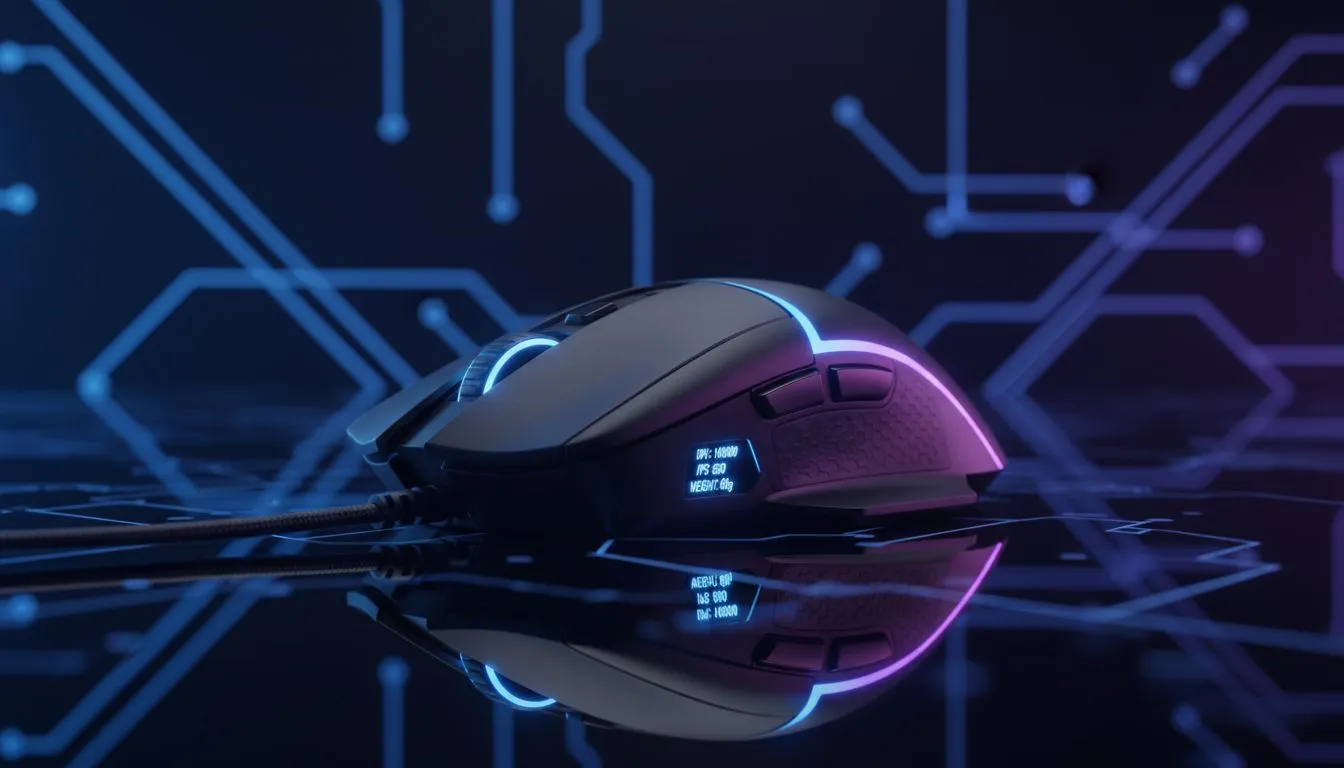
Stepping into the world of PC gaming in South Africa is lekker... until you hit the specs. What on earth is DPI? Is a heavier mouse better? It’s enough to make you want to go back to console. Don’t stress. This guide is your ultimate cheat sheet for choosing a gaming mouse for beginners. We’ll break down the jargon—DPI, IPS, and weight—so you can find the perfect tool to start dominating your favourite games. ✨
What is DPI? (And Why Bigger Isn't Always Better)
Think of DPI, or Dots Per Inch, as your mouse's sensitivity setting. A high DPI means your cursor flies across the screen with a tiny hand movement. A low DPI requires more physical movement for the same on-screen distance.
While brands love to advertise massive DPI numbers (16,000+), most pro players in games like Valorant or CS:GO use settings between 400 and 1600. Why? Lower DPI offers more precise control for aiming. Your ideal setting also depends on your screen; a crisp 4K display from our range of PC monitors might feel better with a slightly higher DPI than a standard 1080p screen.
The Need for Speed: Understanding IPS and Polling Rate
Here are two more terms crucial for a beginner gaming mouse: IPS and Polling Rate.
IPS (Inches Per Second)
IPS is the maximum speed your mouse can move while still tracking accurately. If you exceed it, your cursor might spin out or stop responding. For fast-paced shooters where you're constantly flicking your wrist, a higher IPS (300+) is vital. It’s the spec that ensures your mouse keeps up with your reflexes.
Polling Rate (Hz)
Polling Rate, measured in Hertz (Hz), is how many times per second your mouse reports its position to your PC. A standard office mouse is 125Hz, but a good gaming mouse is typically 1000Hz (1ms response time). This means smoother, more responsive tracking with less input lag. To get the most out of a high polling rate, ensure the rest of your system is snappy, right down to your super-fast solid-state drives (SSDs).
Find Your Perfect DPI ⚡
Start with your mouse set to 800 DPI. Play a few rounds. If you constantly overshoot your targets, lower it to 400. If you feel like you're dragging your mouse across the whole desk to turn around, try 1200 or 1600. Fine-tune from there until it feels natural. There's no single 'best' DPI... only what's best for you!
The Great Debate: Mouse Weight and Your Grip Style ⚖️
Choosing a mouse weight is a personal preference, but it has a huge impact on gameplay.
- Lightweight (under 80g): These mice are amazing for fast, twitchy movements. They cause less fatigue over long sessions and are favoured by FPS players who need to flick-shot with precision.
- Heavier (over 100g): Some gamers prefer the deliberate, stable feel of a heavier mouse, which can help prevent overshooting a target.
Your grip style—palm, claw, or fingertip—also affects your choice. A medium-weight, ambidextrous mouse is often a safe starting point. Your mouse is just one half of the equation; pairing it with one of the best gaming keyboards in South Africa creates a truly responsive setup. And for those games that just play better on a pad, having a reliable gaming controller is always a smart move.
Your First Gaming Mouse: The Evetech Checklist
So, what should you look for in a gaming mouse for beginners? Don't get lost in the marketing hype. Focus on these key features:
- A Solid Sensor: Look for an IPS of at least 300 and a polling rate of 1000Hz.
- Adjustable DPI: A mouse with on-the-fly DPI buttons is a huge help for finding your sweet spot.
- Comfortable Shape & Weight: Choose a mouse that fits your hand and suits the types of games you play most.
A great mouse is the core of your setup, but don't forget the other essentials. Clear audio from a quality gaming headset helps you hear footsteps, and if you're thinking of sharing your gameplay, a clear microphone is non-negotiable. We've got all the streaming essentials you need to get started. Ultimately, the best beginner gaming mouse is one that feels like an extension of your hand. Browse our huge selection of gaming mice to find the one that's right for you.
Ready to Find Your Perfect Match?
Choosing your first gaming mouse doesn't have to be complicated. Now that you know your DPI from your IPS, you're ready to pick a winner. Explore our massive range of gaming mice and find the perfect tool to start climbing the leaderboards.