

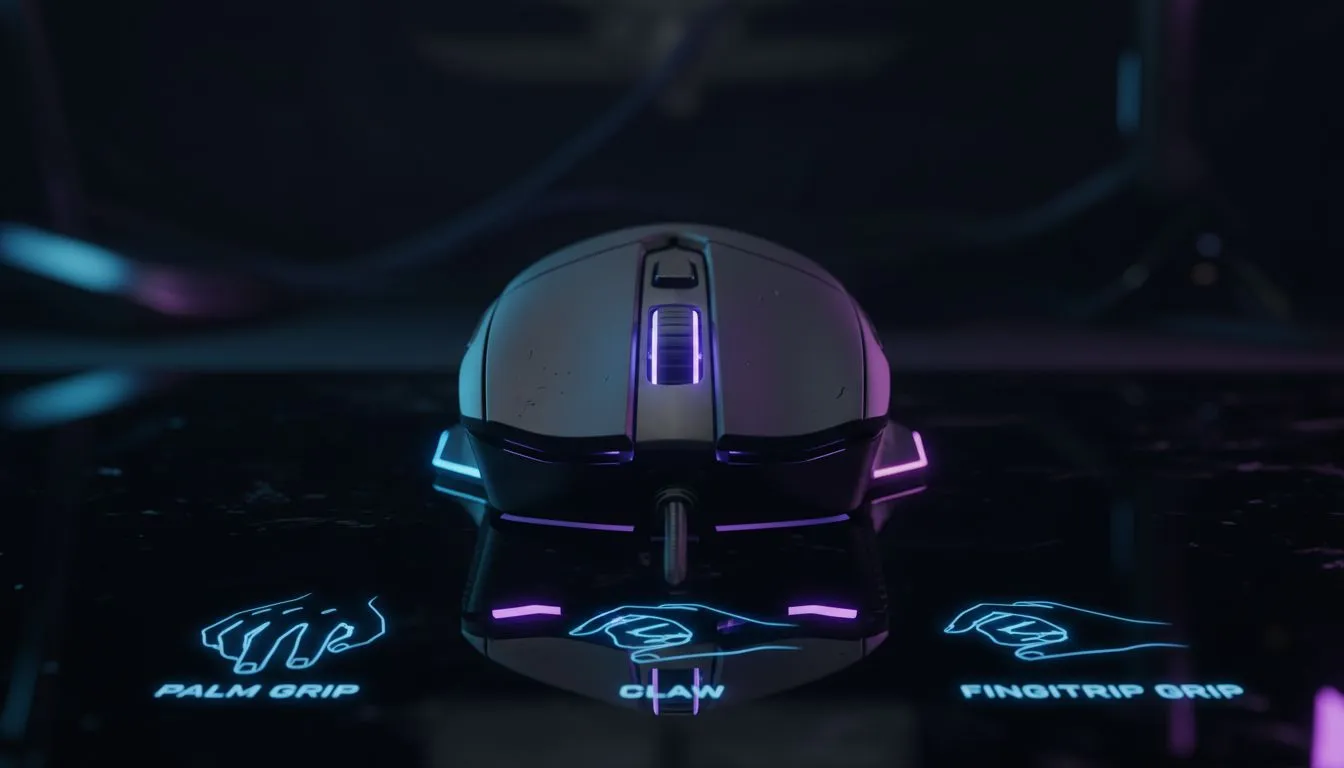
Quick hook for South African gamers 🎮
Confused whether palm, claw or fingertip suits your playstyle? This quick, practical Gaming Mouse Grip Guide: Palm vs Claw vs Fingertip breaks it down for South African gamers and tech buyers — so you stop guessing and start fragging. Read for clear fit tips, simple setup hacks, and where to buy local gear in ZAR. 🔧
Why grip matters: feel, aim and comfort
Grip shapes how your hand moves, how fast you flick, and how long you can play without wrist strain. Palm grips recruit the whole hand for steady control; claw grips arch fingers for quicker clicks; fingertip grips use tips for ultra-fast micro‑adjustments. If you want to test different sizes and shapes, browse Evetech’s full gaming mouse range for comparisons and specs: https://www.evetech.co.za/components/gaming-mouse-117.aspx
Palm grip — stability and comfort
Palm users rest their entire hand on the mouse. It feels natural for larger hands and long sessions. Look for a contoured shell and extra support under the palm. If you favour comfort over tiny flicks, a larger, ergonomic shell will feel right. For budget or premium options in ZAR, check current promotions on the best gaming mouse deals page to compare models and local pricing: https://www.evetech.co.za/best-gaming-mouse-deals/x/054.aspx
Claw grip — speed with control
Claw converts a palm base into a fingertip-like lever. It’s popular in RTS and FPS for quick mid‑range flicks. If you’re switching from palm to claw, reduce mouse sensitivity slightly and practise short bursts in aim trainers. For low-latency wired performance many pros still choose wired favourites — see wired options in South Africa here: https://www.evetech.co.za/buy-wired-mouse/x/1596.aspx
Fingertip grip — agility and tiny corrections
Fingertip users lift the palm almost entirely; control comes from the fingers. This grip favours lighter mice and high DPI for precise micro-movements. If you want a wireless feel without input lag, explore modern wireless options validated for gaming: https://www.evetech.co.za/buy-wireless-mouse/x/1597.aspx
Grip‑Tuning Tip ⚡
by measuring your hand: from wrist crease to middle fingertip. If it’s under 170 mm, try smaller shells; over 190 mm, look for full‑size models. Also test both wired and wireless builds for feel before committing.
Weight, sensor and surface — the small details that change games
Weight tuning matters. Lighter mice favour fingertip and claw play; heavier mice suit palm control. Sensor quality affects tracking at low and high DPI. When choosing, compare product pages and accessories to match mouse skates and pads. For replacement skates, grips and mouse mats in ZAR, browse mouse accessories and tune your setup: https://www.evetech.co.za/buy-mouse-accessories/x/1595.aspx
Practice drills to find your natural grip
- 10 minutes: try each grip in deathmatch or aim trainer.
- 5 minutes: adjust DPI in 100–4000 ranges to find smooth tracking.
- 10 rounds: play warmup using the grip you prefer, then evaluate comfort and accuracy.
If you’re shopping locally, try models in the store or check return policies. Evetech lists a wide selection to try and compare; use the deals page to spot ZAR discounts and seasonal specials: https://www.evetech.co.za/best-gaming-mouse-deals/x/054.aspx
Final setup checklist before you buy
- Confirm hand size vs shell size.
- Test clicks and scroll feel.
- Choose wired for absolute minimal latency or wireless for freedom.
- Factor in accessories: replacement skates, cable bungees, and mats.
For a quick browse of wireless and wired favourites to match your grip, start here: https://www.evetech.co.za/buy-wireless-mouse/x/1597.aspx and https://www.evetech.co.za/buy-wired-mouse/x/1596.aspx 🚀
Ready to Find Your Perfect Match? The Mac vs Windows debate is complex, but for maximum power, choice, and value in South Africa, Windows is hard to beat. Explore our massive range of laptop specials and find the perfect machine to conquer your world.











