

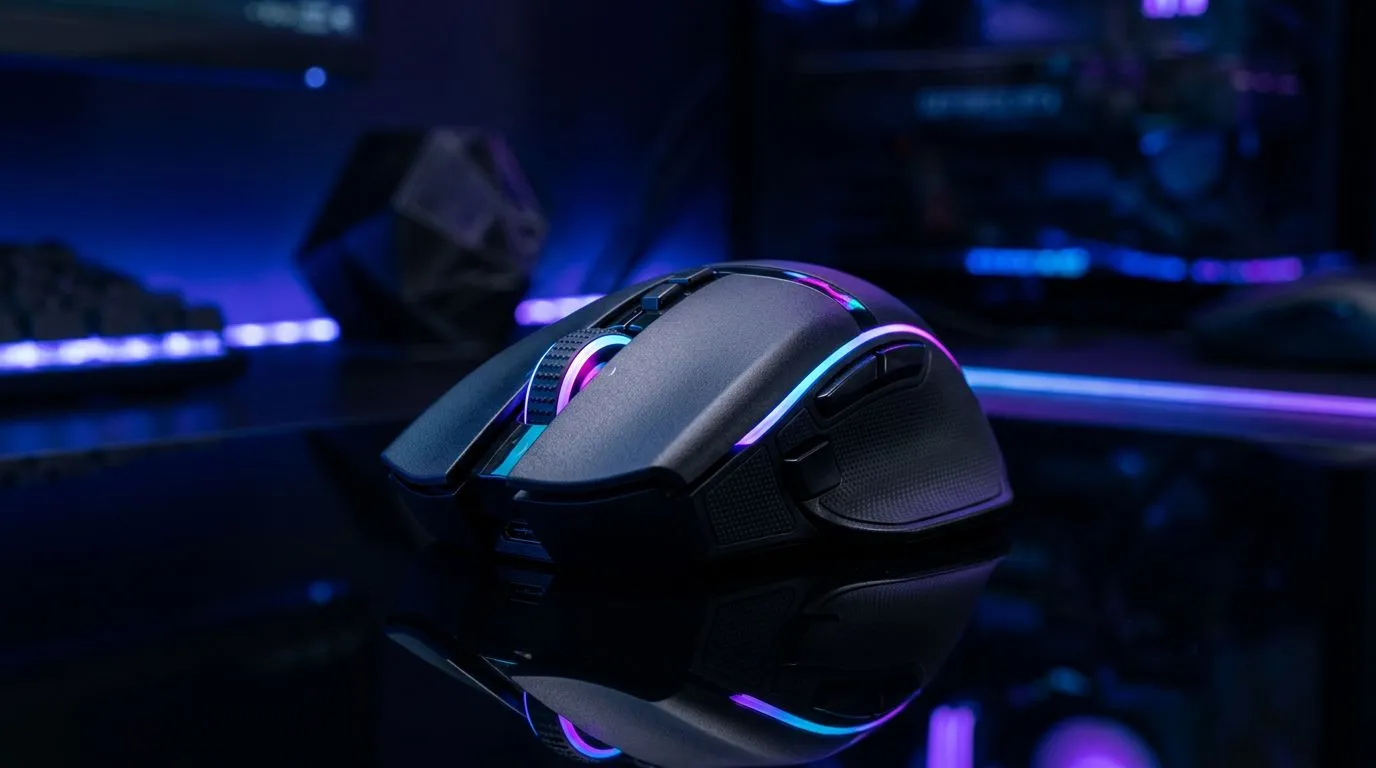
Understanding the Magic Behind Your Gaming Mouse RGB Customization
Is there anything more satisfying than syncing your desktop glow to your favourite game's colour palette? For South African gamers, your rig is a reflection of your personality, and gaming mouse RGB customization is the quickest way to level up your aesthetic. But beyond the flashy light shows, how does this technology actually work? It is more than just a few LEDs under the shell; it is a complex dance of software controllers and hardware integration. ⚡
The Science of Light: How RGB Works
At the heart of your peripheral, three tiny Light Emitting Diodes (Red, Green, and Blue) sit beneath the translucent plastic of your mouse. By varying the intensity of these three colours, your mouse can produce over 16 million different hues. Whether you are building a new setup or just upgrading your peripherals, browsing a premium gaming mouse collection reveals just how far this tech has come.
When you adjust your settings in your mouse's software, you are essentially sending a pulse-width modulation signal to these diodes. This allows for smooth transitions between colours, creating those mesmerising breathing or wave effects we all love. If you are hunting for value, checking out the latest gaming mouse deals is a smart way to get top-tier lighting features without breaking the bank.
Wired vs Wireless: Does Lighting Impact Performance?
A common concern among competitive players is whether RGB drains battery life on wireless devices. While it does consume extra power, modern sensors are highly efficient. If you prefer a clean, cable-free desk, you can find a high-performance wireless mouse that balances battery longevity with vibrant lighting zones. For those who prefer the reliability of a wired mouse, you never have to worry about charging, meaning you can keep your RGB brightness at maximum intensity during those marathon weekend sessions. 🚀
Customisation Pro Tip 🔧
If your mouse software feels cluttered, check if your device supports open-source lighting integration like SignalRGB. It allows you to sync your mouse, keyboard, and case fans across different brands into one unified, seamless light show.
Keeping Your Gear in Top Shape
Beyond the lights, remember that your mouse is your primary interface with your digital world. Keeping your sensor clean and your mousepad in good condition is vital for tracking accuracy. If you find your mouse feet are wearing down, grabbing some quality mouse accessories can restore that "brand new" glide feel for under R300, ensuring your aim stays as sharp as your lighting setup. ✨
Ready to Find Your Perfect Match? Whether you are chasing competitive frames or building the ultimate RGB-lit sanctuary, we have the gear to get you there. Explore our massive range of gaming mice and find the perfect tool to conquer your world.











