

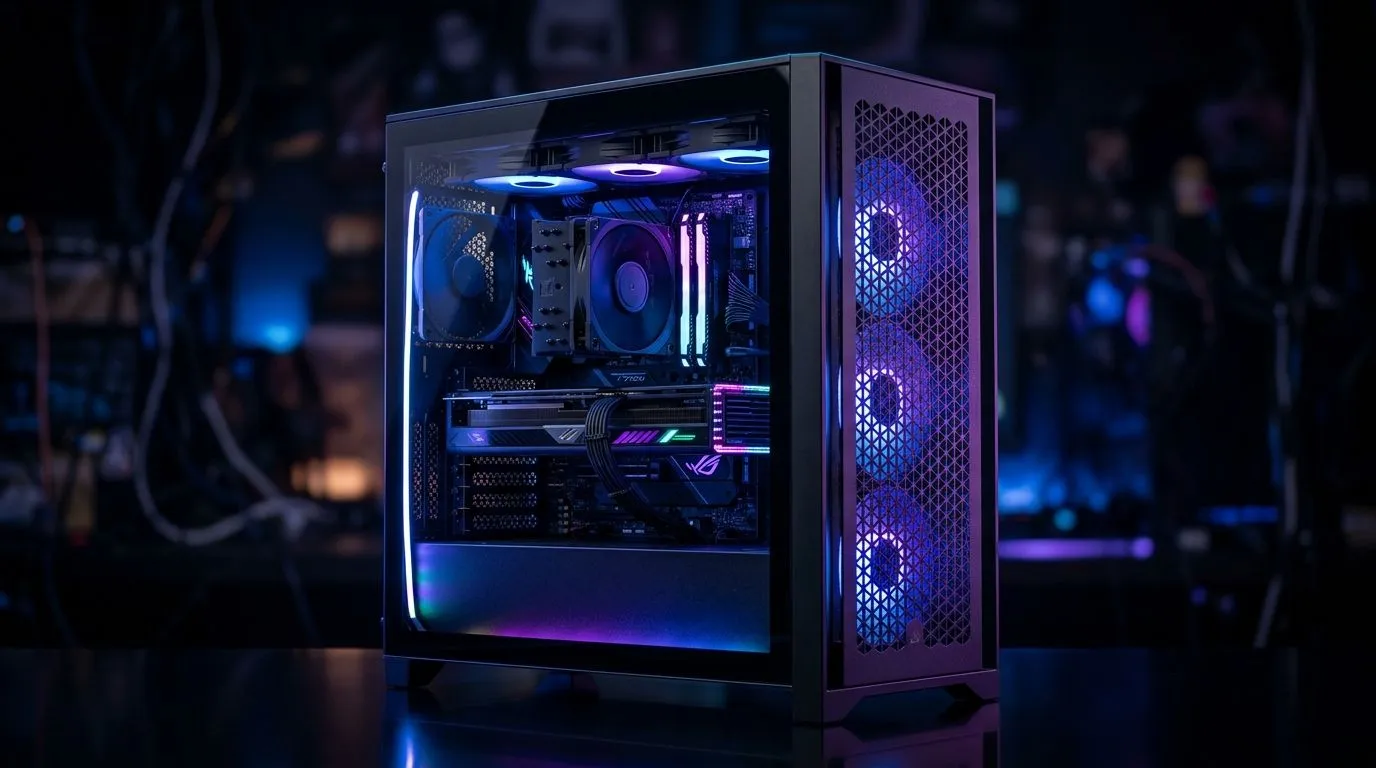
Gaming PC overheating fixes start with smarter case airflow
If your rig sounds like it’s trying to take off during a Sunday session, airflow is probably the culprit. A hot gaming PC can throttle performance, ramp up fan noise, and make long loads feel worse than a Durban traffic jam. The good news? You don’t always need new hardware. Often, better case airflow solves the problem fast 🔧
Gaming PC overheating fixes begin with the basics
Before buying anything, check the simple stuff. Dust blocks intake filters. Cables can choke airflow. Front fans may be pulling against closed panels. Even the cleanest build can struggle if warm air gets trapped inside the chassis.
A practical rule: cool air should enter from the front or bottom, then exit from the rear or top. That keeps heat moving in one direction instead of swirling around your GPU and CPU.
What to look for inside the case
A good airflow case usually gives you:
- Mesh front panels for easier intake
- Space for multiple fans
- Clear cable-routing channels
- Room for a decent CPU cooler or radiator
- Filters that are easy to remove and clean
If your current enclosure is a glass-heavy box with tiny vents, that may be the whole problem.
Gaming PC overheating fixes improve when the case suits your parts
Not every build needs a huge tower, but the case must match the heat load. A mid-range gaming PC with a warm graphics card will benefit more from open airflow than from flashy lighting alone.
For South African buyers, it helps to shop cases with cooling in mind, not only looks. Evetech’s computer cases range is a good place to compare airflow-friendly options and layouts that fit different budgets and build sizes: browse computer cases.
If you prefer a cleaner, minimalist design with strong build quality, Fractal Design PC cases often appeal to builders who want smart internal layout and tidy thermal performance: see Fractal Design PC cases. ✨
Fan placement matters more than fan count
Three well-placed fans can outperform five badly arranged ones. Try this setup:
- 2 front intake fans
- 1 rear exhaust fan
- Optional top exhaust if your CPU runs hot
That creates a steady path for heat to escape. If your GPU is the main heat source, make sure it has fresh air from the front, not recycled heat from the power supply area.
Cooling Tip ⚡
Keep front fans as intake and rear fans as exhaust. If your case allows it, lightly positive pressure can help reduce dust build-up by pushing air out through gaps instead of sucking dust in through every opening.
Gaming PC overheating fixes also depend on airflow-friendly design
Some cases make cooling easier right out of the box. Others need more fan upgrades to perform properly. If you’re building on a tighter budget, look for solid airflow features before you spend extra on RGB extras.
You can also compare Gamdias gaming cases if you want style plus practical cooling features in one package: shop Gamdias gaming cases. For tighter budgets, there are also filtered options under a lower price ceiling, including Gamdias gaming cases under R1,500: view cases under R1,500.
Gaming PC overheating fixes are easier with a quick maintenance routine
A little maintenance goes a long way:
- Clean dust filters every few weeks
- Blow dust out of fans and heatsinks
- Re-check fan direction after upgrades
- Keep the PC off thick carpets
- Leave breathing room behind the desk
If temperatures still look high, check your CPU and GPU temps with trusted monitoring software. Nvidia, AMD, and Intel all provide official tools or guidance for their own hardware families. If readings are unusually high, re-seat coolers or review airflow before assuming the parts are faulty.
Gaming PC overheating fixes that save money and stress
Most overheating issues are not dramatic failures. They are airflow problems hiding in plain sight. A better case, smarter fan layout, and regular cleaning can make your system quieter and more stable without a full rebuild. That matters when you want smooth sessions, not thermal drama ⚡
Ready to Find Your Perfect Match? The Mac vs Windows debate is complex, but for maximum power, choice, and value in South Africa, Windows is hard to beat. Explore our massive range of laptop specials and find the perfect machine to conquer your world.











