

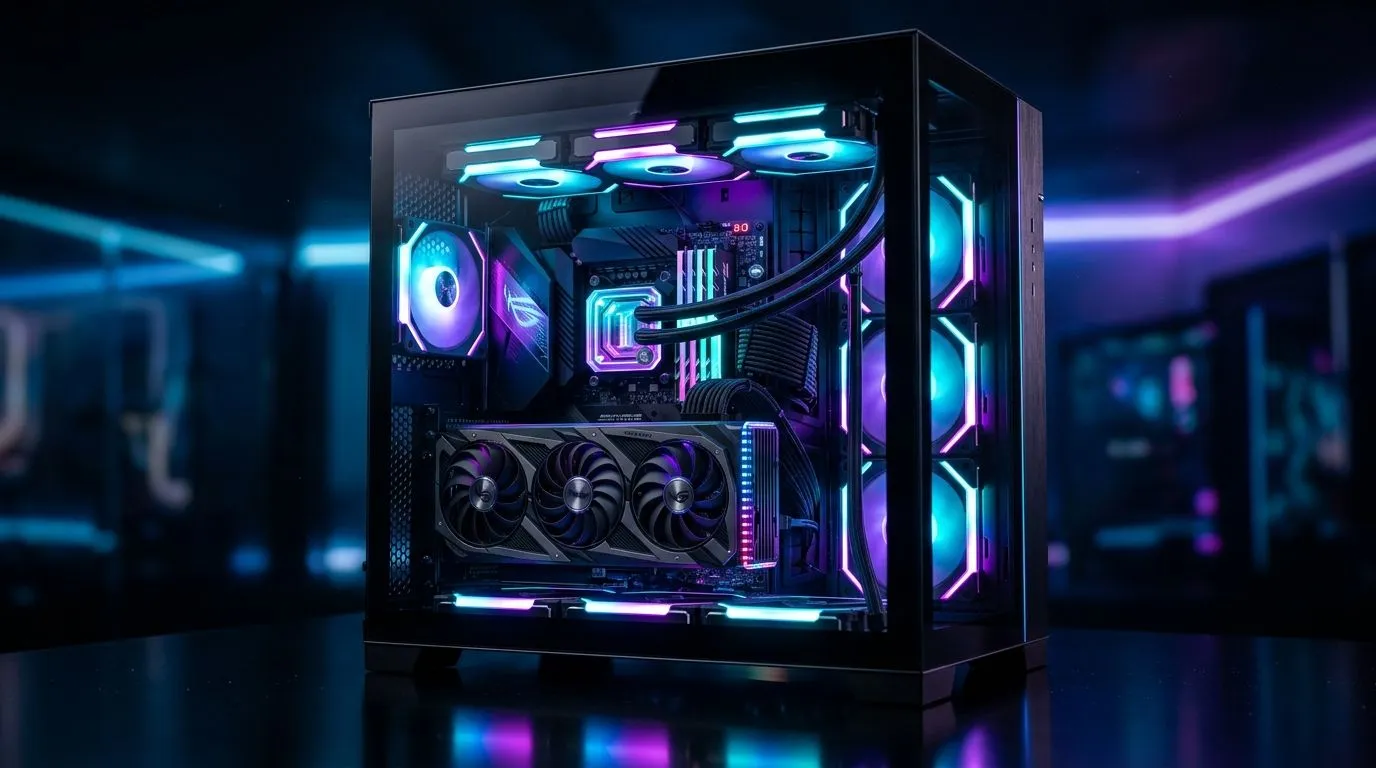
Gaming PC Running Hot in Tempered Glass Case: Fix Guide
A hot gaming PC can ruin a session fast. One minute you’re chasing frames... the next your fans are roaring and your FPS drops for no clear reason. If your rig lives in a tempered glass case, the problem is often airflow, not power. That’s good news. You can usually fix it without replacing every part 🔧
Gaming PC Running Hot in Tempered Glass Case: Fix Guide Basics
Tempered glass looks clean, shows off RGB, and suits many South African builds. But it can also trap heat if the case design is too closed or the fan layout is weak. In plain terms, hot air needs a way out... and cool air needs a clear path in.
Start with the basics:
Check airflow direction
Look at each fan. Front and bottom fans should usually pull cool air in. Rear and top fans should push hot air out. If every fan is fighting the others, temperatures climb quickly.
Clean the dust
Dust is a silent killer. It clogs filters, slows fan speed, and coats heatsinks. Use compressed air and a soft brush. Do it more often if your room gets dusty.
Watch cable placement
Loose cable bundles can block airflow near the GPU. Tidy them behind the motherboard tray where possible.
Quick Cooling Tip ⚡
If your GPU temperature spikes first, check the front intake path before buying new parts. A blocked front panel or clogged dust filter often causes more heat than people expect.
Gaming PC Running Hot in Tempered Glass Case: Fix Guide for Better Cooling
If the case still runs warm, look at the design itself. Some tempered glass cases favour looks over ventilation. Mesh fronts and smarter fan mounts usually breathe better.
If you’re comparing new options, browse Evetech’s computer cases selection to see which designs prioritise airflow. For builders who want a cleaner premium look, Fractal Design PC cases are worth a look. If your budget is tighter, Gamdias gaming cases include options that suit value-focused upgrades. You can also filter by budget with Gamdias gaming cases under R1500, which is handy when you want better airflow without blowing the bank.
Consider fan upgrades
More fans do not always mean better cooling. What matters is balance. A well-placed pair of intake fans and a strong exhaust fan can outperform a messy six-fan setup. That’s especially true in a tempered glass chassis.
Check your CPU cooler
A weak stock cooler may struggle during long gaming sessions. If your CPU temperature jumps hard under load, the cooler could be the bottleneck. Make sure the cooler is mounted properly and the thermal paste is in good condition.
Gaming PC Running Hot in Tempered Glass Case: Fix Guide for Everyday Use
Small habits help too. Keep your tower off thick carpet. Leave space behind and beside the case. Avoid pushing it into a closed cabinet. South African summers can be brutal, and a room that feels warm to you is even tougher on components 🌡️
When to upgrade
If your temperatures stay high after cleaning and fan checks, the case may simply be the wrong fit for your hardware. High-end CPUs and GPUs need better ventilation than many starter cases offer. Upgrading to a better-airflow case can be more effective than swapping individual fans one by one.
A simple rule helps: if the front panel is mostly solid glass or plastic, airflow may be limited. If the case has mesh intake and decent fan support, your odds improve.
Gaming PC Running Hot in Tempered Glass Case: Fix Guide Summary
The fix is usually straightforward. Improve airflow, remove dust, tidy cables, and check your cooler. Then decide whether the case itself is holding your build back. A good-looking PC is nice. A cool, stable PC is better... especially when you’re deep into a ranked match.
Ready to Find Your Perfect Match? The Mac vs Windows debate is complex, but for maximum power, choice, and value in South Africa, Windows is hard to beat. Explore our massive range of laptop specials and find the perfect machine to conquer your world.











