

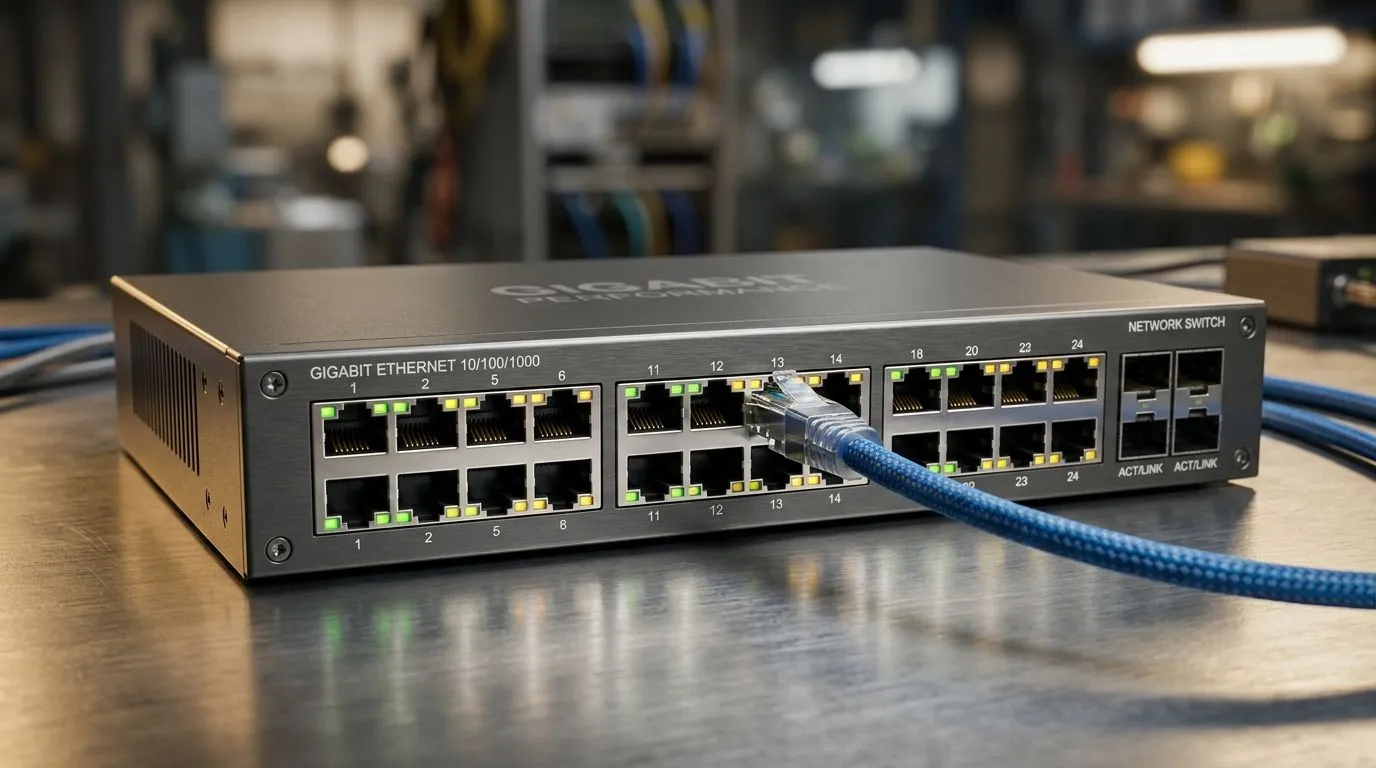
Gigabit Switch Speeds, Latency, and Real-World Performance
South African gamers know the pain... a match is won, then lost to one tiny stutter. Maybe it is a delayed peak in Valorant. Maybe your stream starts buffering just as the action kicks off. That is where gigabit networking earns its keep. It is not just about “fast internet” either. A good switch can help your home setup move data more smoothly, reduce bottlenecks, and keep every wired device behaving properly ⚡
Gigabit Switch Speeds Explained
A gigabit switch moves data at up to 1,000 Mbps per port under ideal conditions. That sounds simple, but real life is messier. Your router, Ethernet cables, connected devices, and ISP line all affect the final result. If your desktop, console, NAS, and smart TV are all fighting for bandwidth, a switch helps organise the traffic.
For most homes, gigabit is still the sweet spot. It is fast enough for online gaming, 4K streaming, large downloads, and local file transfers. If you are moving game libraries between SSDs or backing up footage, the difference is easy to feel.
If you want to browse current options, Evetech’s switches range is a solid starting point. For brand-specific shopping, you can also look at Cudy switches or filter for models around R1,153 and up.
Latency and Real-World Performance
Latency is the delay between sending and receiving data. In gaming, lower is better. A switch does not magically improve your ISP ping to a game server in Europe or Cape Town. But it can reduce local network delay and keep traffic tidy inside your home.
That matters when one person is downloading updates, another is streaming, and you are trying to clutch a ranked round. A decent switch with stable forwarding and enough ports can stop your network from feeling congested. It also gives wired devices an advantage over Wi‑Fi, which is more prone to interference from walls, distance, and neighbouring networks.
What changes the real-world result?
- Cable quality... use Cat5e or better for gigabit links.
- Port count... avoid daisy-chaining too many devices without reason.
- Device quality... cheap network gear can add unnecessary hiccups.
- Home layout... long cable runs and poor routing can cause strain.
Network Setup Tip 🔧
Wire your gaming PC and console first, then place downloads, TVs, and printers behind the remaining ports. This keeps your most latency-sensitive devices at the front of the queue and makes troubleshooting far easier later. }
Choosing a Switch for Gaming and Home Use
Not every user needs a managed switch. Many South African households will be perfectly happy with an unmanaged gigabit model. It is plug and play, quiet, and practical. If you are building a more advanced setup with VLANs, traffic priority, or multiple network zones, a managed switch may be worth the extra spend.
Think about usage before you buy. How many wired devices do you actually have? Will the switch sit near your router in a TV unit, or hidden in a study cabinet? Do you need the lowest possible cost, or a bit more flexibility for future upgrades? Those questions matter more than marketing labels.
For most gamers, the best value comes from a reliable gigabit switch with enough ports for today and a spare or two for tomorrow 🚀
Gigabit Switch Speeds, Latency, and Real-World Performance: The Bottom Line
In practice, gigabit switching is about consistency. It keeps your wired devices stable, makes local transfers much faster than Wi‑Fi, and helps your home network feel calmer under load. That is useful whether you are gaming, streaming, or working from home.
If you are upgrading a battle station or sorting out a family network, choose the switch that fits your device count and your budget. Small decision... big difference.
Ready to Find Your Perfect Match? The Mac vs Windows debate is complex, but for maximum power, choice, and value in South Africa, Windows is hard to beat. Explore our massive range of laptop specials and find the perfect machine to conquer your world.











