

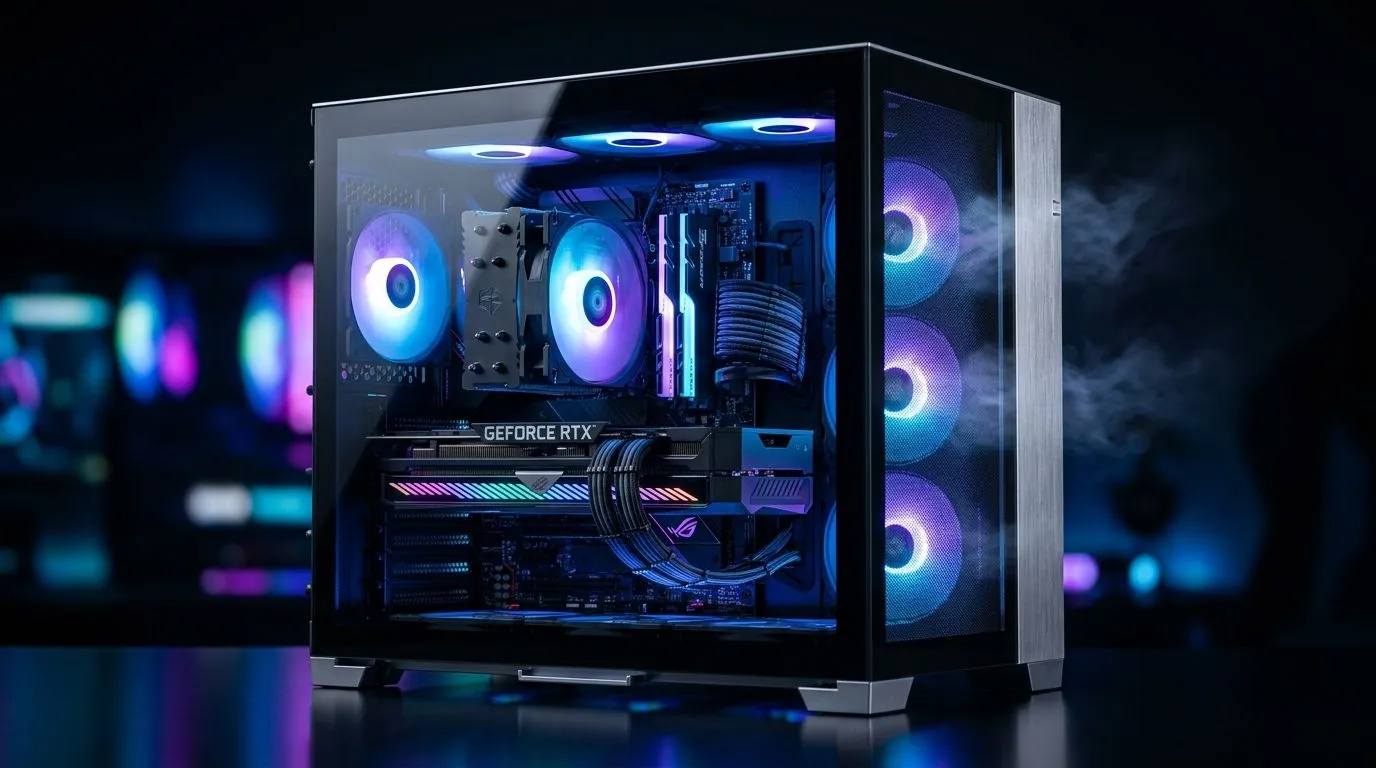
Why Your Glass Case Gaming PC Is Running Hot
South African gamers know the thrill of a sleek glass case but hate when temps soar and FPS tank. A glass case gaming PC running hot isn’t just annoying—it can throttle your performance and reduce component lifespan. Understanding airflow basics helps you fix heat issues fast and get back to smooth gameplay without sacrificing style. Let’s dive into what causes these heat spikes and how to cool your rig effectively. 🔧
Common Airflow Issues in Glass Case Gaming PCs
Glass panels look sharp but often come at the cost of restricted airflow. When a glass case gaming PC runs hot, it's usually due to poor ventilation, inadequate exhaust, or a clutter of cables blocking vital air paths. Heat gets trapped inside, pushing your CPU and GPU temps dangerously high.
Consider swapping your standard chassis for a model designed with optimal airflow in mind. For example, Fractal Design PC cases offer excellent ventilation and airflow-oriented layouts that keep temperatures down while still showing off your build.
Fix Airflow Fast With These Quick Upgrades
Start by ensuring your intake fans pull cool air in and exhaust fans push hot air out efficiently. Position fans for optimal front-to-back airflow. Dust filters also need regular cleaning; clogged filters kill airflow silently.
Cable management plays a bigger role than expected. Tidy cables not only look cleaner but open airflow channels, letting air reach hot components faster. Use zip ties and route cables behind the motherboard tray whenever possible.
If your case is too compact or poorly ventilated, upgrading to a gaming chassis with superior airflow features can make a big difference. Check out the range of Gamdias gaming cases under R1500 that combine solid cooling design with affordability, perfect for most builds.
Pro Tip for Cooler Builds
Swap out any stock fans for high-CFM models with quiet bearings—higher airflow doesn’t have to mean louder noise. Also, reducing your fan curve by just 5% can drop temps about 2 °C and keep your system whisper-quiet. {{/TipBox}}
Why Case Choice Matters for Gamers
A glass case gaming PC running hot often means your chassis isn’t good enough. Consider upgrading to cases specifically engineered to balance aesthetics and airflow, like the stylish yet practical Gamdias gaming cases. These cases feature mesh panels and multiple fan mounts for optimal cooling.
Don't overlook the importance of front panel design; mesh or perforated fronts enable better air intake than sealed tempered glass fronts, which can look impressive but limit cooling.
Also, browsing computer cases on Evetech reveals many airflow-focused options that can handle high-performance components under sustained load—ideal if you’re pushing your rig hard.
Keep Your Gaming PC Cool in South African Heat
South Africa’s climate means your PC could face additional overheating challenges, especially in summer. Keep your room well-ventilated, away from direct sunlight, and consider positioning your PC off the floor where dust accumulates.
Regular maintenance—cleaning fans, reapplying thermal paste to your CPU, and monitoring temperatures—keeps your system running at peak efficiency. Use software to monitor temps and fan speeds dynamically, adjusting settings based on your gameplay intensity.
Call-to-Action Heading Cooling your glass case gaming PC is easier with the right enclosure. Upgrade with confidence and Shop now at Evetech for performance that leaves lag in the dust.











