

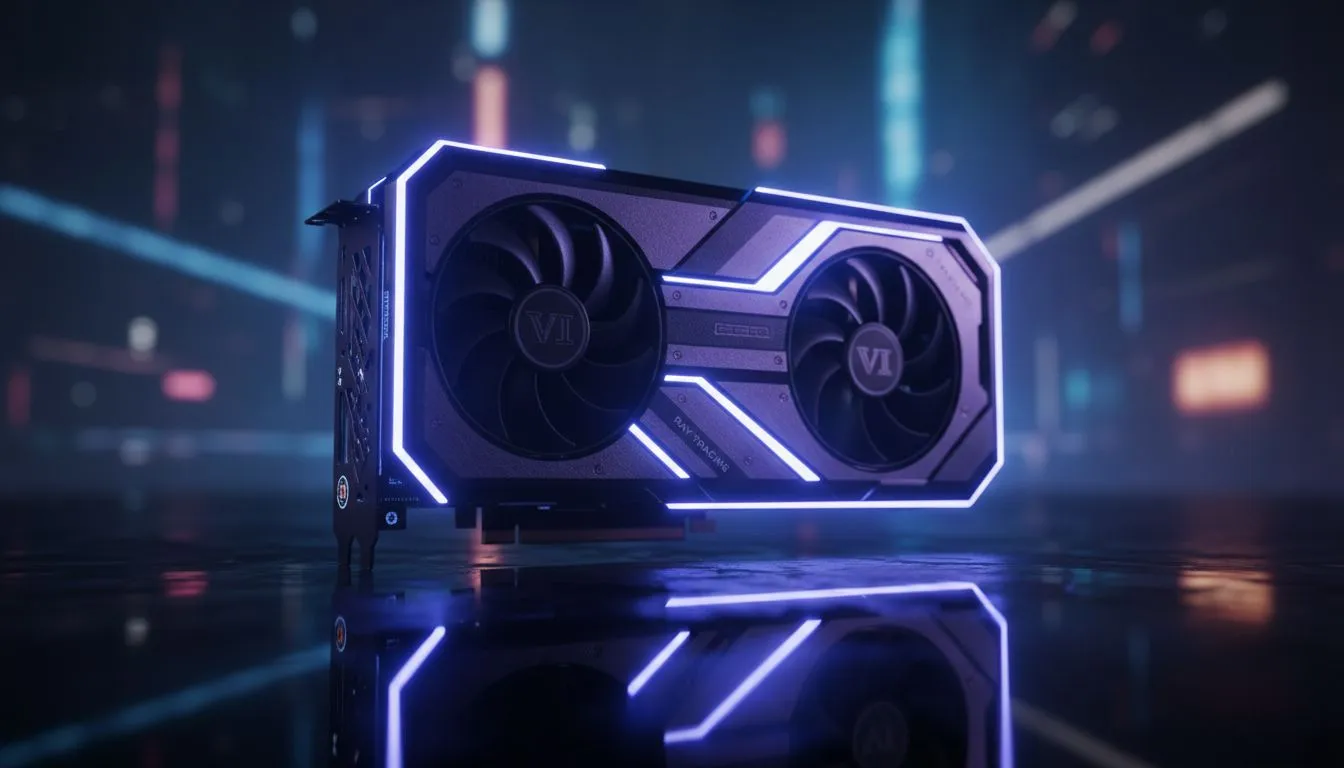
Vice City is calling, and Leonida looks absolutely stunning. For South African gamers, the wait for GTA 6 is more than just hype... it is a hardware reckoning. To truly experience the neon-soaked streets and swampy glades of Florida’s digital twin, you need to master the GTA 6 Ray Tracing: Global Illumination & Reflections Guide settings before the first frame even drops on your screen. 🚀
Understanding Global Illumination in Leonida
Global illumination is the secret sauce that makes a virtual world feel "lived in." In GTA 6, this technology calculates how light bounces off surfaces to illuminate other objects. Imagine the harsh South African sun hitting a red brick wall... the pavement below should catch a subtle warm glow. This is exactly what Rockstar is aiming for with their latest engine updates.
To handle these complex light bounces, most players will look toward NVIDIA graphics cards for their dedicated RT cores. These components are designed to process light rays in real-time without tanking your frame rate. ⚡
Why Ray Traced Reflections Matter for GTA 6
Reflections are about more than just seeing your character in a window. In a city filled with rain-slicked streets and glass skyscrapers, reflections provide depth. Rockstar’s implementation likely uses a hybrid system. It combines screen-space reflections with hardware-accelerated ray tracing to ensure performance remains stable.
If you want a card that stays cool while rendering these intense effects, checking out MSI GPU options is a smart move. Their thermal designs are perfect for the warmer South African climate.
Performance Pro Tip ⚡
If your frame rates dip in heavy traffic, try lowering the 'Reflection Distance' setting before touching the 'Global Illumination' quality. This keeps the realistic lighting intact while reducing the load on your GPU's VRAM. It is a lifesaver for mid-range builds looking for that 60 FPS sweet spot.
Choosing the Right Hardware for the Job
Not everyone needs a top-tier enthusiast card to enjoy the GTA 6 Ray Tracing: Global Illumination & Reflections Guide experience. For those looking for a budget-friendly entry into modern features, the Intel Arc graphics cards offer surprisingly robust ray tracing support for the price.
However, if you are a creator or developer working on mods or high-fidelity renders, you might require something more specialised. In those cases, workstation graphics cards provide the stability and memory capacity needed for heavy lifting beyond just gaming. 🔧
The Value Proposition of AMD
We cannot ignore the raw power and value offered by Team Red. Many local gamers prefer the high VRAM counts found on AMD Radeon graphics cards to handle high-resolution textures. While NVIDIA often leads in ray tracing, AMD's FSR technology continues to improve, making these effects more accessible than ever before. ✨
Final Thoughts on Visual Fidelity
Optimising your settings is about finding the balance between beauty and fluid motion. Whether you are cruising through the suburbs or escaping a five-star pursuit, ray tracing adds a layer of immersion that traditional lighting simply cannot match. Prepare your rig now so you aren't left behind when the gates to Leonida finally open.
Ready to Experience Leonida in 4K? The GTA 6 Ray Tracing: Global Illumination & Reflections Guide is just the start. To see Vice City as intended, you need the right hardware. Explore our massive range of graphics card specials and find the perfect GPU to conquer the next generation of gaming.











