

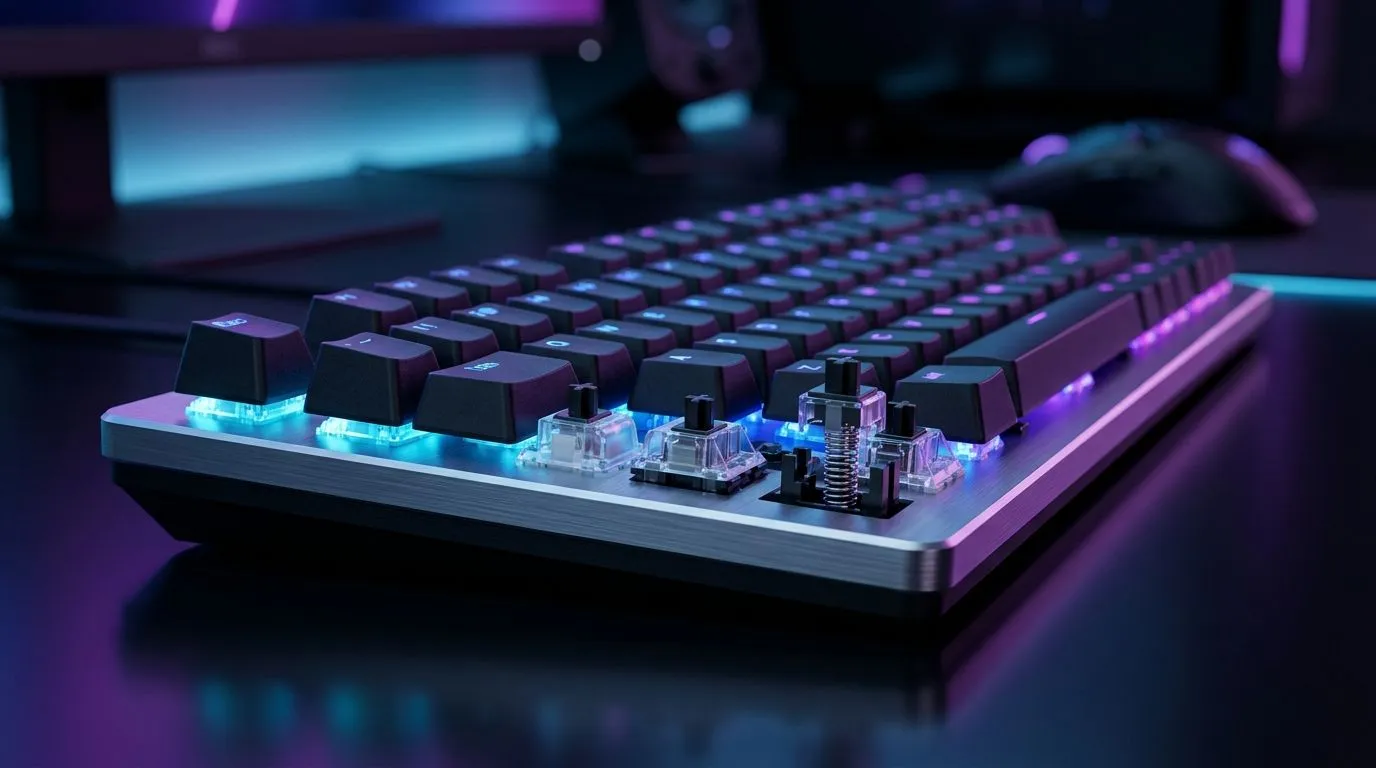
Hall-Effect vs Mechanical Keyboard Switches: Feel, Actuation, Longevity for SA Gamers
If you’ve ever slammed keys in a tense round and wondered why your keyboard feels “off” after months… you’re not alone. 🔧 South African gamers want two things: reliable actuation for fast taps and a typing feel that doesn’t degrade. That’s why the discussion keeps coming up: Hall-Effect vs Mechanical Keyboard Switches: Feel, Actuation, Longevity.
Let’s break down what actually changes under your fingertips, how each switch behaves in real games, and what to look for when buying online in SA.
Hall-Effect vs Mechanical Keyboard Switches: Feel and Actuation
Hall-effect switches use a magnetic sensor to detect key movement. Instead of physical contacts closing a circuit, a magnet moves relative to a sensor and registers actuation.
Mechanical switches typically use a stem, spring, and electrical contacts. When the contacts meet, your keypress is detected.
How it feels in practice
- Hall-effect often feels consistent because there’s no contact “wear” in the traditional sense. It can also be configured with adjustable actuation in some models (the “travel” to trigger).
- Mechanical feels familiar and usually offers well-known switch profiles (linear, tactile, clicky), but actuation is tied to the switch design.
Actuation and repeat accuracy (why gamers care)
In shooters and MOBAs, consistency beats mystery. Hall-effect can support fine control of actuation points on compatible keyboards, which can help you tap earlier for quicker responses without increasing fatigue. Mechanical switches rely on the fixed switch travel and actuation point of that specific switch type.
Evetech’s current gaming keyboard listings are a good place to start comparing brands and models, because the “feel” comes down to the exact switch and firmware, not just the category:
- Check out gaming keyboard deal options in South Africa here: Best gaming keyboard deals
Hall-Effect vs Mechanical Keyboard Switches: Longevity and Reliability
Longevity is where the debate gets serious. Hall-effect designs generally avoid mechanical contact wear because there’s no traditional metal contact to degrade. That said, everything in a keyboard can wear: keycaps, stabilisers, springs, and the PCB over time.
Mechanical switch longevity is excellent too, especially with reputable brands and proper lubrication practices, but contact wear is theoretically part of the equation. In real life, both can last years with normal use. The bigger question is: will you still like the feel after heavy use?
A micro-story from the local scene ✨
A mate in Cape Town bought a “heavy gaming” board, then started using it for content work. After a few months, they stopped liking the way keys bottomed out. It wasn’t the keyboard suddenly failing. It was the experience changing. That’s why actuation feel matters as much as lifespan.
Hall-Effect vs Mechanical Keyboard Switches: What to Buy in SA (Tips that actually help) 🚀
Before you choose, match the switch style to how you play and what you do daily:
- Choose Hall-effect if you want adjustable actuation and you like early triggering.
- Choose mechanical if you want a classic, predictable switch profile and you already know your preferred feel.
- Consider connectivity: wired is still the most consistent in latency-sensitive setups, while wireless can be great for desk clean-up.
Connectivity check (wired vs wireless)
If you’re comparing keyboard listings with different connectivity options, use the filters to keep your decision grounded:
- Wired keyboard options: Buy cheapest gaming keyboard (Wired)
- Wireless keyboard options: Buy cheapest gaming keyboard (Wireless)
Productivity Pro Tip ⚡
On Windows, set your keyboard to the right “actuation behaviour” using the keyboard software if it’s available. Then create a quick game profile and a typing profile so your actuation and macros don’t fight each other.
Hall-Effect vs Mechanical Keyboard Switches: Longevity maintenance (easy wins) 🔧
Want your keyboard to age better, regardless of switch type?
- Clean regularly: dust and crumbs change travel and can mess with stabilisers.
- Avoid spills and aggressive keycap pulling: stabilisers can pop out if you yank.
- Use the right keycap puller: especially for taller keycap sets.
- Tune your actuation (if available): don’t set it to instant if you’re constantly hitting unintended inputs in fast games.
If you’re also building a full desk setup, it can be cost-effective to buy together:
- Consider a combined setup like a keyboard and mouse combo: Buy keyboard & mouse combo
And if you’re simply hunting for the best value keyboard options in SA, compare categories carefully:
- Browse more keyboard options here: Buy cheapest gaming keyboard in South Africa
Hall-Effect vs Mechanical Keyboard Switches: Make the call and buy with confidence
When you’re deciding, don’t get stuck on the headline. Focus on your gaming habits, whether you want adjustable actuation, and whether you’ll still enjoy the feel after long sessions. The “best” keyboard is the one you can hit accurately, comfortably, and consistently.
Ready to Find Your Perfect Match? The Mac vs Windows debate is complex, but for maximum power, choice, and value in South Africa, Windows is hard to beat. Explore our massive range of laptop specials and find the perfect machine to conquer your world.











