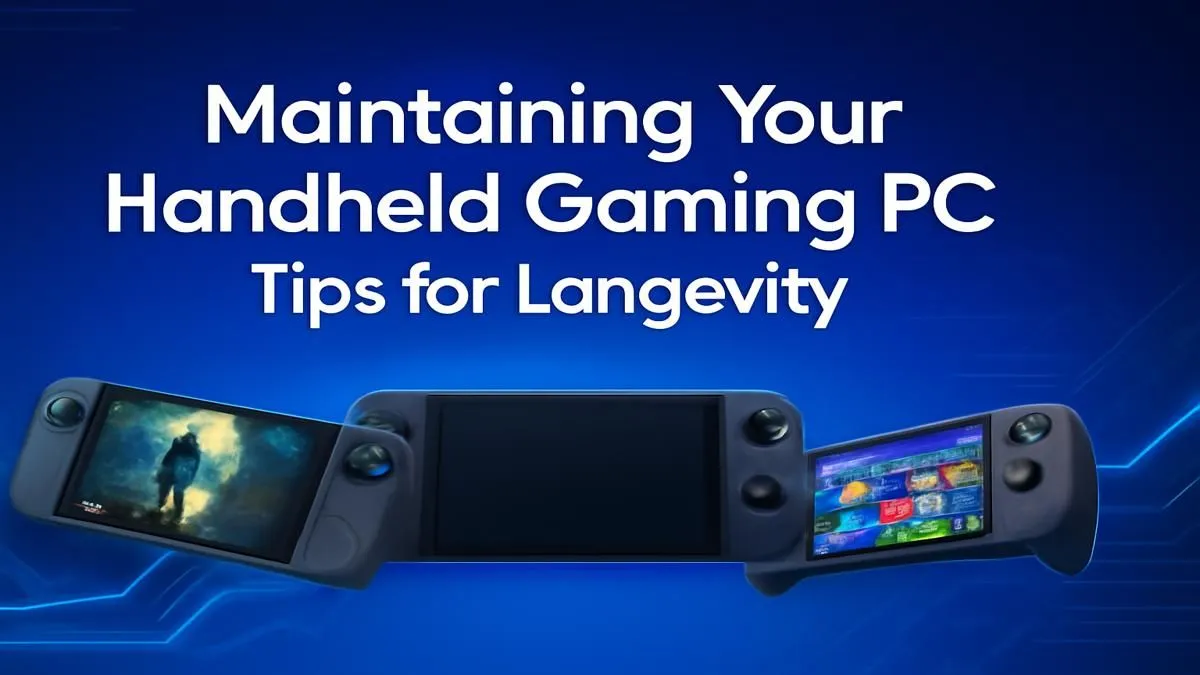
Your handheld gaming PC, whether it’s a Steam Deck, ROG Ally, or Legion Go, is a marvel... a universe of AAA titles in your backpack. But just like any high-performance machine, it needs some TLC to keep running smoothly. Ignoring basic handheld gaming PC maintenance can lead to thermal throttling, shorter battery life, and a sad-looking device. Let’s make sure your portable powerhouse stays in peak condition for years to come. 🚀
The Physical Tune-Up: Essential Cleaning & Care
The first rule of handheld gaming PC maintenance is keeping it clean. Dust is the enemy of performance, clogging vents and causing components to overheat. Your screen, a gateway to incredible worlds, can quickly become a mess of fingerprints.
Wiping Down and Dusting Off
A weekly wipe-down does wonders. Use a soft, dry microfibre cloth for the screen and body. For stubborn grime, lightly dampen the cloth with distilled water—never spray liquid directly onto the device!
For the vents and ports, compressed air is your best friend. Use short, controlled bursts from a safe distance to dislodge any dust buildup. Don't have any on hand? You can find complete cleaning kits and other must-haves in our range of tech essentials. Proper cleaning is a simple step that drastically improves the longevity of your portable PC.
Digital Health: Software & Storage Checks
Physical care is only half the battle. What’s happening on the inside is just as crucial for maintaining your handheld gaming PC. From battery health to storage speed, a few digital checks can keep your device feeling brand new.
Battery Longevity 🔋
Modern lithium-ion batteries don't like extremes. Try to keep your battery level between 20% and 80% for daily use. Constantly charging to 100% or letting it die completely can degrade its health over time. If you’re playing at home, consider using a power pass-through mode if your device supports it.
Storage Management
Is your handheld feeling a bit sluggish? A nearly-full SSD can sometimes lead to slower performance. Regularly uninstall games you aren't playing. If you're constantly juggling your library, it might be time for an upgrade. A larger, faster NVMe SSD can dramatically cut down load times and give you the space you need. Check out some of the best SSD deals in South Africa to give your handheld a serious boost.
Check Your Drive Health 🔧
Most handhelds use Windows or a Linux-based OS. On Windows, you can open Command Prompt and type wmic diskdrive get status to run a quick health check on your SSD. For Steam Deck, the Desktop Mode has utilities to monitor storage health. Proactively checking can help you spot issues before they become critical.
Beyond the Basics: Optimising Your Setup
Proper maintenance isn't just about cleaning and updates; it's also about creating a setup that protects your investment and enhances your experience. After all, you've spent your hard-earned Rands on this powerful little machine.
A quality protective case and a tempered glass screen protector are non-negotiable for taking your device on the go. You can find these and more in our selection of gaming accessories deals.
And let's be honest, the built-in speakers on most handhelds are... okay at best. To truly immerse yourself in the world of Cyberpunk 2077 or hear every footstep in Warzone, a good headset is essential. A great pair will transform your mobile sessions, making them feel as epic as playing on a full desktop rig. Find your perfect audio companion with these top-tier gaming headset deals.
Ready to Maximise Your Handheld's Lifespan?
Proper care ensures your portable rig stays powerful for years. From cleaning kits to performance-boosting upgrades, having the right gear is key. Explore our wide range of PC gaming hardware and find everything you need to protect and enhance your on-the-go experience.