

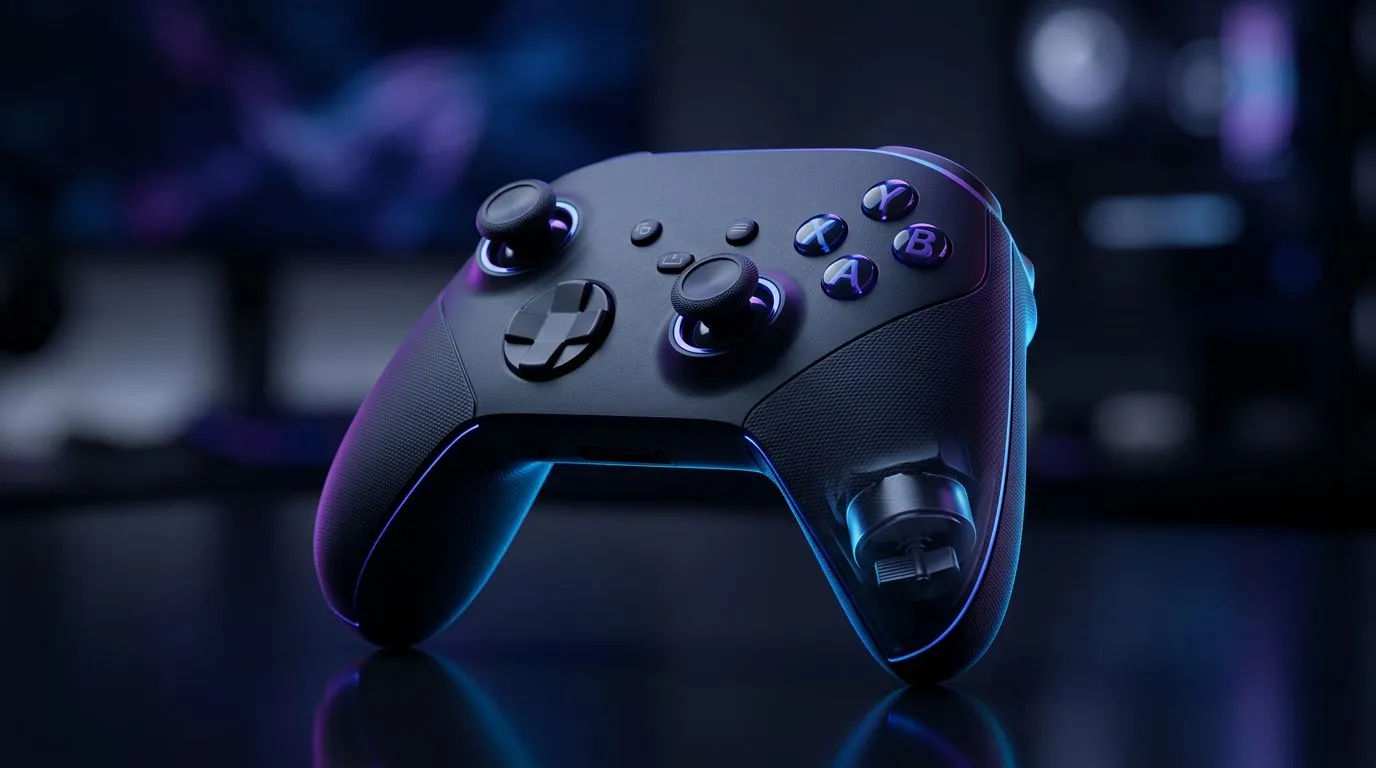
Haptic feedback in controllers — why you feel the world through your palms 🎮
Ever felt a controller thrum in your hands and instantly knew danger was close? Haptic Feedback in Controllers: How It Works and Why It Matters turns that instinct into design. South African players get a richer sense of presence, tighter aim, and clearer in-game cues without staring at a minimap.
Haptic feedback in controllers: the tech behind the buzz 🔧
Haptics aren’t just vibration. Modern controllers use precision actuators and timed waveforms to simulate textures, impacts, and motion. The difference between a simple rumble and nuanced feedback is motor control and software mapping. Developers send signals that vary intensity, frequency, and duration to create distinct sensations. That’s why a sniper shot and a falling crate can feel different in the same controller.
Want a practical example? Check product listings and controller specs on Evetech to compare features before you buy. Browse our full controllers range here: https://www.evetech.co.za/PC-Components/buy-gaming-controllers-365
How haptic systems change gameplay and immersion
Good haptics do three things: improve spatial awareness, reinforce actions, and reduce dependence on audio cues. For competitive players, subtle feedback can confirm reloads, footsteps, or recoil patterns. For single‑player fans, it deepens immersion — the world feels tactile.
If you’re comparing models, Razer has tournament-grade controllers with refined inputs. See the Razer selection on Evetech for options geared toward esports and pro play: https://www.evetech.co.za/PC-Components/buy-gaming-controllers-365?brands=Razer
Choosing a controller: what to prioritise
Look for:
- Precise actuators and multiple haptic zones.
- Low input latency and remappable buttons.
- Durable switches for long sessions.
If you want a ready-to-play, feature-rich pick, the Razer Wolverine V3 Tournament Edition is often highlighted for its build and performance. Check the current best deal and specs at Evetech before committing: https://www.evetech.co.za/razer-wolverine-v3-tournament-edition-8k/best-deal/24274
Haptics Setup Tip ⚡
To test haptics, load a game with diverse feedback like a racing or shooter title. Start with vibration intensity at 50% and adjust. Turn other audio cues down to isolate tactile differences. This helps you judge whether a controller's haptics add usable information or just extra buzz.
Practical tips to make haptics work for you
- Calibrate in-game feedback first. Many titles include haptics sliders.
- Pair haptics with controller grips for comfort during extended play.
- For PC play, ensure your controller drivers and any middleware (like Steam Input) are updated.
- If competing, choose predictability over novelty; consistent feedback beats flashy but noisy signals.
Final thoughts — why haptics matter in South Africa
Haptic feedback is more than flair. It’s another channel of information. For local gamers with crowded audio spaces or noisy LAN events, tactile cues can maintain awareness without cranking volume. For console and PC buyers in South Africa, haptics should be a consideration alongside latency and button feel.
Want to try before you buy?
Pop into Evetech’s controller section to compare models, filter by brand, and read specs in ZAR. Start here to shop controllers and see current offers: https://www.evetech.co.za/PC-Components/buy-gaming-controllers-365
Ready to Find Your Perfect Match? The Mac vs Windows debate is complex, but for maximum power, choice, and value in South Africa, Windows is hard to beat. Explore our massive range of laptop specials and find the perfect machine to conquer your world.











