The advice that you need a fat GPU to do AI work is true for training models and running them locally, and almost entirely wrong for the way most South African developers actually use AI day to day. Hardware for cloud-backed AI agents like Claude Code and Cursor is light, because the model itself never touches your machine. It runs on the provider's servers; your laptop or desktop only runs the editor and sends API calls over the wire.
Quick Answer
If you code with a cloud agent such as Claude Code or Cursor, you need about 16GB of RAM and no dedicated GPU at all. The heavy compute happens on remote servers. A capable machine for this work starts well under R15,000, and dropping the GPU is the single biggest saving you can make.
Why the GPU Becomes Optional
A discrete GPU earns its keep when the AI model lives on your machine: running a large language model locally needs many gigabytes of video memory and a lot of parallel compute. Cloud agents flip that arrangement. You type a prompt, the IDE packages your code context, and the request travels to the provider's data centre where the model runs. The answer comes back as text.
That means your local machine is doing the same kind of work as a web browser with a code editor open. It needs enough RAM to hold your project and a few tools, a fast SSD, and a steady internet connection. The graphics card sits idle through the whole loop, which is exactly why you can skip it.
What Your Local Machine Actually Does
Three jobs run on your side of the connection. First, the editor itself: VS Code, Cursor, or a terminal running Claude Code. Second, the local language servers and linters that give you autocomplete and error squiggles. Third, building and running your project locally to test what the AI suggested.
None of these need a GPU. They lean on the CPU and on RAM. A modern six or eight core processor handles them comfortably, and 16GB of memory keeps several browser tabs, a database, and your project open at once. If you build heavy native apps or run containers, 32GB gives breathing room, but it is not a starting requirement.
The role of internet quality
Because the model is remote, your connection matters more than your silicon. A stable SA fibre line makes the agent feel instant; a flaky link makes it feel sluggish even on a powerful PC. Latency, not raw speed, is what you notice. A reliable 20 to 50 Mbps fibre connection is plenty, and the responsiveness comes from consistency rather than peak throughput.
Where RAM beats GPU spend
The money you would have spent on a graphics card is better put toward RAM and a fast NVMe SSD. More memory lets you keep a large codebase, the AI tooling, and your test environment running together without swapping to disk. A quick NVMe drive shortens every build and file operation. Both improve the actual experience of agent coding far more than a GPU would.
The Cheapest Sensible Path Into Agent Coding
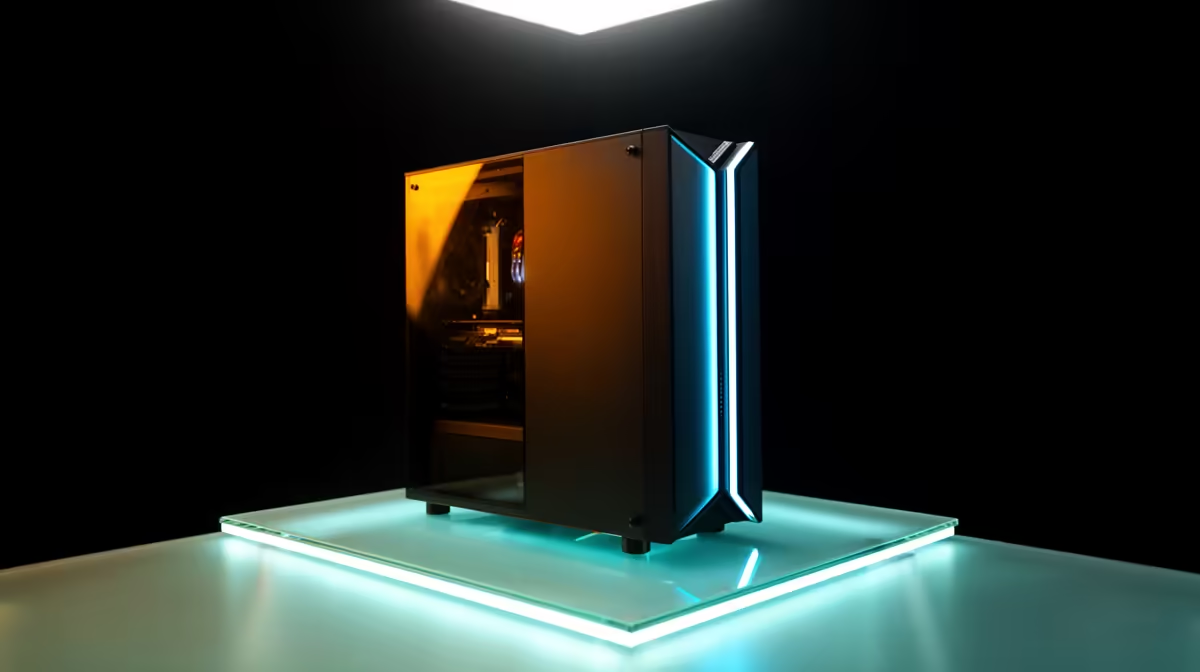
A practical entry build is a current six-core CPU, 16GB of RAM, a 500GB or larger NVMe SSD, and integrated graphics. That is it. No discrete GPU line item, which is usually the most expensive single part in a build. The result is a machine that handles Claude Code, Cursor, and a normal web and office workload without strain, and it lands at a price that surprises people who assumed AI work meant a R30,000 rig. The current AI-focused PC range at Evetech shows where these efficient builds sit on price.
Laptops follow the same logic. A thin-and-light with a good CPU and 16GB of RAM is a complete cloud-agent coding machine. You are paying for portability and screen quality, not for a gaming GPU you will never spin up.
When You Would Still Want a GPU
Be honest about your workload before you skip the card entirely. If you also run local AI models for privacy or offline use, fine-tune anything, do 3D rendering, train your own networks, or game seriously, then a GPU still belongs in your build. The point is not that GPUs are useless; it is that cloud agents specifically do not need one. Match the hardware to what you actually do, and if your AI work is purely cloud-backed coding, the GPU is the easiest cost to cut. For a general sense of what most buyers pair with these machines, the most popular PC builds are a useful reference point.
Putting It Together for SA Developers
For a developer in Cape Town, Johannesburg, or anywhere on fibre, the recipe is simple. Buy a balanced CPU, 16GB or 32GB of RAM, a fast SSD, and integrated graphics. Spend the GPU budget on memory, storage, and a good monitor instead. Pair it with a stable fibre line and you have a complete, affordable platform for Claude Code or Cursor that performs as well as machines costing far more, because the expensive compute is somebody else's server to worry about.
Frequently Asked Questions
Do I really need zero GPU for Claude Code or Cursor?
For the cloud agent itself, yes. The model runs on the provider's servers, so your machine only needs to run the editor and send requests. Integrated graphics handle everything you will see on screen.
How much RAM is enough for cloud AI coding?
16GB is a comfortable starting point and handles the editor, AI tooling, and a typical project at once. Step up to 32GB if you run containers, databases, or build large native applications alongside the agent.
Does internet speed matter more than my PC specs?
Connection stability matters most because the model is remote. A steady SA fibre line in the 20 to 50 Mbps range makes the agent feel instant; an unreliable link feels slow regardless of how powerful the PC is.
Can a budget laptop run these AI agents?
Yes, provided it has a capable CPU and 16GB of RAM. A thin-and-light without a gaming GPU is a complete cloud-agent machine, since the heavy compute never runs locally.
When would I still buy a GPU?
If you run local AI models, fine-tune, render 3D, train networks, or game. Those workloads use the card directly. Pure cloud-backed agent coding does not, which is why it is the cheapest place to economise.
Building a machine for Claude Code or Cursor? Skip the GPU, put the saving into RAM and a fast SSD, and start from the AI-ready PC range at Evetech to find a balanced build that handles cloud agent coding for less than you would expect.