



Wi-Fi 7 vs Wi-Fi 6e for Cinematic story games in SA
Wi-Fi 7 vs Wi-Fi 6e for cinematic story games comes down to router support, latency goals, device compatibility, and coverage. SA buyers should match the choice to the real network setup.
Read moreHDMI 2.1 or HDMI 2.0 for MMO and live-service should be shortlisted around the job it must do. South African buyers should compare fit, performance, compatibility, and upgrade room, warranty path, and upgrade room before treating any pick as best.
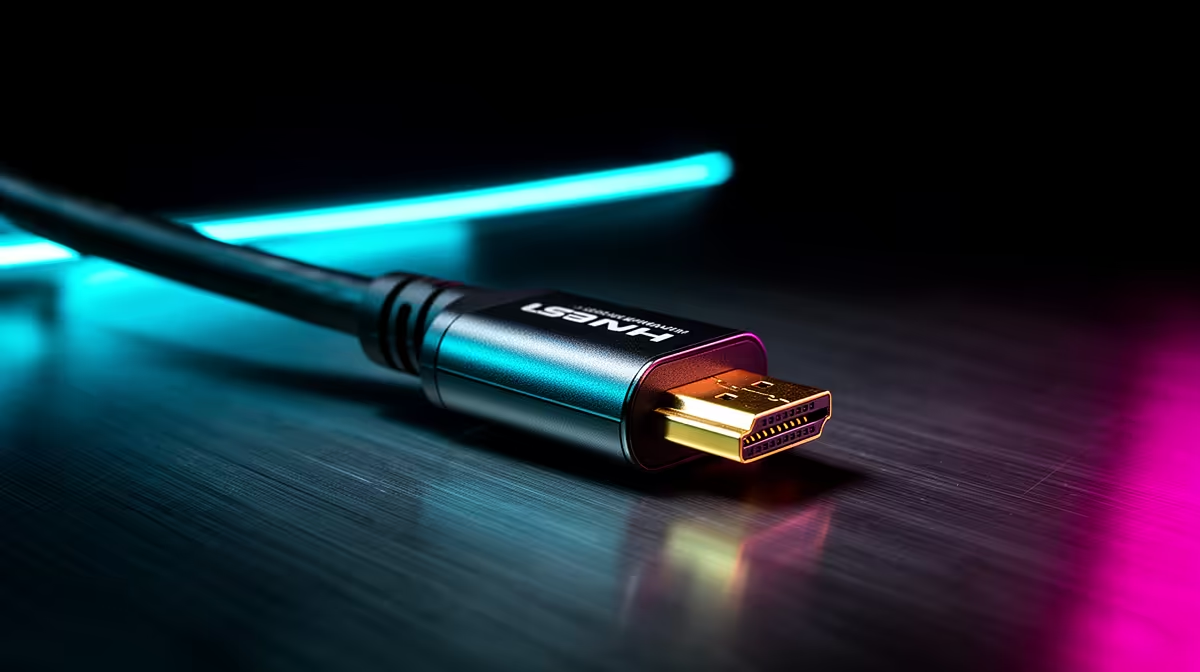
HDMI 2.1 is the pick for 4K 120Hz, VRR and lounge gaming; HDMI 2.0 is fine for 4K 60Hz or many 1440p monitors. The label matters only when the source, cable and screen expose the same mode. For MMO and live-service games, use 1440p 100-165fps as the target before paying for the more expensive option.
Prioritise chat, minimap and inventory comfort because fixed UI can sit onscreen for hours. HDMI 2.1 fits 4K TVs and VRR. HDMI 2.0 fits 4K 60Hz screens. Moving from a basic 75Hz screen to a good 165Hz setup is usually a bigger win than a small label change inside the same class. For ports, the result appears only when the monitor and GPU, cable and display support the same mode.
Compare real model names: LG C4 OLED TV, PlayStation 5, GeForce RTX 4070 SUPER. Broad SA shelf ranges often sit around R250-R900 cables; R7,000-R30,000+ displays. For gaming, RTX 4060 is a lighter 1080p baseline, RTX 4070 SUPER is a strong 1440p anchor, and higher cards make more sense for 4K 120fps. Openserve or Vumatel fibre helps online play; the display still has to match GPU output.
Confirm resolution, refresh rate, HDR or VRR mode, warranty and cable requirement. For panels, check text clarity, brightness and reflections. For ports, check 40Gbps, DSC, charging wattage, PCIe support or dual-display wording. If two options cost similar money, pick the one that removes blur, dim HDR, weak contrast, cramped ports or unreliable docking.
HDMI 2.1 is better when its strengths match the main bottleneck; HDMI 2.0 is better when it solves your room, refresh or workflow problem. The safer choice is the one that reaches 1440p 100-165fps with your current PC, console or laptop.
Not always. If your current screen or port already handles the target mode, spend first on the weaker part: GPU, cable, dock, RAM or storage. Broad budgets can start near R250-R900 cables; R7,000-R30,000+ displays, so the premium option should show a visible benefit.
Check exact resolution, refresh rate, warranty term, cable requirement and supported display mode. For HDMI 2.1 versus HDMI 2.0, the important line is the mode you will use every day, not the highest number in the headline.
Shortlist by target mode. Compare Evetech options around 1440p 100-165fps, then choose the connection that fits your room and PC output.
Wi-Fi 7 vs Wi-Fi 6e for cinematic story games comes down to router support, latency goals, device compatibility, and coverage. SA buyers should match the choice to the real network setup.
Read more
SA gamers comparing OLED and Mini-LED should weigh contrast, HDR brightness, motion clarity, and panel care. The what's the difference between oled and mini led gamers topic helps match esports speed, couch play, and local monitor options.
Read more
MMO and live-service games make OLED and Mini-LED differences about static HUDs, brightness, and long sessions. Use the real world difference between oled and mini led for mmo players to weigh guild raids, daily quests, and SA desk setups.
Read more
IPS vs VA for cinematic story games should be judged by fit, not a single winner. Compare compatibility, latency, capacity, upgrade path, cost planning, and South African setup needs.
Read more
USB4 vs Thunderbolt 4 for Strategy and Sim Games comes down to dock support, device compatibility, cable quality, bandwidth, and laptop or desktop ports. SA buyers should match the choice to their setup instead of assuming one option always wins.
Read more
USB4 vs Thunderbolt 4 for MMO and Live-Service Games comes down to dock support, device compatibility, cable quality, bandwidth, and laptop or desktop ports. SA buyers should match the choice to their setup instead of assuming one option always wins.
Read more
Wi-Fi 7 Router low FPS may point beyond the device named in the title. Review drivers, settings, thermals, power, background apps, display limits, cables, and game options before changing hardware.
4K monitors stay expensive for gamers in Soweto because high refresh panels and GPU demands raise setup cost. Compare screen size, ports, warranty, and SA pricing tiers before choosing a display for sharper play.
Wi-Fi 6E vs Wi-Fi 6 depends on Strategy and sim games needs, platform limits, and budget fit. Compare compatibility, latency, upgrade path, and real setup constraints before choosing for an SA build.
240Hz monitor dead pixel fixes in South Africa start with proof, not pressure. Run colour fills, compare inputs, check the display menu, and save photos plus purchase details before asking for warranty help.
Wi-Fi 7 Router low FPS may point beyond the device named in the title. Review drivers, settings, thermals, power, background apps, display limits, cables, and game options before changing hardware.
4K monitors stay expensive for gamers in Soweto because high refresh panels and GPU demands raise setup cost. Compare screen size, ports, warranty, and SA pricing tiers before choosing a display for sharper play.
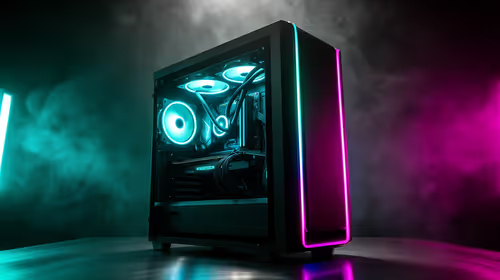
Joburg builds often need stronger cooling than Cape Town PCs because warmer indoor air can leave less thermal headroom. For SA buyers, focus on mesh cases, balanced fans, dust control, and realistic noise expectations.
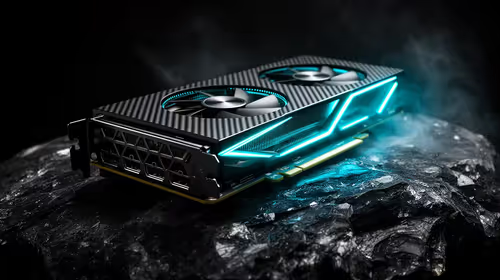
RTX 5070 demand can beat RTX 5070 Ti interest in SA when buyers prioritise balance, PSU fit, and total build spend. Treat the title as a value question, then compare real gaming needs, monitor plans, and upgrade headroom.
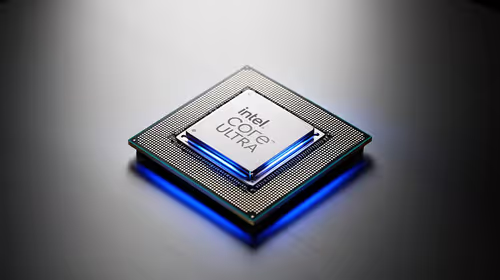
How to fix FPS drops after a Core Ultra 9 starts with BIOS, chipset, power, cooling, and GPU driver checks. For a Core Ultra 9 285K build upgrade, this narrows gaming stutter before replacing parts or retuning every setting.
Wi-Fi 7 vs Wi-Fi 6e for cinematic story games comes down to router support, latency goals, device compatibility, and coverage. SA buyers should match the choice to the real network setup.
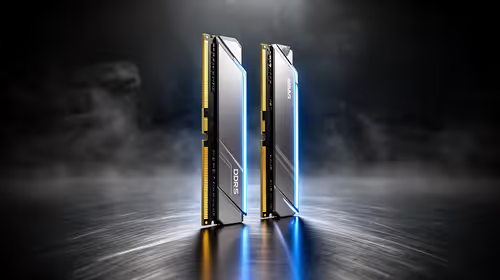
DDR5-6000 gives SA gamers the AM5 balance point most builds can use. It keeps latency, EXPO setup, motherboard support, and GPU budget in view before you spend extra on faster memory for a local gaming PC.
SA gamers comparing OLED and Mini-LED should weigh contrast, HDR brightness, motion clarity, and panel care. The what's the difference between oled and mini led gamers topic helps match esports speed, couch play, and local monitor options.