




IPS vs VA for Strategy and Sim Games in SA
IPS vs VA for strategy and sim games should be judged by fit, not a single winner. Compare compatibility, latency, capacity, upgrade path, cost planning, and South African setup needs.
Read moreConfused about HDMI vs DisplayPort for gaming? 🤔 This guide breaks down the key differences in refresh rates, resolution, and features like G-Sync and FreeSync. Discover which cable unlocks your monitor's true potential and gives you the competitive edge. Let's plug in! 🎮
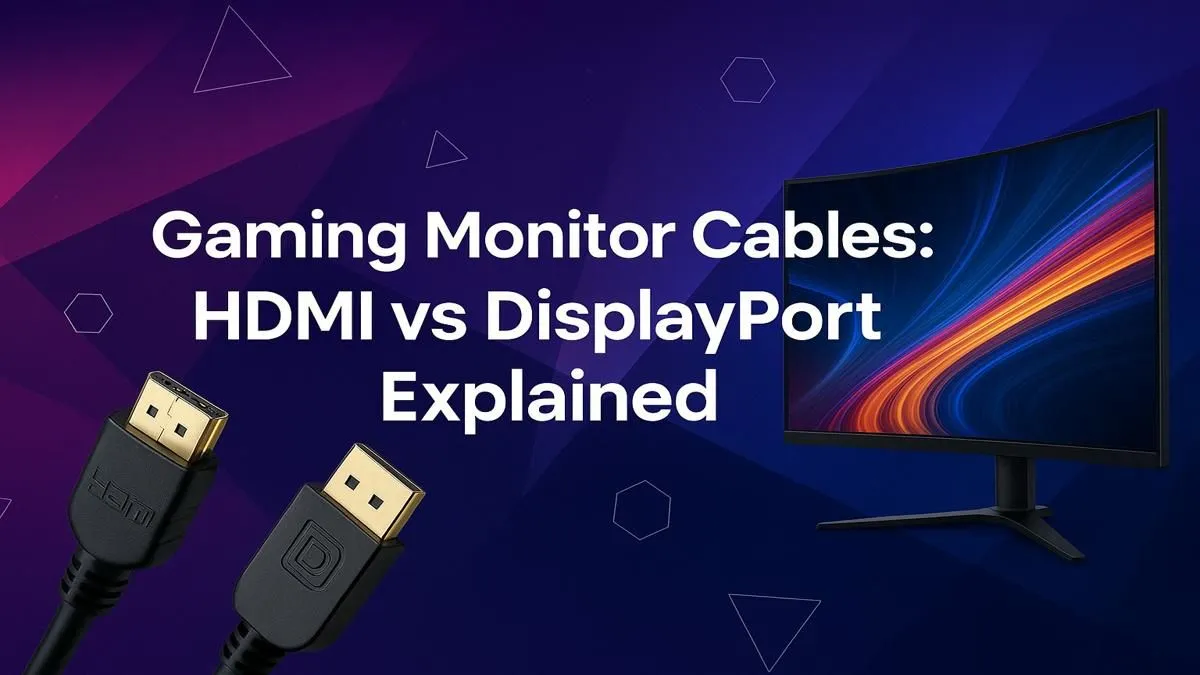
You've just invested in a beast of a PC and a high-refresh-rate display. Lekker! But are you using the right cable to connect them? The HDMI vs DisplayPort for gaming debate isn't just for hardcore techies; it's the final, crucial link in your setup. Choosing the wrong one can bottleneck your performance, leaving those precious frames you paid for stuck in the silicon. Let's get you plugged into the right knowledge. 🤔
High-Definition Multimedia Interface, or HDMI, is the connector you see everywhere. It’s on your TV, your PlayStation, your Xbox, and most PC monitors. Its biggest strength is its universal adoption.
For gaming, the version of HDMI matters immensely.
While HDMI is the jack-of-all-trades, DisplayPort was built from the ground up with PCs in mind. It has traditionally offered more bandwidth than its HDMI counterpart at the time of release, making it the go-to for PC enthusiasts chasing maximum performance. You'll find it on virtually all graphics cards and modern gaming monitors.
One of DisplayPort’s unique features is Multi-Stream Transport (MST), which allows you to run multiple monitors from a single DisplayPort output on your graphics card by "daisy-chaining" them. ���
So, when the pixels hit the screen, which one wins? It depends entirely on your setup and what you want to achieve. Let's break down the key differences in the DisplayPort vs HDMI for gaming showdown.
This is the big one. For years, DisplayPort was the undisputed king for high-refresh-rate PC gaming. DisplayPort 1.4, a very common standard, comfortably handles 1440p at 240Hz or 4K at 120Hz. While HDMI 2.1 now matches this, DisplayPort-equipped monitors are often more affordable. If you're pushing serious frames on today's high-resolution 5K & 4K monitors, checking the port version on your hardware is non-negotiable.
Adaptive Sync technology matches your monitor's refresh rate to your GPU's frame output, eliminating screen tearing for buttery-smooth gameplay.
If you're a productivity wizard or streamer, DisplayPort has a clear edge with its daisy-chaining capability. Being able to connect multiple screens or adding a portable monitor with just one cable back to your PC is incredibly convenient. HDMI requires a separate port for every single display.
version number of the port on your graphics card and monitor is more important than the cable itself. A brand new HDMI 2.1 cable won't give you 4K @ 120Hz if your monitor only has HDMI 2.0 ports. Always check your device specs! Also, not all cables are created equal; a poor-quality one can cause flickering or signal loss. Investing in certified, high-quality cables from our range of [monitor accessories](https: www.evetech.co.za PC-Components buy-monitor-accessories-368) is always a smart move.
Let’s cut to the chase. The best choice in the HDMI vs DisplayPort for gaming battle is the one that unlocks your hardware's full potential.
Ultimately, both are fantastic technologies. The key is to match the cable to your gear to ensure you're not leaving any performance on the table. Happy gaming! ✨
Ready to See the Difference? The HDMI vs DisplayPort debate is all about unlocking your hardware's potential. If your monitor is the bottleneck, even the best cable won't help. Browse our incredible range of high-performance gaming monitors and find the perfect display to conquer your world.
For PC gaming, DisplayPort 1.4 is often better as it supports higher refresh rates at high resolutions and is necessary for G-Sync compatibility. HDMI 2.1 is a strong rival, especially for console gaming.
Yes, HDMI can run 144Hz. HDMI 1.4 supports 1080p at 144Hz, while HDMI 2.0 can handle 1440p at 144Hz, and HDMI 2.1 achieves 4K at 144Hz. Always check your monitor's and GPU's specs.
Yes, for most NVIDIA G-Sync monitors, you must use a DisplayPort cable to enable the variable refresh rate technology. Some newer 'G-Sync Compatible' monitors may support it over HDMI 2.1.
The main difference is bandwidth. HDMI 2.1 has a higher bandwidth (48 Gbps) than DisplayPort 1.4 (32.4 Gbps), making it better for 4K at 144Hz or 8K at 60Hz, especially on next-gen consoles.
Yes, quality matters. A certified, high-quality cable ensures stable signal transmission, especially for high resolutions and refresh rates, preventing issues like screen flickering or signal loss.
For dual monitors, DisplayPort is often superior due to its Multi-Stream Transport (MST) feature, which allows you to daisy-chain multiple monitors from a single port on your graphics card.
IPS vs VA for strategy and sim games should be judged by fit, not a single winner. Compare compatibility, latency, capacity, upgrade path, cost planning, and South African setup needs.
Read more
Gen 5 NVMe SSD guide for Bloemfontein gamers should be shortlisted around the job it must do. South African buyers should compare capacity, speed, thermals, and motherboard support, warranty path, and upgrade room before treating any pick as best.
Read more
Skip the RTX 5070 if your first-time builder budget needs better balance. Better SA picks can free room for the right CPU, PSU, case, monitor, storage, and cooling while still giving a strong first gaming PC experience this year in South Africa.
Read more
RTX 5080: weighing the pros and cons for SA should be shortlisted around the job it must do. South African buyers should compare GPU tier, VRAM, cooling, and PSU headroom, warranty path, and upgrade room before treating any pick as best.
Read more
Core i5-13400F gives South African PC builders a capable mid-range CPU choice with clear limits. Check its gaming fit, discrete GPU requirement, LGA1700 platform costs, and upgrade path before locking in your parts list.
Read more
Pros and cons of the Wi-Fi 7 routers for SA should be shortlisted around the job it must do. South African buyers should compare WiFi standard, coverage, latency, and device support, warranty path, and upgrade room before treating any pick as best.
Read more
Steam content servers unreachable needs a download-path check, not an immediate reinstall of every game. Restart the client, inspect download settings and compare another connection when practical. Clearing the download cache is separate from deleting installed games.

Keychron G6 HE has built-in and swappable battery versions with different weights. The product brief lists 42g and 46g respectively, each with a 3g tolerance. Choose by grip and battery preference before treating one headline weight as universal.

Corsair HS80 v2 MAX supports 2.4GHz wireless and Bluetooth. Its maximum battery figures use RGB-off conditions and differ by connection. Check microphone routing, comfort and the exact device support before assuming every wireless mode behaves alike.

Windows taskbar notification badges can be shown or hidden in Taskbar behaviours. This changes the small app indicators, not the underlying messages. Choose a calmer desktop while keeping a deliberate routine for checking important conversations and app updates.
Windows taskbar notification badges can be shown or hidden in Taskbar behaviours. This changes the small app indicators, not the underlying messages. Choose a calmer desktop while keeping a deliberate routine for checking important conversations and app updates.

Windows USB device in use can mean a program still has the drive open. Finish transfers and close files before retrying ejection. Better performance caching requires safe removal; a replacement drive is not the first fix for an open-file warning.

Windows Nearby Sharing not working starts with feature, Bluetooth and visibility checks on both PCs. My devices only depends on matching Microsoft accounts. Test a small harmless file before buying networking hardware or changing your home router.

Windows hardware reserved RAM is different from memory used by applications. Compare installed memory with firmware detection and the usable amount before buying modules. Reservations and reporting limits vary by system; no universal setting restores every byte.

Windows title bar window shake can minimise other open windows when you shake the active window by its title bar. Inspect the Multitasking setting and switch it off if that gesture interrupts your work. The preference costs R0 and does not require new hardware.

Windows Print Screen opens Snipping Tool when its keyboard preference is enabled. Change the option under Accessibility, Keyboard to choose another workflow. Test whether you need a clipboard image or a saved file.

Windows desktop icons missing may be a visibility setting. Right-click the desktop, choose View and inspect Show desktop icons. If only system icons are absent, use Desktop icon settings. Check the Desktop folder before assuming files were deleted.

Windows set time zone automatically greyed out calls for a location and device-policy check. Automatic time-zone selection relies on location services. A manual time-zone choice is separate from synchronising the clock; check both before replacing hardware.