

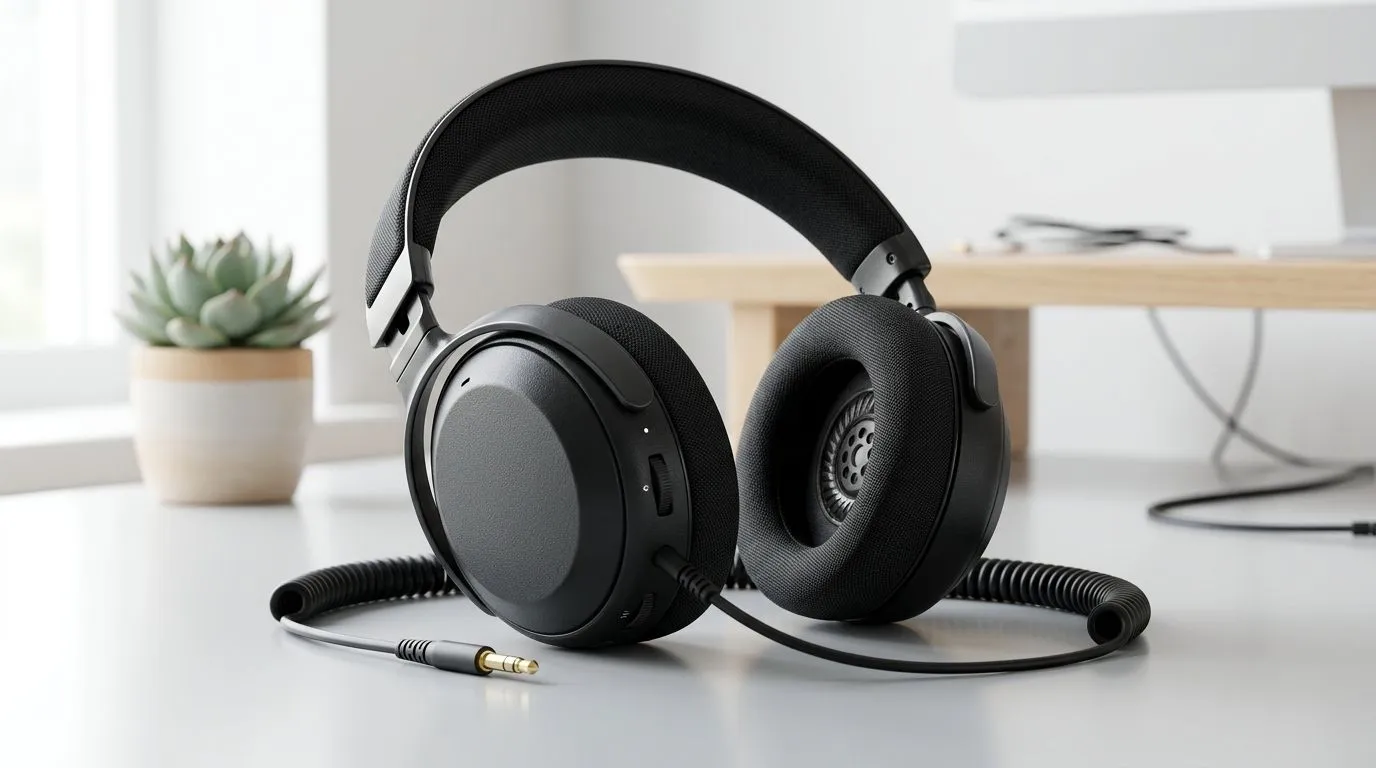
Headset Sound Flat? Start With the Quick Checks 🎧
Ever load into a match and your headset sounds… dull? Like footsteps are muffled and explosions feel far away? That “flat” sound can ruin aim, immersion, and even comms. The good news? Most fixes are fast, and you don’t need to reinstall everything. If you’re in South Africa and gaming on Windows (or even on a console with PC-style settings), you can usually bring your audio back to life in minutes… 🔧
Headset Sound Flat: Fix Driver and Audio Settings
When your audio feels lifeless, it’s often a driver, a Windows audio mode, or a setting mismatch (stereo vs surround). Let’s tackle it like a proper tech audit.
Step 1: Confirm the headset is the active audio device
- Right-click the speaker icon in the Windows taskbar.
- Choose Sound settings → Output.
- Select your headset output device, then test with a YouTube video or a Windows test sound.
If your headset is “active” but not “default”, Windows can route audio to the wrong device. That’s when everything suddenly goes flat.
Step 2: Reinstall or update the audio driver
Next, fix the audio stack itself:
- Open Device Manager
- Expand Sound, video and game controllers
- Right-click your audio device (or headset/USB audio device) → Update driver
- If it’s still flat, uninstall the device, reboot, then reconnect (Windows should reinstall automatically).
This is especially common after Windows updates, new headsets, or switching from onboard audio to a USB headset.
Step 3: Tune Windows “Enhancements” (they can ruin clarity)
Windows audio enhancements can either improve sound… or smear it.
- Go to Sound settings → More sound settings (or Sound Control Panel)
- Select your headset → Properties
- Item
Step 4: Match stereo vs 7.1 (mismatch = hollow)
If your headset supports virtual surround, using the wrong mode can make stereo mixes feel thin or “boxed-in”.
- If you’re playing competitive titles, stereo often keeps imaging cleaner.
- For cinematic mixes, surround can add scale.
For reference, you can explore different headset options (including surround-capable models) across Evetech’s range here:
Step 5: In-game audio settings must match your Windows output
Even if Windows is perfect, in-game audio can override your mix. Check:
- Output mode (Headset/Stereo/Surround)
- Effects (HRTF, 3D audio, “Bass Boost”)
- Voice chat device selection
If footsteps suddenly vanish, you’re usually fighting an equaliser or a surround effect.
Productivity Pro Tip 🔧
On Windows, open Settings → System → Sound and disable “Audio Enhancements” while testing. Then play the same track twice, once with Enhancements on and once off, so you’re comparing apples to apples. If you only test by memory, you’ll chase the wrong setting.
Step 6: Quick hardware sanity check (cords, USB, ports)
- Reseat the USB dongle.
- Try a different USB port (front vs back can matter).
- If you use a 3.5mm connection, check if your PC has separate audio jacks for headset vs speakers.
A flaky connection can sound like compression… which feels like “flat” audio.
If you want a headset that’s known for punchy clarity, start with a model like the Razer Barracuda X Chroma Wireless (Phantom White) and compare it to other popular options:
- Browse the lineup here: Razer headphones & headsets
- Or shop across categories: Headphone headsets (category)
Step 7: If sound is still flat, reset EQ and start clean
Most gaming headsets ship with EQ profiles (app-based or hardware-based). If you’ve been “tweaking”, reset to default, then:
- Turn off EQ bass boosts first
- Raise clarity or presence lightly
- Re-test after each change
Small changes matter more than huge sliders.
Before You Buy: Get the Right Sound Signature for Your Games ✨
Not every headset will sound the same across genres. Competitive shooters often reward clean stereo imaging. Story games often benefit from virtual surround. If you’re trying to fix “flat” audio and you’re done fighting settings, upgrading can actually be faster than chasing driver settings for hours.
Ready to Find Your Perfect Match?
Ready to Find Your Perfect Match? The Mac vs Windows debate is complex, but for maximum power, choice, and value in South Africa, Windows is hard to beat. Explore our massive range of laptop specials and find the perfect machine to conquer your world.











