


GPU Setup Guide for SA Gamers
GPU Setup Guide Gamers. Clear setup instructions with SA-specific considerations, troubleshooting tips & recommended components.
Read moreHigh-airflow CPU cooling for 200W+ processors, simplified. Learn how to choose heatsinks, fans, and case airflow to avoid thermal throttling and boost stability. 🧊💨
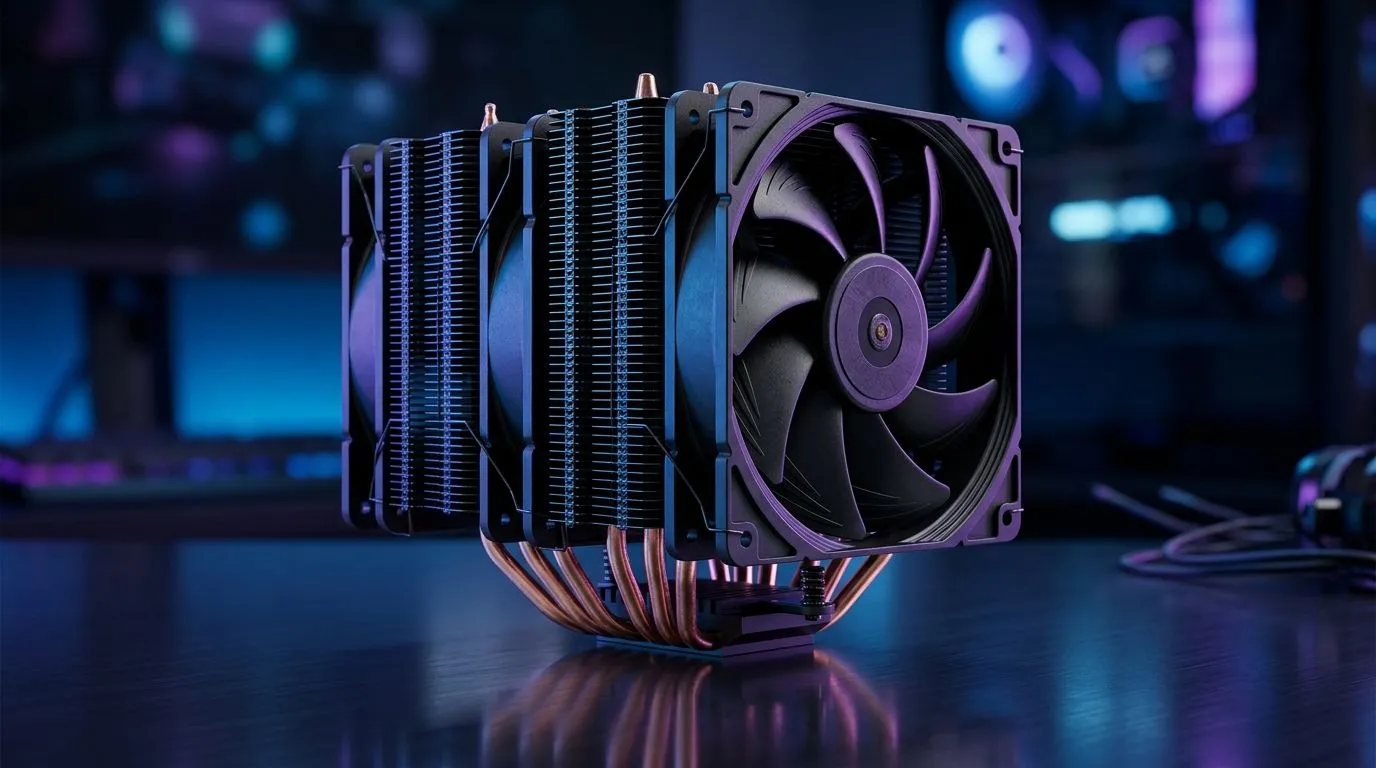
If you’re running a 200W+ CPU, you already know the “it boots” stage is easy... keeping it quiet and cool under load is the real mission. For South African gamers and creators, long sessions, hot rooms, and voltage-hungry parts can turn even a great CPU into a throttling machine. So how do you stop the heat creep? The answer is High-Airflow CPU Cooling for 200W+ Processors: Complete Guide style thinking: airflow paths, fan sizing, and matching your cooler to your case and motherboard.
This guide walks you through what actually matters when you’re buying air cooling for serious power, without the guesswork.
“High-airflow” isn’t just bigger fans. It’s the combination of:
In practical terms, a 200W+ processor needs a cooler that can keep temperatures stable during sustained loads like ranked sessions, shader compilation, or rendering.
Reality check: modern high-TDP CPUs often run close to thermal limits for longer than you expect. That’s why buyers focus on cooling performance, not just peak benchmarks.
For high-airflow setups, fan size matters, but compatibility is just as important. A common sweet spot for airflow is 120mm-class fans, especially when you can mount them with good clearance and unobstructed paths.
Start by checking:
On Evetech, you can browse a curated selection of options here:
Here’s a quick micro-story: one client installed a strong cooler but left the rear exhaust fan blocked by a drive cage and cable routing. Under load, temps climbed anyway. The cooler could move air, but the case couldn’t breathe.
To avoid that:
your next build, do a quick airflow sanity-check before you tighten everything: spin the CPU cooler fan by hand and confirm clearance to RAM heatsinks and VRM heatsinks. Then check that your case’s exhaust fan is not partially blocked by GPU support brackets or cable loops. It takes five minutes and saves you from “why is it hotter?” troubleshooting later.
Not all air coolers are built for 200W+ stability. Some are designed for mainstream builds and peak loads. When you’re pushing higher TDP chips, you want models that are known for robust cooling hardware.
If you’re shopping by brand, Evetech has filters for popular choices, such as:
When in doubt, prioritise compatibility and airflow layout first, then refine based on availability and your case clearance.
Before you click “add to cart”, confirm:
Do this, and your cooling purchase stops being a gamble. It becomes a system.
Ready to Find Your Perfect Match? The Mac vs Windows debate is complex, but for maximum power, choice, and value in South Africa, Windows is hard to beat. Explore our massive range of laptop specials and find the perfect machine to conquer your world.
High-airflow CPU cooling for 200W+ processors focuses on strong case ventilation, efficient heatsinks, and high static-pressure fans to manage sustained heat.
For 200W CPUs, both can work, but tower heatsinks often excel in sustained loads when airflow is optimized, while quality AIOs can be easier to fit.
Use a balanced intake/exhaust layout, prioritize front/bottom intake, and run CPU heatsink fans with strong static pressure for predictable thermal performance.
Most 200W+ builds benefit from at least 4 case fans (intake and exhaust). More fans help if they improve airflow path and reduce hotspots.
Prevent thermal throttling by improving case airflow, choosing a heatsink sized for high-TDP loads, using quality thermal paste, and tuning fan curves.
Yes. Proper airflow direction (typically cooler air into the front/bottom, hot air out the top/rear) helps reduce heat recirculation around the CPU.
Focus on static pressure, fan speed range, heatsink fin design, and case pressure balance—these affect how well air moves through dense CPU cooler stacks.
Often both matter, but a capable cooler plus strong case airflow usually gives the most consistent gains—especially during long gaming or AI workloads.
GPU Setup Guide Gamers. Clear setup instructions with SA-specific considerations, troubleshooting tips & recommended components.
Read more
When Will the RTX 6090 Launch in South Africa Detailed answer with SA data, expert analysis & practical recommendations for local buyers.

Top Valorant Settings for RTX 5070: FPS Optimisation picks evaluated on performance, value & SA availability with current Rand pricing from Evetech.

RDNA 3.5 Graphics in Ryzen AI 400? Can You Game. Plain-English explanation of what it means, why it matters & how it affects your buying decisions in SA.

GPU Price Index : December Report. Current stock data & price tracking for SA buyers. See what is available and where prices are heading.

Core i5-14600K + B760 + RTX 5060 Build Under. Full parts list, Rand pricing & expected performance. Build confidently with SA-available components.

RX 7600 Apex Legends at 4K: FPS Benchmark. Real-world benchmark data, FPS numbers & performance analysis. What SA gamers can actually expect.

RX 7900 XTX GTA 6 at 4K: FPS Benchmark & Optimal. Real-world benchmark data, FPS numbers & performance analysis. What SA gamers can actually expect.

Head-to-head comparison of RTX 5070 vs RX 9070 XT: Gaming Performance for SA gamers. Performance benchmarks, Rand pricing & which delivers better value.

Top Laptop with Ryzen 5 + RTX 4090 Laptop: Picks picks evaluated on performance, value & SA availability with current Rand pricing from Evetech.

Top Budget GPU for Marvel Rivals picks evaluated on performance, value & SA availability with current Rand pricing from Evetech.

Valorant Settings on RTX 5070: Performance. Real-world benchmark data, FPS numbers & performance analysis. What SA gamers can actually expect.

Top Budget GPU for Assassins Creed Shadows picks evaluated on performance, value & SA availability with current Rand pricing from Evetech.