

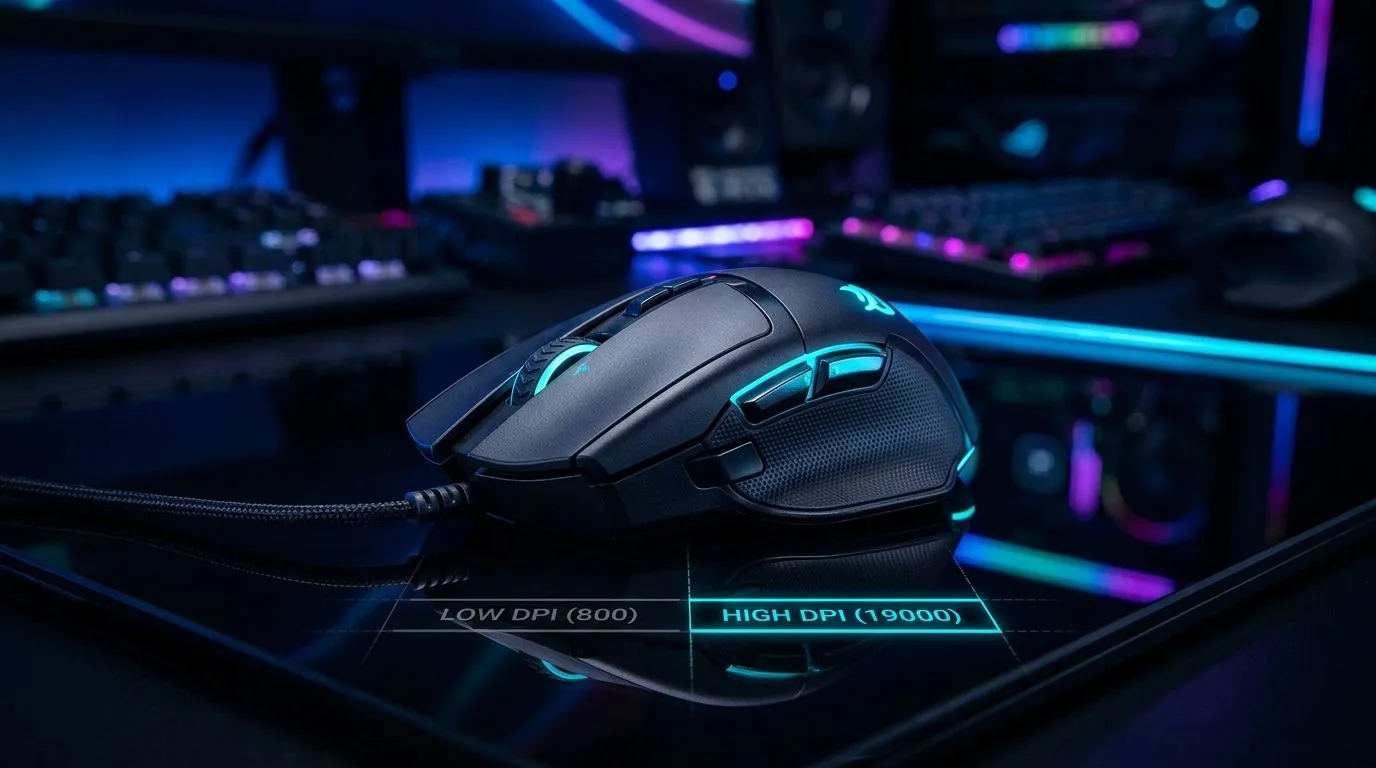
High DPI Gaming: When 19,000 DPI Actually Makes a Difference (and When It Doesn’t) 🎮
If you’ve ever watched a mouse spec crawl past “19,000 DPI” on a local storefront, you’re not alone. In South Africa, where every rand matters, it’s fair to ask… is that number actually going to feel better when you’re tracking heads in Apex Legends or lining up flicks in CS2?
Here’s the honest answer: high DPI can help, but only if your sensor, firmware, mouse shape, and settings are doing the work. Let’s break down what “High DPI Gaming” really means, when it helps, and how to set up properly so you get consistent aim… not just bigger numbers.
What DPI Really Does in High DPI Gaming (Why “More” Isn’t Always “Better”) ✨
DPI (dots per inch) tells you how sensitive the cursor is to physical movement. Higher DPI means the cursor moves more per inch of mouse travel. But your aim accuracy depends on the whole chain: sensor quality, polling rate, smoothing settings, your game’s sensitivity, and your mousepad.
A mouse reaching 19,000 DPI doesn’t automatically mean it’s better for gaming. Many reputable sensors can hit high DPI values while still offering excellent tracking at lower ranges too. What matters more is whether the mouse performs consistently at the DPI you actually use.
For gamers, the usual “sweet spot” is often not max DPI. It’s the DPI and in-game sensitivity combo that gives you repeatable muscle memory.
Quick Setup Reality Check (Try This First) 🔧
Before you chase DPI maxing:
- Set your mouse sensitivity in-game to a known baseline.
- Move your mouse across your desk and see if your 180-degree turn matches what you expect.
- Adjust DPI so that one consistent movement equals one consistent camera movement.
This avoids the common trap: cranking DPI, then compensating wildly in-game until you’re lost.
Productivity Pro Tip ⚡
On Windows, use the PowerToys Mouse utilities (like “Mouse utilities” where available) and keep cursor settings consistent. Also disable extra pointer effects in Windows Mouse settings (enhanced pointer precision off) so your aim doesn’t change between sessions.
How to Decide: 19,000 DPI vs Real-World Aim Consistency 🚀
If you’re thinking about buying a high-DPI mouse, focus on features that affect performance more directly than the peak number:
- Sensor tracking quality (especially during fast stops)
- Polling rate (responsiveness)
- Weight and balance (flicks feel different if the mouse is nose-heavy)
- Feet and glide (micro-adjustments matter)
If two mice both list extremely high DPI, the one that “wins” is usually the one that feels stable at your chosen DPI, with predictable tracking.
For South African buyers, it helps to compare options within the same budget bracket and then test your preferred grip style.
Wired vs Wireless for High DPI Gaming (Latency Myths vs Real Factors) ⚡
Wireless gaming mice have improved a lot, but they still vary by model and setup. Wired mice often provide the most consistent behaviour without battery considerations.
If you want maximum reliability for competitive play, start with wired. If you care about desk freedom and have a solid charging routine, wireless can still be excellent.
You can browse wired options here: gaming wired mouse range. Prefer wireless? Check: gaming wireless mouse range.
If you’re tuning your desk feel further, mouse accessories matter too. Explore: mouse accessories.
Buying Smart in South Africa: Where “Deals” Fit In 🛒
A high DPI marketing headline is only useful if you’re getting the right performance for your style. Set a realistic target first:
- Competitive FPS? Prioritise control, tracking consistency, and comfort.
- MOBA/MMO? Prioritise button layout and ergonomics.
Then chase deals to stay in budget. If you’re hunting for the sweet spot between price and performance, this is a good place to start: best gaming mouse deals. For a broader selection across models, the category page can help you compare specs quickly: gaming mouse components.
Final Thoughts: High DPI Gaming Done Right 🎯
High DPI gaming becomes useful when it’s paired with consistent settings and a sensor that tracks cleanly. The headline DPI number can be impressive, but your best improvement usually comes from: picking the right mouse for your grip, setting sensible DPI and in-game sensitivity, and committing to one setup.
If a mouse can hit 19,000 DPI and still feel stable at lower DPI profiles, that’s when the spec actually matters.
Ready to Find Your Perfect Match? The Mac vs Windows debate is complex, but for maximum power, choice, and value in South Africa, Windows is hard to beat. Explore our massive range of laptop specials and find the perfect machine to conquer your world.











