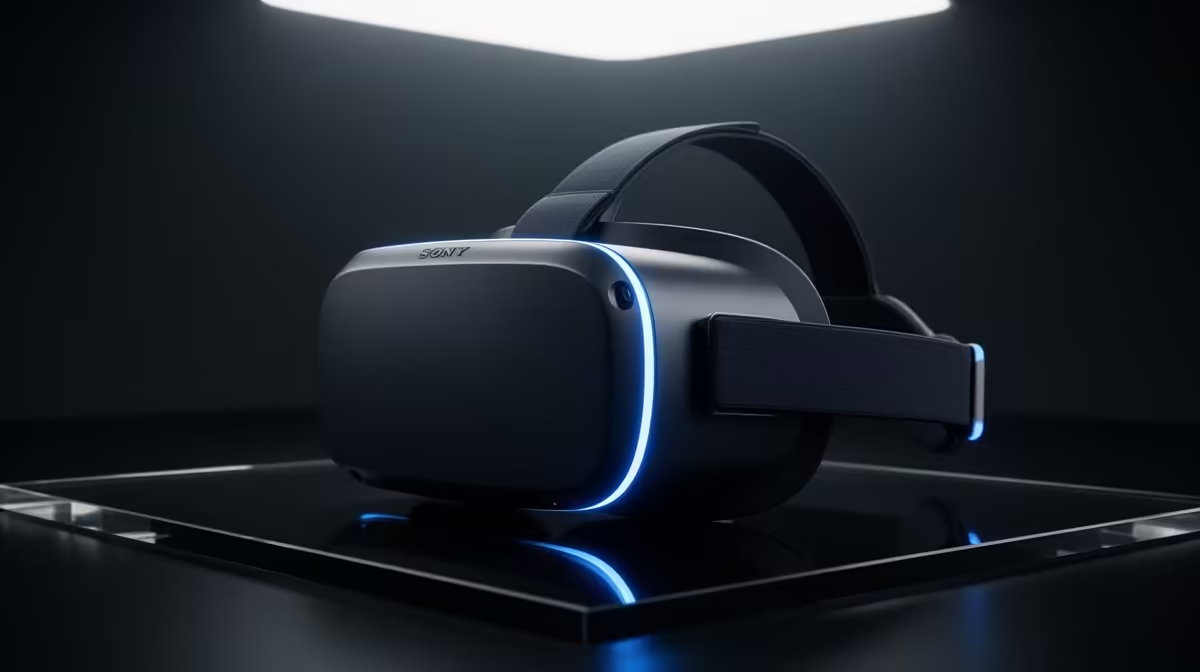
Ever felt that slight, queasy lurch while exploring a virtual world? That’s your brain and eyes disagreeing, a tell-tale sign of a low refresh rate. For gamers here, achieving a smooth, high refresh rate VR experience in South Africa isn’t just a luxury—it’s the absolute key to unlocking true immersion and ditching motion sickness for good. This guide will show you how to get there without breaking a sweat… or your budget. 🚀
Understanding Refresh Rate in Virtual Reality
Before we dive deep, let's clear up the jargon. Refresh rate, measured in Hertz (Hz), is simply how many times per second your VR headset's display can draw a new image. A 90Hz display updates 90 times every second.
Why does this matter so much more in VR than on a standard screen? Because your brain is fully tricked into believing it's inside the game. When you turn your head and the world stutters to catch up, the illusion shatters. This disconnect between your physical movement and what your eyes see is a primary cause of VR sickness. A high refresh rate ensures the virtual world moves as fluidly as the real one, making the experience comfortable and believable. While traditional gaming is fantastic, the immersion of VR is on another level, something you can't get even with the most impressive setup from all our gaming monitors.
The Sweet Spot for Smooth, High Refresh Rate VR
For a baseline comfortable experience, 90Hz is widely considered the minimum. Most modern headsets, like the Meta Quest series, support this and often go higher. Pushing to 120Hz or even 144Hz provides a noticeably smoother and more responsive feel, especially in fast-paced games like Beat Saber or Pistol Whip.
Achieving this level of performance in high refresh rate VR in South Africa depends heavily on your PC's power, particularly the graphics card (GPU). It has to render two separate high-resolution images—one for each eye—at a blistering pace. This is a much heavier lift than powering a single desktop display, even when comparing it to premium 4K and 5K monitors.
Check Your Performance 🔧
Most VR platforms have a built-in performance overlay. On SteamVR, you can enable the "Advanced Frame Timing" graph in the settings. If you see a lot of red or orange spikes, it means your PC is struggling to maintain the target frame rate. This is your cue to lower in-game settings or consider a hardware upgrade.
Building Your VR-Ready Rig in South Africa
Your PC is the engine driving your VR experience. A powerful GPU is non-negotiable, but your CPU and RAM also play crucial supporting roles.
Key Components for an Immersive Experience:
- Graphics Card (GPU): This is the heart of your VR setup. For a solid 90Hz+ experience in modern titles, you should be looking at an NVIDIA GeForce RTX 3060 or AMD Radeon RX 6700 XT as a strong starting point. The more power, the better.
- Processor (CPU): A capable CPU ensures your GPU isn't bottlenecked, handling game logic and tracking data without a hitch.
- RAM: 16GB is the standard for modern gaming and is perfectly sufficient for most VR titles.
While you're immersed in VR, having a good spectator screen is great for friends and family watching along. The wrap-around feeling of curved monitors can even give onlookers a taste of the immersion you're experiencing. And if you're managing a stream or Discord, a small secondary screen like one of these portable monitors can be incredibly useful.
Is High Refresh Rate VR Worth It? ✨
Absolutely. It transforms virtual reality from a novel tech demo into a genuinely compelling place to be. The added fluidity makes gameplay more responsive, reduces eye strain, and virtually eliminates the motion sickness that turns many people away. Whether you're dogfighting in space or exploring ancient ruins, a higher refresh rate makes the world feel solid and real.
Finding the right hardware is the first step. While you're building your ultimate VR setup, don't forget that a great primary display is still essential for everything else you do. You can browse a huge selection of general PC monitors or check out the best PC monitor deals to complete your command centre. Investing in a smooth VR experience is an investment in unparalleled digital adventures.
Ready to Step into a Smoother Reality?
Achieving high refresh rate VR in South Africa requires a PC that can keep up. From powerful graphics cards to complete VR-ready systems, we've got the hardware to eliminate lag and unlock true immersion. Explore our range of VR-Ready Gaming PCs and find the perfect machine to conquer new worlds.