

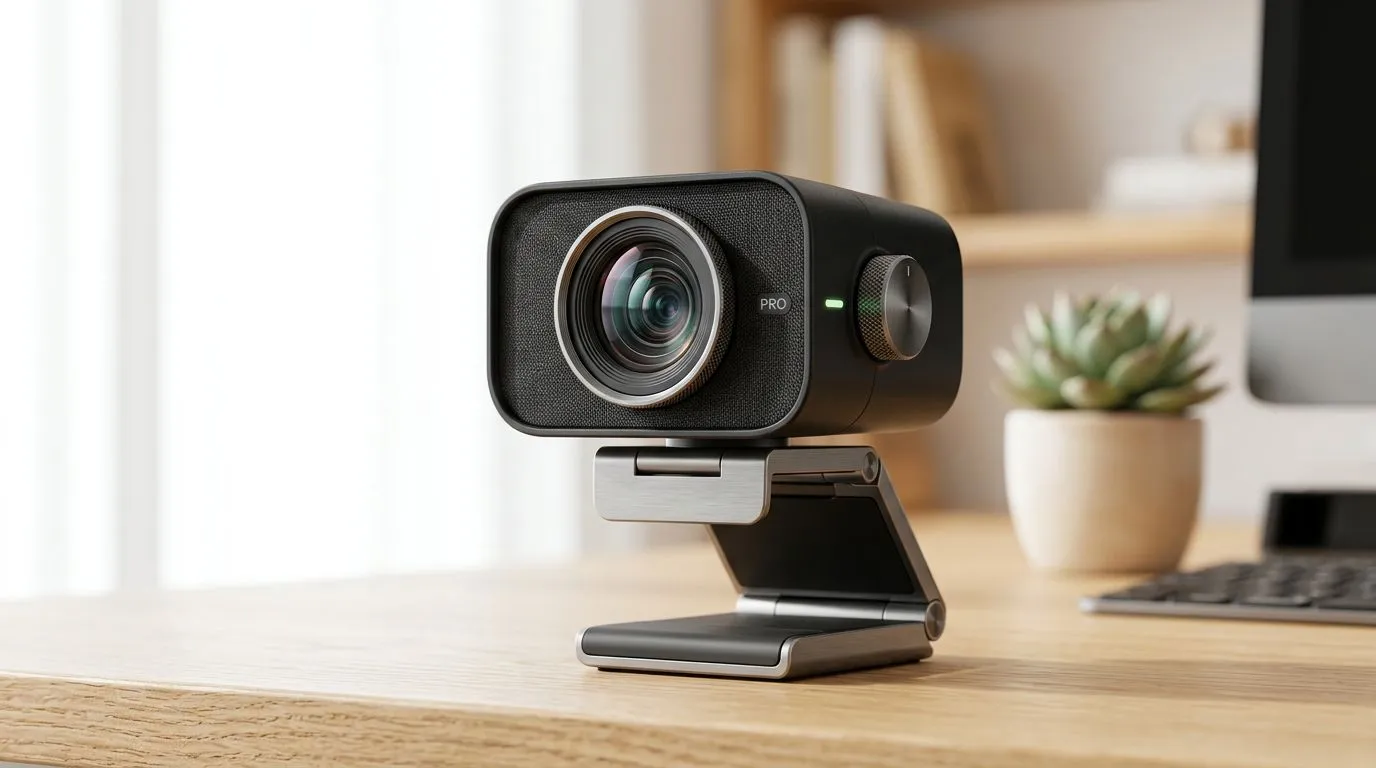
High-resolution webcams for content creation — why South African creators care 🎥
If you make videos, run live shows, or sell products online in South Africa, image clarity matters more than ever. A high-resolution webcam for content creation lifts product demos, remote interviews, and face-cam clips into something viewers trust. Think cleaner edits, better green-screen keying, and pro-level thumbnails — all on a local budget. Want to start shopping? You can browse our full webcam range here: browse webcams at Evetech.
High-resolution webcams for content creation — features that actually improve your workflow
Not all pixels are equal. Prioritise: low-light performance, reliable autofocus, clean colour reproduction, and a wide but natural field of view. These features reduce post-production work and help you produce content faster. For South African creators watching costs, there are solid budget models available — check webcams under R1,000 to see entry-level options that still punch above their price: budget webcams under R1,000 ⚡
Sensor and optics first, megapixels second
A bigger sensor and better lens often beat headline megapixel counts. Good optics capture usable detail, reduce noise, and keep skin tones accurate. Also look for hardware autofocus and built-in background removal if you need speed during streams or quick edits.
Production Pro Tip ⚡
On Windows, use the PowerToys FancyZones utility to create custom snap layouts for your windows. It's a lifesaver for managing multiple apps on an ultrawide monitor, letting you organise your timeline, preview window, and asset folders perfectly for video editing.
High-resolution webcams for content creation — setup tips for sharper footage ✨
Even a great webcam needs the right setup. Use a three-quarter angle from slightly above eye level, add a soft key light and a subtle fill, and keep your background tidy. Proper exposure and white balance cut editing time. If you want more headroom without breaking the bank, browse solid mid-range picks up to R2,000 to balance optics and build quality: mid-range webcams up to R2,000.
Quick checklist for setup
- Mount stable, at eye level.
- Use a dedicated LED panel or softbox; avoid overhead bulbs.
- Lock exposure and white balance in your webcam software.
- Test audio separately; many webcams’ mics are fine for voice but not for music or distant sources.
High-resolution webcams for content creation — pick the right tier for your goals
Micro-story: A Cape Town vlogger swapped a basic laptop camera for an entry-level 1080p webcam and a small key light. Views stayed the same for a week... then engagement climbed as products looked clearer on camera. Little upgrades compound.
If you’re prioritising crisp product shots or multi-cam interviews, consider higher-end webcams and accessories. For premium buys and full-featured models, see our curated R3,000 range and premium options: premium webcams near R3,000.
Final buying checklist
- Match the webcam’s field of view to your frame.
- Prefer true autofocus over software sharpening.
- Check driver and OS support for macOS or Windows.
- Factor in local warranty and support; buying locally keeps repairs simpler and faster.
Whether you’re streaming, teaching, or creating product videos, the right webcam is an investment in professionalism. Ready to test models side by side? Compare features, prices in ZAR, and local support options before checkout.
Ready to Find Your Perfect Match? The Mac vs Windows debate is complex, but for maximum power, choice, and value in South Africa, Windows is hard to beat. Explore our massive range of laptop specials and find the perfect machine to conquer your world.











