

Summer in South Africa is brutal on your PC. When the ambient room temperature hits 30 degrees, your rig works overtime to keep frames high and temperatures low. If your current setup sounds like a jet engine taking off during an intense gaming session, it might be time to understand how Axial-tech fans and ball bearing cooling systems improve GPU thermal efficiency. Let us explore the mechanics keeping modern rigs frosty.
The Magic of Axial-Tech Fans 🌬️
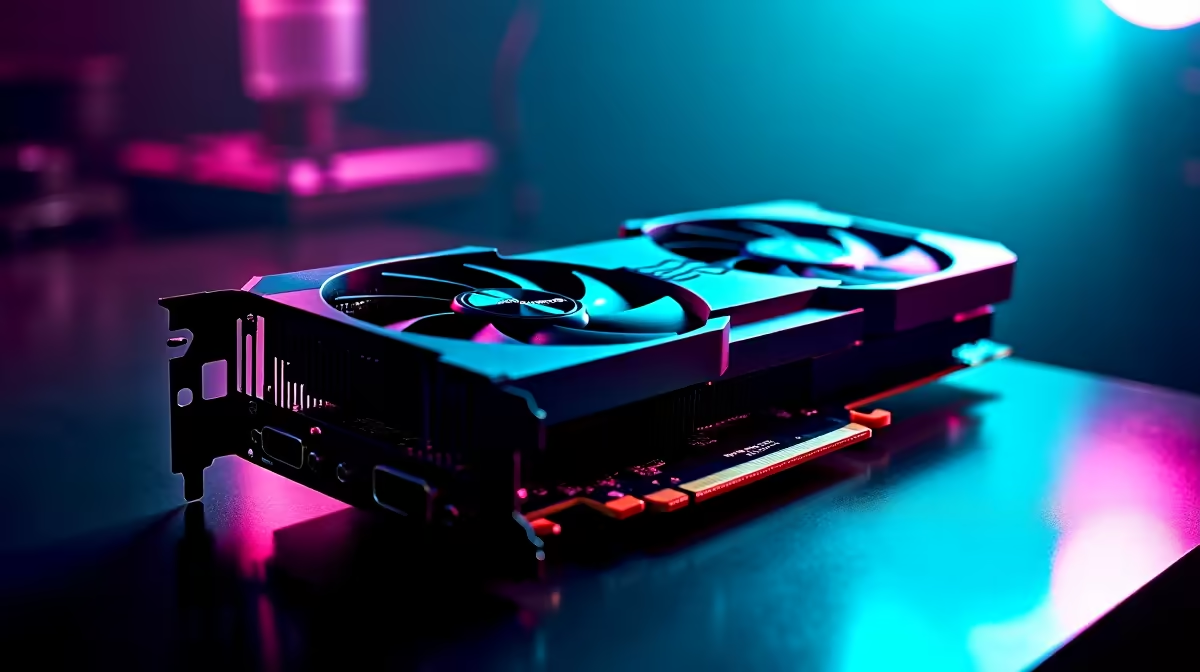
Standard fans often scatter air in multiple directions... losing crucial static pressure. Axial-tech fans solve this by using a smaller fan hub which facilitates longer blades. These blades are then connected by a barrier ring that increases downward air pressure directly onto the heatsink.
This targeted airflow means your hardware dissipates heat much faster. When you buy graphics cards from premium tiers, you will almost always spot this specific fan design. It allows the heatsink to absorb and clear thermal energy with minimal noise, keeping your gaming experience immersive and distraction-free.
Why Dual Ball Bearing Cooling Systems Matter
Most budget fans use sleeve bearings. While they are quiet initially, the lubricating oil dries up over time... leading to friction, noise, and eventual failure. Dual ball bearing cooling systems replace that liquid with tiny steel balls.
This design significantly reduces rotational friction. The result is a fan that can last up to twice as long as traditional sleeve bearing designs. Even older architectures benefited from this superior durability. If you look at reliable NVIDIA GeForce GTX graphics cards still running smoothly today, many of them survive precisely because they utilise ball bearing fans.
Airflow Pro Tip 🔧
Always ensure your PC case has good intake and exhaust balance. Even the most efficient GPU cooler will struggle if it is recycling hot air inside a cramped chassis. Give your card room to breathe.
Maximising GPU Thermal Efficiency ⚡
Combining Axial-tech design with ball bearings creates a perfect storm for GPU thermal efficiency. Modern graphics processors use boost algorithms that automatically increase clock speeds when temperatures are low. Better cooling directly translates to more frames per second.
You do not need to spend 40,000 ZAR to get these features either. If you keep an eye on the best graphics card deals, you can easily find mid-range GPUs sporting flagship-level cooling solutions. This means you get maximum performance without thermal throttling ruining your clutch moments.
Building a Balanced System 🚀
Your graphics card is the beating heart of your gaming rig... but it relies on the rest of the system to shine. If you prefer to skip the complexities of building from scratch, you can find these advanced cooling systems already integrated into the best gaming PC deals available locally.
Investing in high-quality cooling components saves you money in the long run. Whether you are upgrading a single component or browsing our weekly specials, prioritising thermal design ensures your hardware survives the harsh South African summer.
Ready to Upgrade Your Cooling? Beating the South African heat requires serious hardware. Explore our massive range of graphics cards and find the perfect GPU to keep your frame rates high and your temperatures low.











