

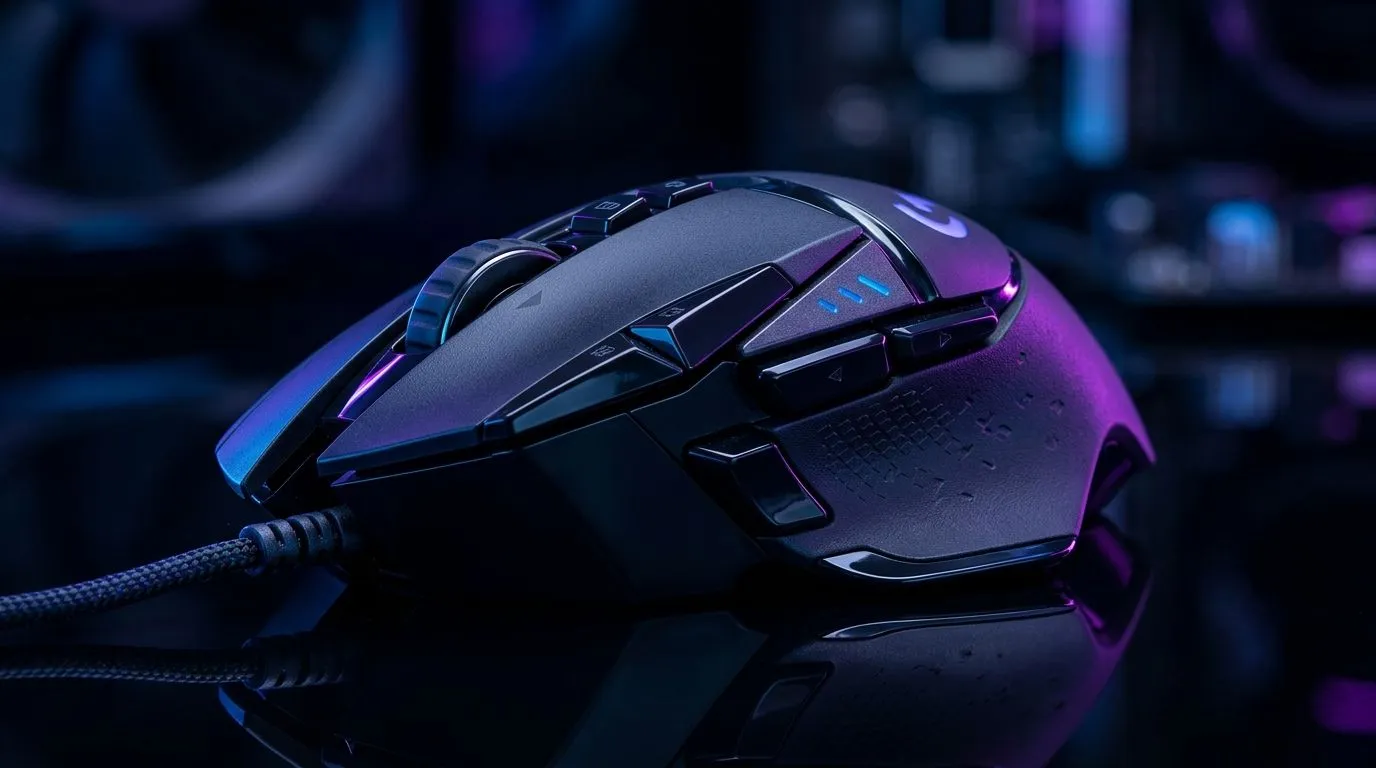
How Many Programmable Buttons Do You Need on a Gaming Mouse?
If you play Apex after work, grind MMOs on weekends, or just want faster clicks in a hectic match, mouse buttons matter more than most buyers think. Too few, and your hand does extra work. Too many, and you end up ignoring half of them. The sweet spot depends on your games, your grip, and how much muscle memory you’re willing to build. Let’s break it down properly... 🔧
How Many Programmable Buttons Do You Need on a Gaming Mouse?
The honest answer is: most South African gamers only need a few extra buttons.
For FPS games, a mouse with 2 side buttons is often enough. You can map melee, grenade, push-to-talk, or reload. That keeps your thumb busy without crowding your aim hand.
For MMO, MOBA, and strategy players, more buttons can help. A mouse with 6 to 12 programmable buttons gives you shortcuts for spells, abilities, macros, and inventory actions. It can reduce keyboard travel and speed up your reactions.
If you only browse, work, and play the occasional title, a simpler shape may be better. Comfort usually beats button count.
How many programmable buttons do you need for your play style?
Think about the games you play most.
FPS and battle royale
Two side buttons is the practical minimum. Some players love 3 to 4 extra inputs, but too many can cause accidental presses during tense fights.
MMO and RPG
This is where higher button counts shine. More inputs mean faster access to healing, buffs, mounts, and cooldowns. If you play for long sessions, a thumb grid can save time and reduce hand movement.
General use and productivity
A wireless mouse with a few custom buttons can help with copy, paste, browser tabs, and media controls. It is neat for hybrid work and gaming setups.
How mouse shape matters more than button count
A huge button count is useless if the mouse feels awkward.
Look at the grip style first. Palm grip users usually prefer fuller shapes. Claw grip players often like compact mice with easy side access. Fingertip users may want something light and simple.
That’s why browsing by category helps. If you want broader options, start with Evetech’s gaming mouse range. If you already know you want a specific connection type, compare wired mouse options and wireless mouse options to see what suits your desk and play style.
How to choose the right number of buttons without overpaying
You do not need to chase the highest number on the box.
Ask yourself these three questions:
- Which actions do I repeat every match?
- Can I comfortably reach those buttons without shifting my grip?
- Will I actually use the extra inputs after a week?
If the answer to number 3 is “probably not”, then a simpler mouse is smarter. In South Africa, that also helps you keep the budget focused on what matters most... sensor quality, comfort, and build.
For shoppers comparing value, Evetech’s best gaming mouse deals page is a good place to spot the strongest ZAR-priced options. If you need spare parts or upgrade pieces, the mouse accessories section is worth a look too.
Quick Buying Tip ⚡
If you are unsure, choose a mouse with 2 to 6 programmable buttons first. It gives most gamers enough flexibility without forcing awkward hand movements. You can always upgrade later once your favourite games and shortcuts are clear.
How many programmable buttons do you need on a gaming mouse for long-term comfort?
Comfort is the part many buyers forget.
A mouse with too many buttons can feel busy. Your thumb starts hunting for the right input. That slows you down. It also makes the mouse harder to use during long sessions.
A cleaner layout usually means:
- better accuracy
- less accidental clicking
- faster learning
- more comfort over time
That is why many players settle on a simple, reliable design. The best mouse is not the one with the most buttons. It is the one you trust when the action gets hectic ⚡
How many programmable buttons do you need on a gaming mouse?
For most gamers:
- 2 side buttons is enough for FPS
- 4 to 6 extra buttons is a strong all-round choice
- 6 to 12 extra buttons suits MMO and macro-heavy play
If you want a balanced pick, start with what you will use now. Not what looks impressive on a spec sheet. That approach usually saves money, reduces clutter, and gives you a mouse that feels natural from day one.
Ready to Find Your Perfect Match? The Mac vs Windows debate is complex, but for maximum power, choice, and value in South Africa, Windows is hard to beat. Explore our massive range of laptop specials and find the perfect machine to conquer your world.











